


Page 3 - Volodymyr Vytyshchenko

Trade Automation Expert at Torgsoft
Volodymyr Vytyshchenko — a trade automation expert at Torgsoft. Implements automated systems in retail outlets. Helps entrepreneurs optimize business processes, automate sales, and accounting.
Specializes in adapting Torgsoft software to the needs of the Ukrainian market. Analyzes business requirements to select the most suitable software and equipment package. Also provides support for the software for online stores and creates online stores in 1 day.
-
14.10.2026
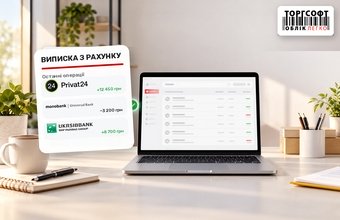
Bank statements: how to set up Privat24, monobank, and UKRSIBBANK and verify the connection

How to set up Privat24, monobank and UKRSIBBANK bank statements in Torgsoft and check received transactions
-
13.10.2026
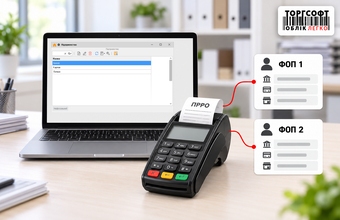
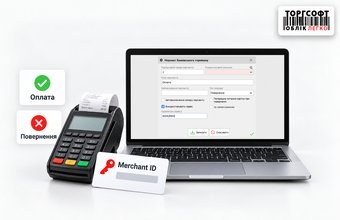
Multiple Sole Proprietorships and One POS Terminal in Torgsoft: How to Check the Business, Bank Account, Merchant, and PECR
How to use one POS terminal for multiple sole proprietors in Torgsoft: merchant IDs, bank accounts, pECR receipts, payments and refunds
-
13.10.2026
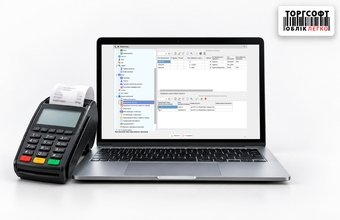
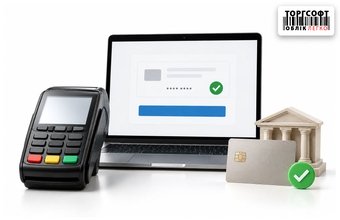
How to verify the POS terminal integration with Torgsoft after setup: connection, test payment, and refund
Check POS integration with Torgsoft: terminal connection, merchant ID, bank account, test payment, card refund and pECR receipt
-
12.10.2026
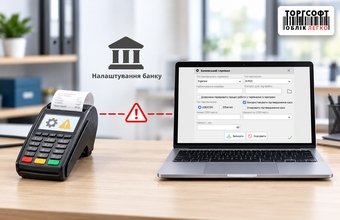
The terminal is not prepared by the bank to work with Torgsoft: how to check this before setting up the cash register
How to check if the bank prepared a POS terminal for Torgsoft: cash register integration, protocol, connection type and merchants
-
09.10.2026
Merchant refunds: why card payments go through but POS refunds don't
Why POS card payment works but refund does not: merchant, settlement account, multiple sole proprietors and Torgsoft settings
-
08.10.2026
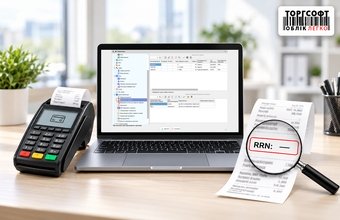
"Payment RRN not received": what the message means and how to check a card payment
What “Payment RRN not received” means in Torgsoft, how to check a card payment and avoid a duplicate charge
-
08.10.2026
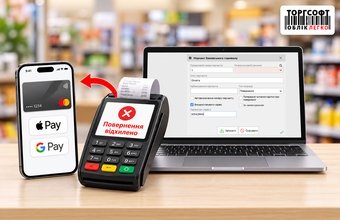
Refunds via Apple Pay and Google Pay: what to do if the POS terminal declines the transaction
What to do if a POS terminal rejects an Apple Pay or Google Pay refund: NFC, digital card number and Torgsoft return settings
-
07.10.2026
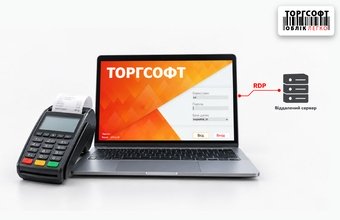
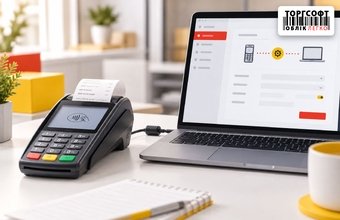
Banking POS Terminal and Torgsoft on a Remote Server: How to Set Up Operations via RDP
How to set up a bank POS terminal for Torgsoft via RDP: COM/USB, Ethernet, VPN, B-POS and checking card payments
-
06.10.2026
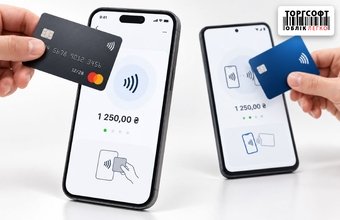
Card payments via smartphone in the Torgsoft mobile app: Tap to Pay and tapXPhone
How to accept card payments by smartphone in the Torgsoft mobile app: Tap to Pay, tapXPhone, NFC, PECR and payment checking
-
05.10.2026
How to separately track POS terminal and online acquiring payments in Torgsoft
How to separate POS payments, online acquiring and IBAN transfers in Torgsoft, record fees and reconcile payments with the bank
-
05.10.2026
How to choose a connection protocol for linking a bank terminal to Torgsoft: BPOS, PosApi, SSI, JSON, and OschadPAY
How to choose a bank terminal protocol for Torgsoft: BPOS, PosApi, SSI, JSON or OschadPAY, and what to confirm with the bank
-
02.10.2026
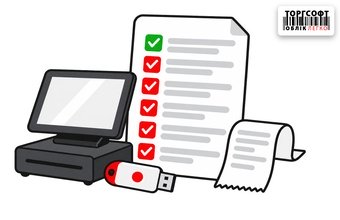
PECR at the Beginning of the Year: Checklist for Checking QES, Business Units, and Licenses in Torgsoft
PECR year-start checklist: Torgsoft license, QES keys, business units, cashiers, and tax registration forms
Torgsoft is a ready-made solution for warehouse, financial, and inventory management for small and medium-sized businesses
 Go back to the previous step