


Sales and Cash Operations
-
Setting up wholesale pricing policies, manufacturer discounts, and customer price lists

How to set up wholesale prices, quantity discounts, and personal price lists for customers in Torgsoft without manual entry at the checkout
-
Automatic wholesale prices: how to set up discounts based on product quantity
Automatic price change in Torgsoft by product quantity: wholesale price policy, transition thresholds, wholesale for customers and exceptions
-
Wholesale policy by groups: how to set pricing rules depending on the quantity in the check
Wholesale pricing policy in Torgsoft: quantity thresholds, automatic price changes, discounts, price lists and exceptions by store
-
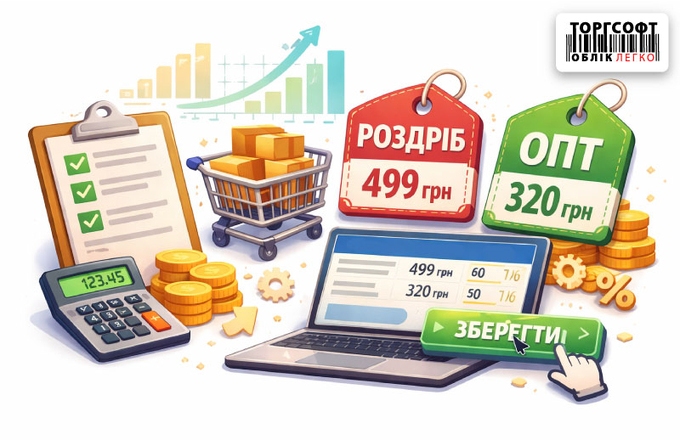
Automatic markup: how to set default prices for new products
How to set up a default markup for product groups in Torgsoft so that new items immediately have retail and wholesale prices
-
How to open and edit an existing purchase invoice
How to edit a purchase invoice in Torgsoft: change quantity, price, add expenses, and distribute goods. Step-by-step guide for managing warehouse documents.
-
How to reserve a product in Torgsoft?
How to reserve goods for a customer in Torgsoft through a customer order or invoice, and where to view reserved items.
-
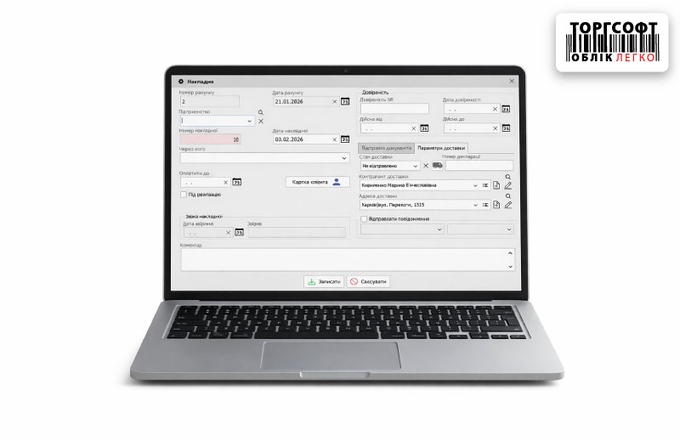
Expense invoice: creation, processing and error correction
How to fill out an expense invoice in Torgsoft: creation, printing templates, accounting for sole proprietors, typical errors and corrections
-
Partial Shipment of Goods and Receipt Printing
Partial shipment: creating multiple invoices per proforma, balance tracking, and fiscal receipt printing for each part of the goods. Step-by-step workflow.
-
Selling and Taking Payment in Torgsoft
How to record a sale in “Realization” mode: add items, select a customer, check prices, and take payment.
-
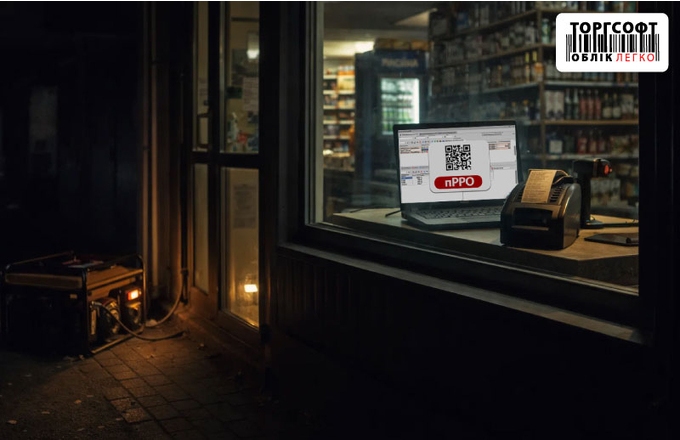
How to sell goods when the power goes out: a complete guide to working with Torgsoft during blackouts
Guide to Torgsoft during blackouts: offline sales, Hybrid, smartphone cash register, online sales and manual card payment
-
How to credit change to a client's card
Setting up the "Change to Card" feature in Torgsoft: activation, rounding parameters, and instructions for crediting change to a client's bonus account during sales.
-
Returns and Refunds
Torgsoft return manual: receipt search algorithm, card or cash refunds, fiscalization via software RRO, and nuances of bank terminal operation.
-
How to view yesterday's sales: 5 control methods
How to check sales history in Torgsoft: daily cash report, commodity report, list of expenditures, and mobile app for owners. Step-by-step instruction.
-
Transfer of goods between accounting centers: on PC and smartphone
Torgsoft manual: moving goods between stores on PC and smartphone. Invoice creation, barcode scanning, and the "goods in transit" acceptance algorithm.
-
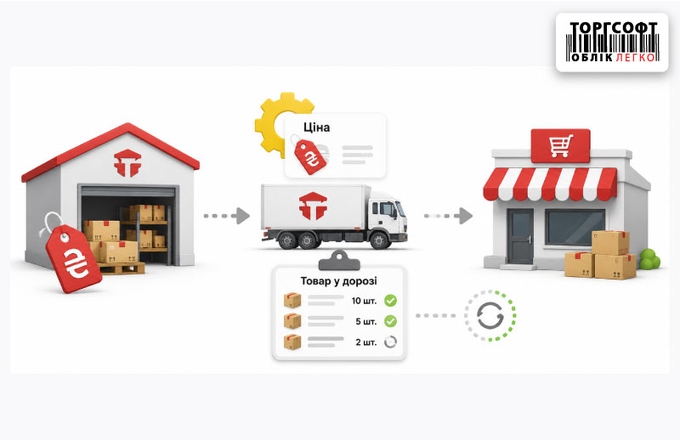
Internal movement: Goods in transit mode
How to register an internal transfer in Torgsoft via the “Goods in transit” mode and avoid negative balances and loss of goods
-
How to sell sets and kits so that components are written off from the warehouse
How to sell sets in Torgsoft without errors in balances: auto-assembly of the set, set template, barcode and correct writing off of components
-
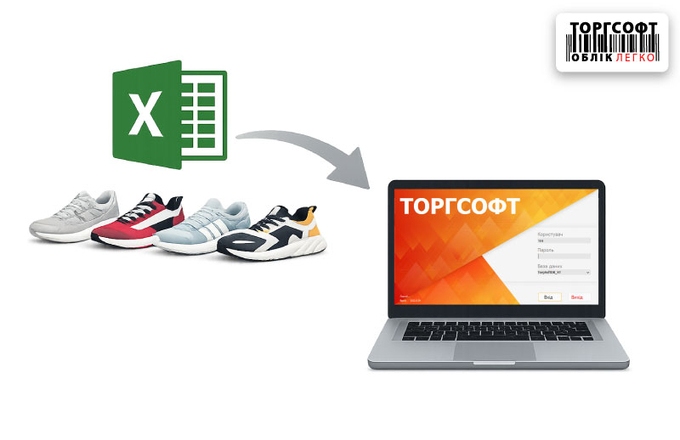
Bulk loading of products: Excel template, column mapping, check before recording
How can you import products into Torgsoft via Excel without errors? A detailed guide: file preparation, column mapping, and diagnostics after upload.
-
Error when returning goods "Sales document for this receipt not found..."
Error finding receipt when returning to Torgsoft: how to disable the order number in the barcode and find the sales document
-
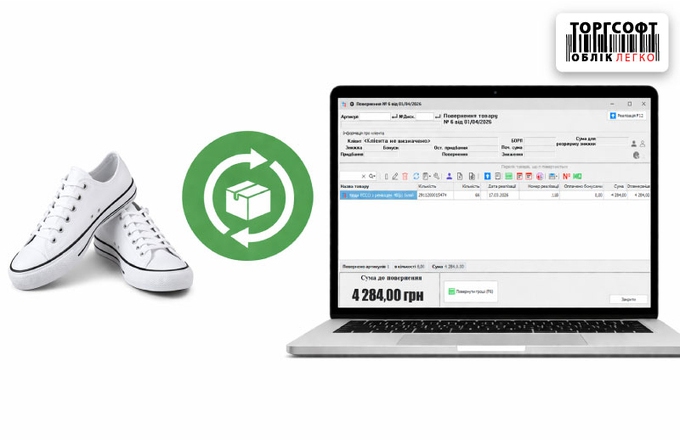
Returning goods in the Torgsoft program
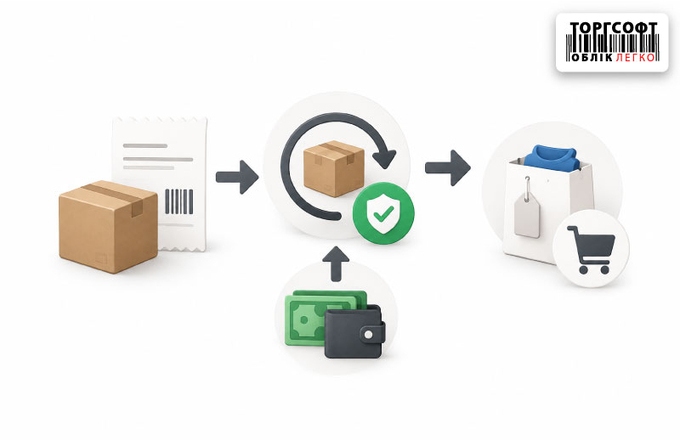
How to return goods in Torgsoft: choosing a check, refund, fiscal return via pECR and important exceptions
-
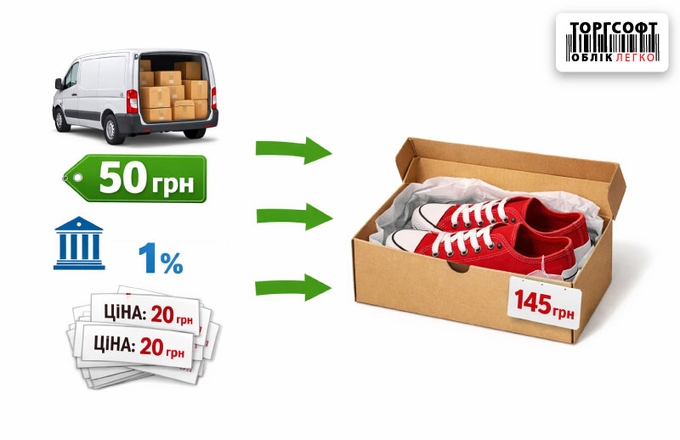
Additional costs when purchasing: how to add shipping costs and commission to the price of the product
How to take into account logistics, commissions and other costs when purchasing in Torgsoft to correctly calculate the cost price and price of the product
-
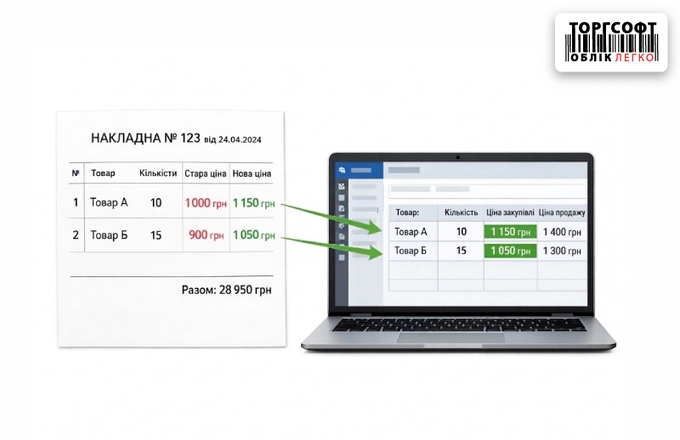
How to change prices during checkout and check the invoice
Revaluation of goods upon arrival, checking invoices, printing labels and controlling discrepancies in Torgsoft for accurate inventory accounting
-
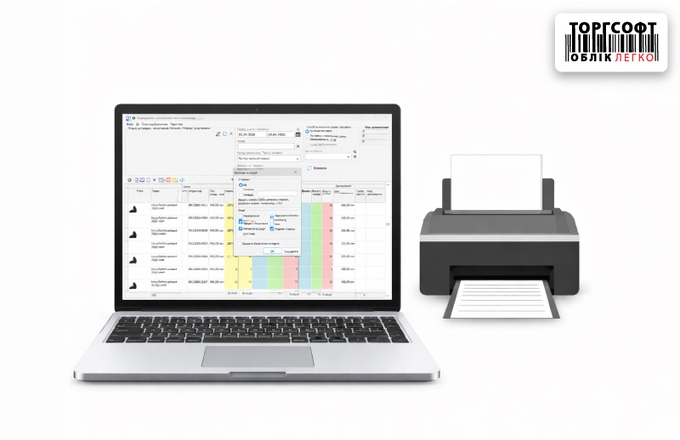
How to print a supplier order with current balances
How to print a supplier order with current product balances in Torgsoft to quickly generate a need for reordering
-
How to avoid product shortages: setting up automatic warehouse replenishment
How to automatically calculate the need for a product based on sales, balances and create an order to the supplier in Torgsoft
-
Order formation: working with unprofitable goods
How to add a new product to a supplier order in Torgsoft if it was not yet in stock: creating a card and manually adding
-
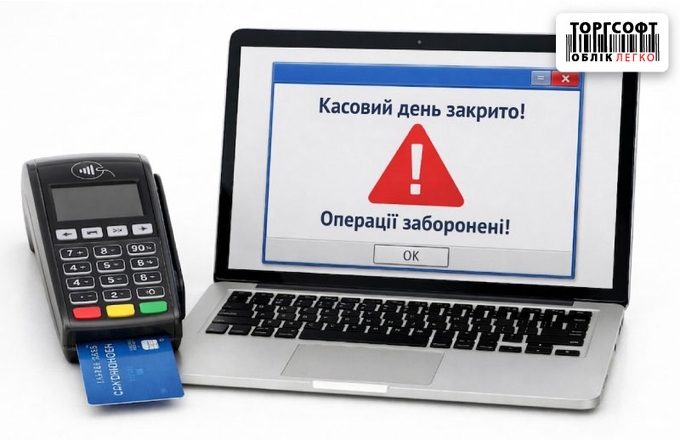
Cash day closed or created with a future date: how to fix
Cash day closed or created with a future date: how to find the reason, open the day, remove incorrect dates and resume payment
-
Mass price change: how to reprice an entire product or group without manual edits
How to change prices in Torgsoft in bulk: revaluation by amount, percentage, markup, exchange rate, with change control and cancellation
-
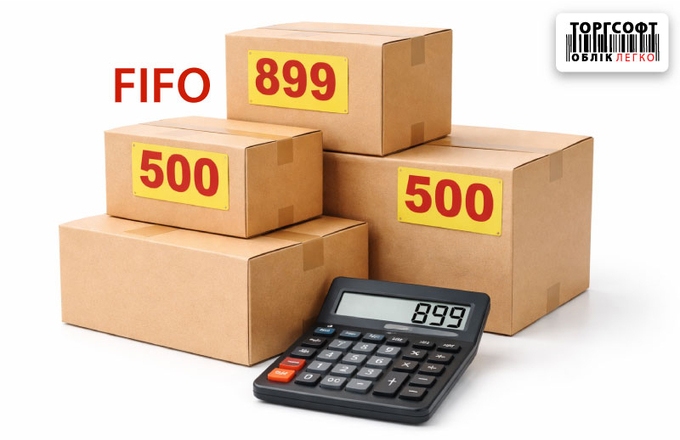
How to enable FIFO accounting and transfer cost
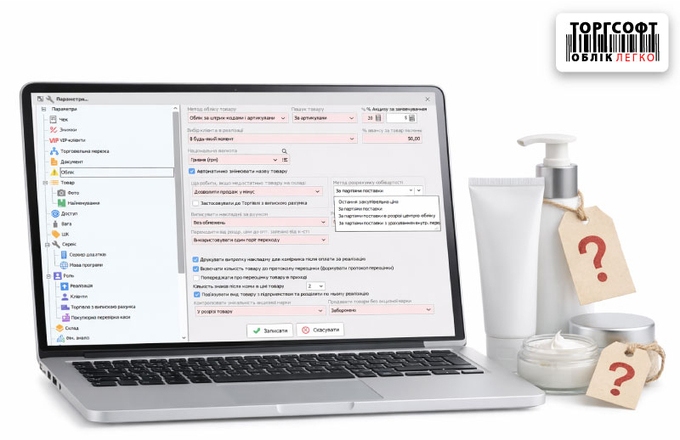
How to configure Batch FIFO accounting in Torgsoft, recalculate the cost, and correctly calculate profit for old and new batches.
-
How to set up costing and batch accounting
How to keep batch accounting in Torgsoft, calculate cost by FIFO and internal transfers and see real profit
-
How to change the purchase price for old product balances
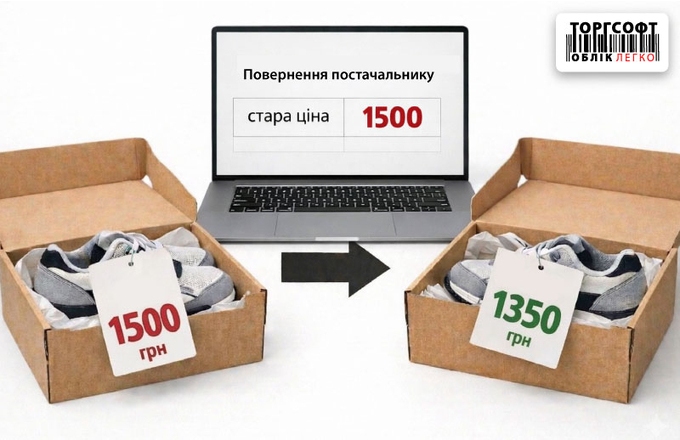
We explain how to change the purchase price of remaining stock in Torgsoft, what methods are available, and how the new price affects cost price, profit, and warehouse accounting
-
Analysis of overdue goods: search for illiquidity, revaluation and return
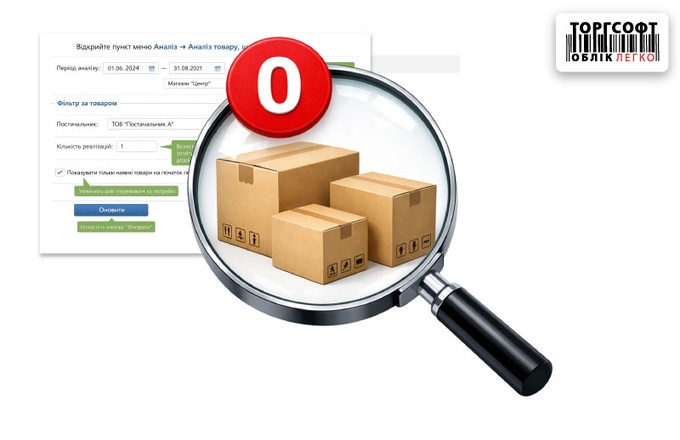
Analysis of backordered goods in Torgsoft: search for unsold goods from a supplier, discount, revaluation or return
-
How to find out the total amount of purchases from a specific supplier or manufacturer
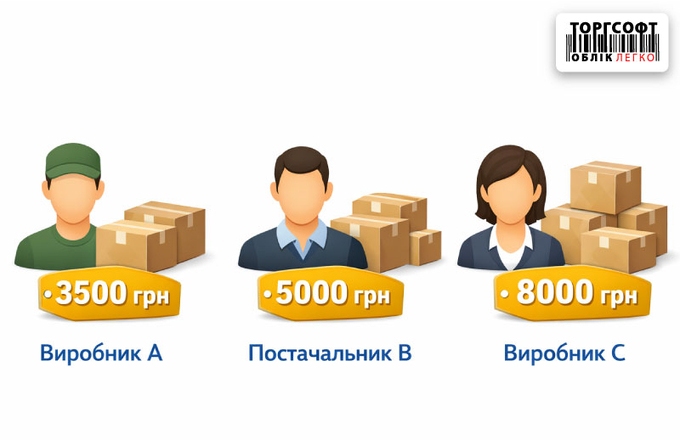
How to analyze purchases by supplier or manufacturer in Torgsoft and determine the average amount of orders per month
-
How to add shipping costs and commissions to the cost of goods
How to add shipping, banking services and labels to the cost of goods in Torgsoft and distribute costs in the invoice
-
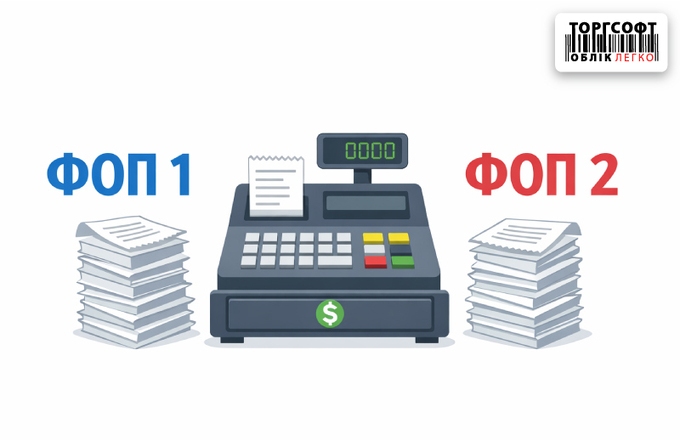
Setting up the operation of several individual entrepreneurs at one cash register
How to set up several individual entrepreneurs at one cash register in Torgsoft: distribution of goods, payments, pECR and fiscal checks
-
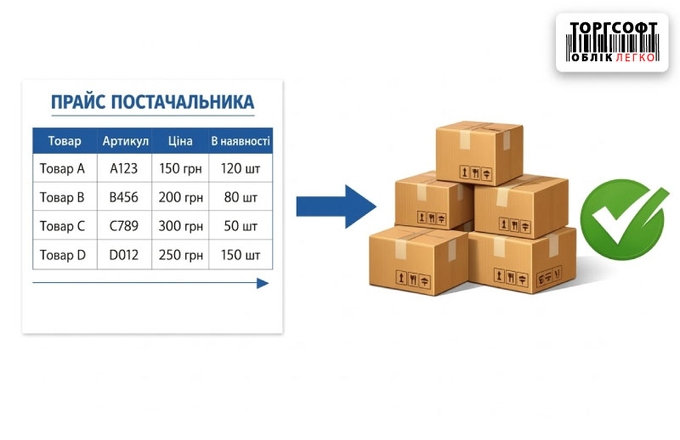
How to download a supplier's price list and automatically create an order
How to download a supplier's Excel price list to Torgsoft, view prices and balances, and create an order without manual entry
-
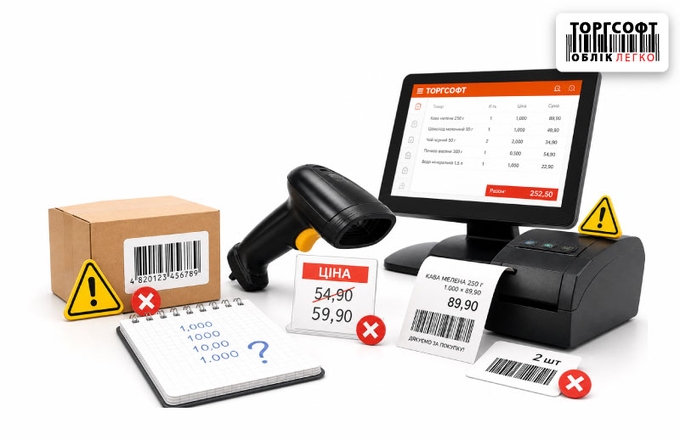
Typical mistakes sellers make in sales, scanning, and quantity entry
Typical mistakes of sellers in Torgsoft: scanning in the wrong field, incorrect weight, someone else's warehouse, individual entrepreneur and removing goods from the receipt
-
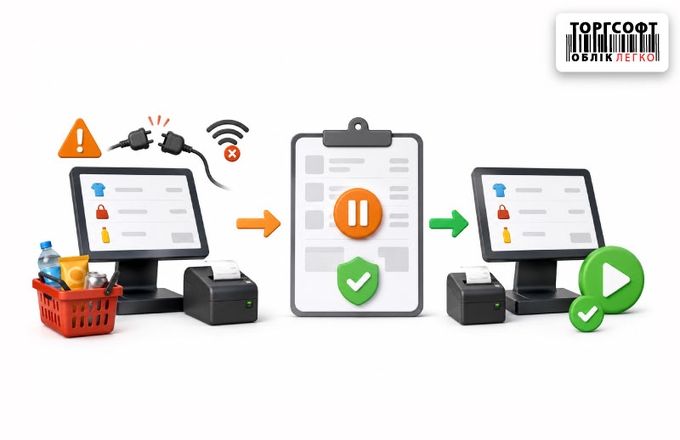
Draft sales: how not to lose the receipt in case of failures and postpone the sale
How to restore an unfinished sale in Torgsoft, find a draft or unpaid receipt, and avoid duplicate stock write-offs
-
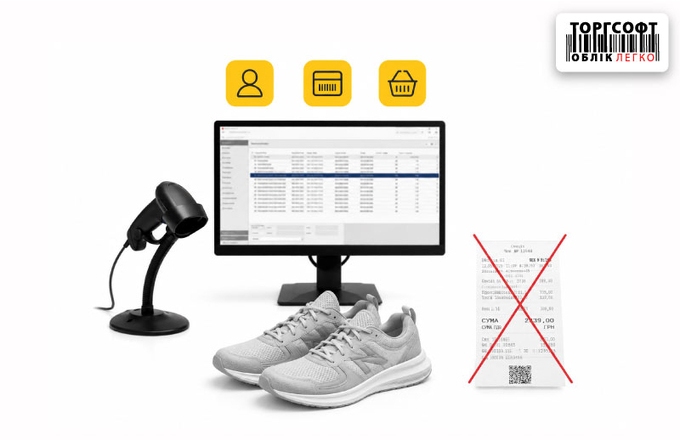
How to issue a return if a customer has lost a check: search by customer, discount card or product
How to process a product return without a paper receipt in Torgsoft: find the sale by customer, barcode, and issue a refund
-
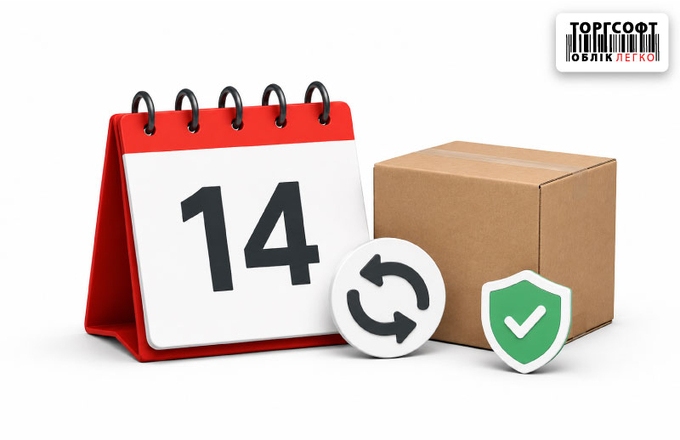
Maximum return period of 14 days: how the program monitors legal requirements
How to set the maximum return period in Torgsoft so the program blocks overdue product returns at the checkout
-
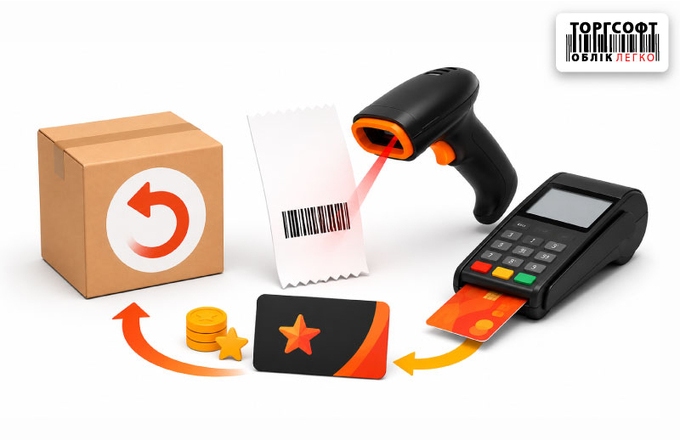
Correct return of goods: scanned receipt, bank terminal and bonus recalculation
How to process a return in Torgsoft: find the receipt, refund to card, recalculate bonuses, and avoid cashier errors
-
Exchange of goods in the store: the correct algorithm for conducting in Torgsoft
How to process a product exchange in Torgsoft: return the old item, refund funds, and sell the new item
-
Erroneous returns: how to find, cancel and correct the goods and money report
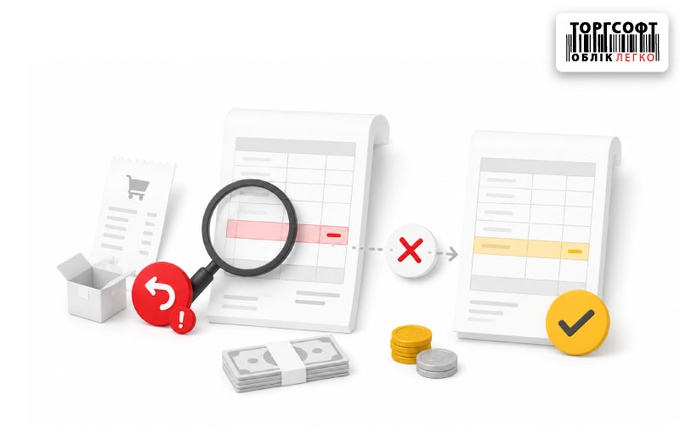
How to find and fix incorrect returns in Torgsoft: cash desk, PECR, bank terminal, document dates, and cost calculation
-
Ban on returns: how to block the receipt of certain categories of goods
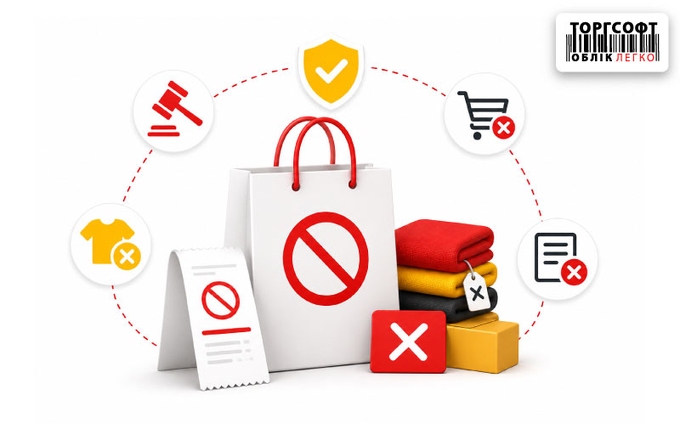
How to block returns for services, discounted items, or product types in Torgsoft and warn the cashier about restrictions
-
"Stuck" reserve: how temporary storage warehouses work and how to return goods to sale
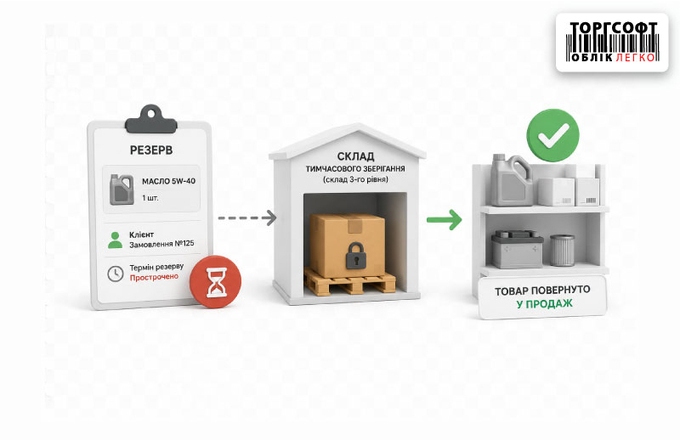
How to find a stuck reserve in Torgsoft, release reserved goods and return them from temporary storage to available stock
-
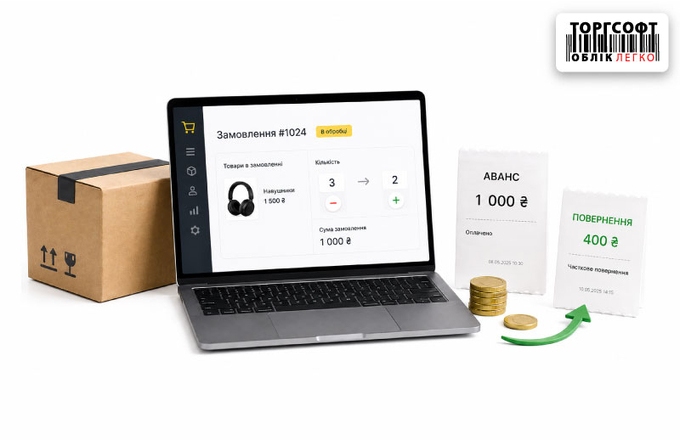
Flexible work with orders: changing the quantity of goods and partial refund of the advance payment
How to partially issue a customer order in Torgsoft, use a prepayment, refund an advance and close an incomplete order
-
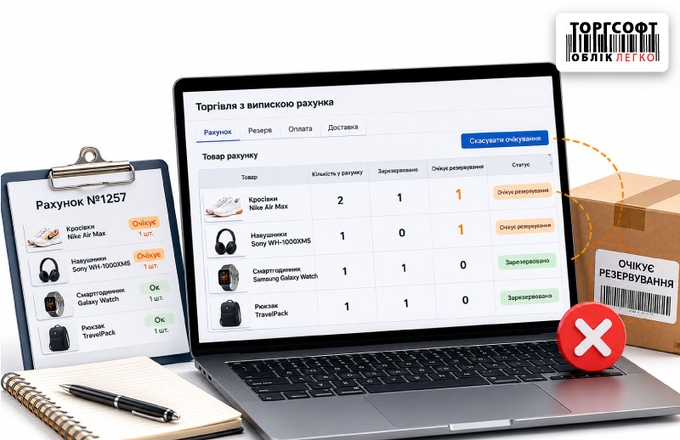
"Awaiting Reservation" status: working logic and how to cancel the wait
What the Awaiting reservation status means in Torgsoft, why it appears in invoices and how to cancel reserve waiting
-
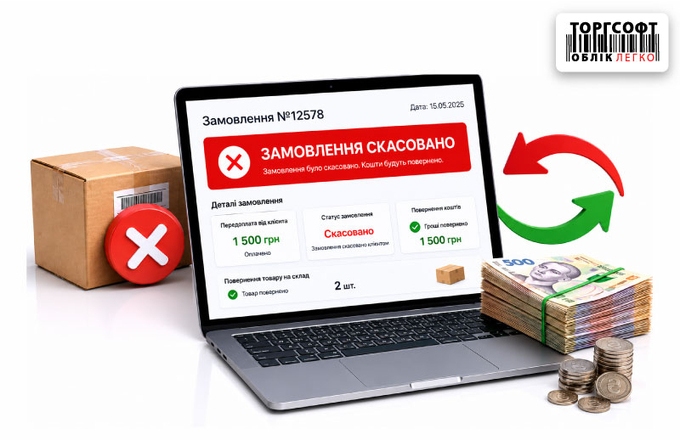
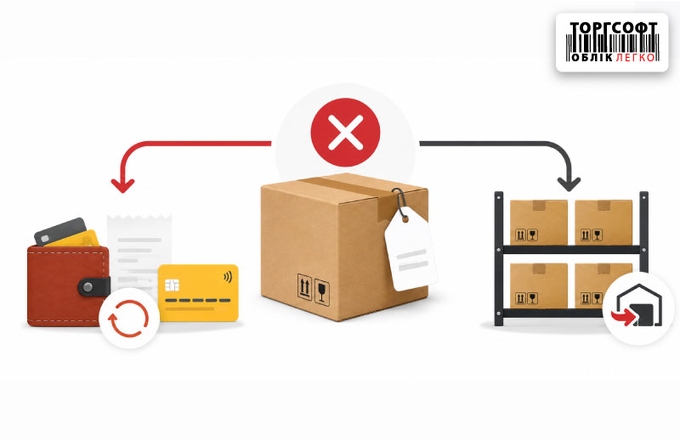
Canceling a prepaid order: correct refund of money and goods
How to cancel a prepaid order in Torgsoft: release reserved goods, refund the advance and print a return receipt
-
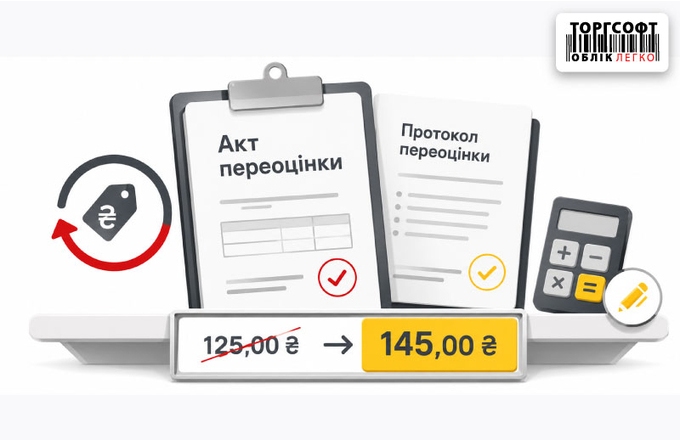
Revaluation Act and Revaluation Protocol: how to change prices correctly
How to make a revaluation in Torgsoft: the difference between the Act and the Protocol, selection of warehouse, filters and checking new prices
-
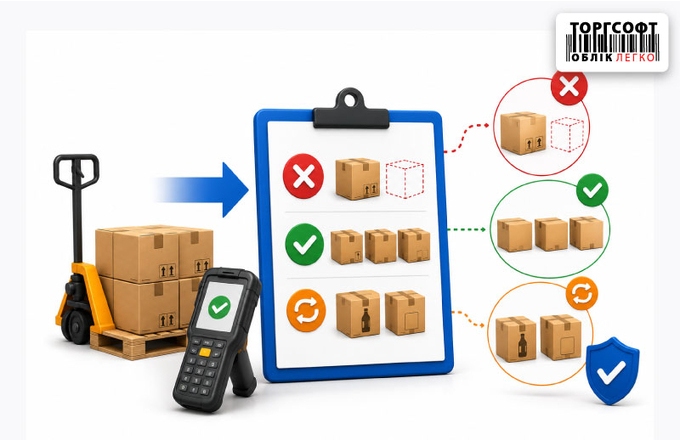
Control of internal transfer acceptance: how to record shortages, surpluses and re-sorting without staff fraud
How to control internal transfer acceptance in Torgsoft: goods in transit, invoice check, shortages, surplus and mismatched items
-
Pricing for internal transfers: how to set prices and avoid hangs when receiving "Goods in Transit"
How to set prices for internal transfers in Torgsoft and avoid program freezes when accepting goods in transit
-
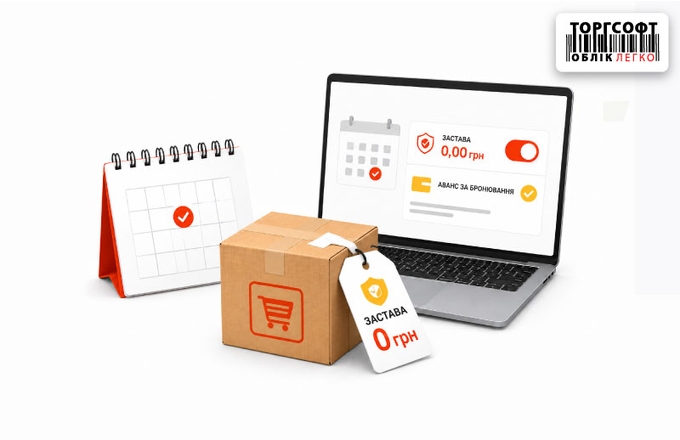
Renting goods without a cash deposit: how to set up a zero deposit and accept an advance for booking
How to set up rental without a cash deposit, accept an advance for booking, and process advance payment refunds
-
Rental cancellation: how to properly return the advance payment, deposit, and goods to the warehouse
How to cancel rental in Torgsoft: return advance payment and deposit, release the reserve, and return the item to stock
-
Hourly and daily rentals: how to protect rented goods from accidental sale
How to set up hourly and daily rental, automatic item reservation, deposits, and rental cancellation in Torgsoft
-
Selling goods from another accounting center
How to sell goods from another accounting center, why internal transfers appear, and how to cancel an incorrect sale correctly
-
Sales with Invoicing: Orders, Payments, and Shipments
How to manage orders in “Sales with Invoicing”: confirm items, issue an invoice, record payments, and prepare shipments.
-
Sales Price by Accounting Centers
How to check product prices across stores and transfer a price file between accounting centers in Torgsoft.
-
Limit Product Sales to a Customer
Set a limit on how many units of a product one named customer can buy per day, week, or another period in Torgsoft.






Torgsoft is a ready-made solution for warehouse, financial, and inventory management for small and medium-sized businesses
 Go back to the previous step