


Start your online store with a prepared catalog
If you already manage products in Torgsoft, start preparing for online sales with your existing database. Check whether product cards contain enough information for shoppers to understand the product and make a choice without speaking to a salesperson.
Torgsoft Online Market, or TOM, is an add-on option for creating an online store. To launch, you need the Torgsoft Ultra or Terminal software, the TOM option, hosting, a domain, and products with completed details in the database.
What to prepare in product cards
Start with the name, price, photos, and description — these details are listed in the TOM help documentation among the launch prerequisites. In practice, it is convenient to check one product category first, agree on rules for presenting it, and then apply them to the rest of the products.
We recommend making names clear to someone seeing your store for the first time. Review the photos: are the product itself, its color, and its important details visible? In the descriptions, explain the purpose and what to consider when choosing. For example, for clothing, you can provide guidance on size and material, and for a technical product, on compatibility and what is included.
Minimum product card checklist
Clear name + verified price + relevant photos + useful description.
How to connect your catalog with online orders
TOM settings include synchronization of dynamic characteristics and the HTML description. Before launch, it is therefore worth organizing not only the text but also the characteristics: agree on how to name sizes, colors, materials, and other product properties.
TOM also supports receiving orders and invoices in Torgsoft. For the owner, this is a reason to decide in advance who will handle online inquiries and how the team will check that they are fulfilled. We recommend placing a test order and checking the result in the software before opening sales.
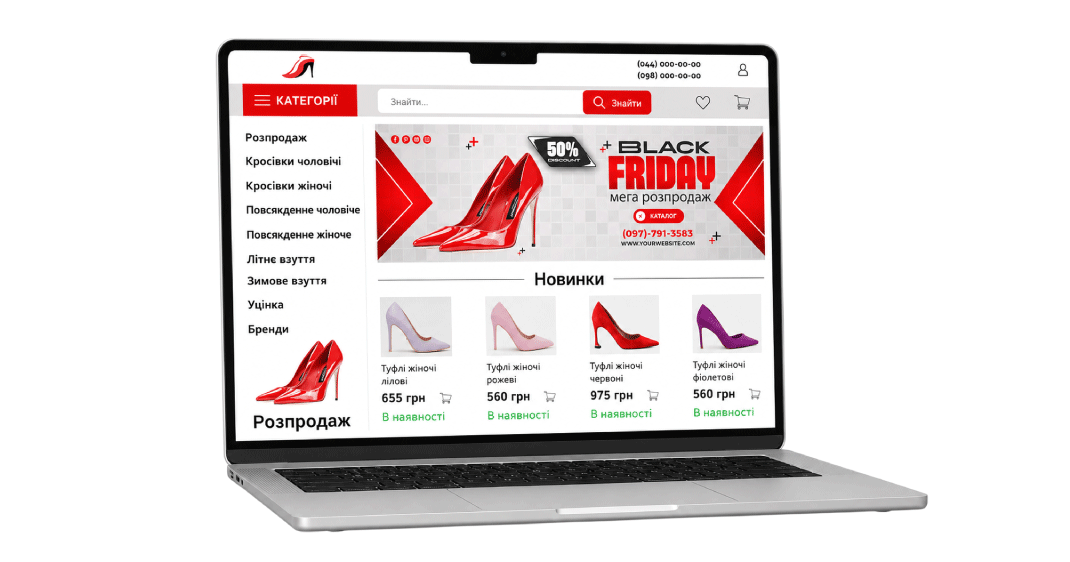
Preparation steps before launch
Review the catalog
Check names, prices, photos, descriptions, and characteristics. Make a separate list of product cards that still need more information.
Agree on the technical requirements
Discuss connecting TOM, the domain, and hosting with the orders department. Ask them to clarify what the selected package includes and the launch terms for your store.
Check the result
Review the prepared product cards on the website and compare descriptions and characteristics. Check that a test order is received in Torgsoft and agree on who is responsible for processing it.
Do not leave organizational questions until the first customer arrives. Decide in advance who maintains product information, answers questions, and informs the customer about the next steps for their order.
Discuss your store launch
Prepare a list of the features you need: website design, payment and delivery methods, promotion, and analytics. Agree on what is included in the package, which settings are needed, and what your team should prepare. This will give you a concrete launch plan.
Contact the orders department on Telegram @torgsoft_sale or call: +38 (067) 558 37 84.
 Go back to the previous step