


Page 121 - Blog
Go to the Blog section
-
25.02.2025
The program to account for service sector

Program for accounting of the service sector: accounting of repair, service, consulting services. Program for a training center, school, courses. Program for an atelier. Program for copy centers, photo salons, car workshops
-
21.02.2025
Description of version 2022.4.3 beta
Torgsoft update: added sorting of stale goods, support for Newland N950 and Verifone X990 terminals, photo printing in internal transfer, profitability analytics
-
21.02.2025
Description of the version 2022.0.44
Torgsoft update: new features and fixes Added settings for analyzing overdue goods, support for Newland N950 and Verifone X990 banking terminals, improved document printing
-
18.02.2025
Setting up store promotions
Learn how to set up a promotion in Torgsoft: choose products, define discount conditions, and check the result in a sale.
-
14.02.2025
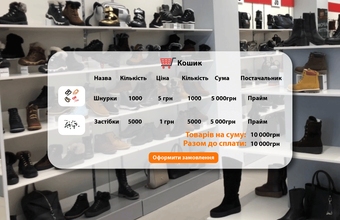
Orders to suppliers in the accounting program Torgsoft
How to create an order in the Torgsoft accounting program without a flow chart and a production order, how to use filters to select a product and supplier
-
14.02.2025
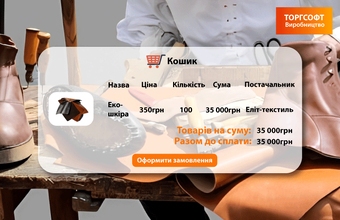
How to place an order to suppliers. Materials for production
Why do manufacturers need Production Planning, how to create an order to a supplier for materials, calculate quantity of materials, and monitor order fulfillment
-
13.02.2025
Beer shop software
Draft beer store. Beer store. Turnkey draft beer store. Draft beer chain. Draft beer. Beer bar
-
10.02.2025
Coffee shop program
Coffee shop. Loose leaf tea shop. Coffee shop
-
06.02.2025
Program for cosmetics and household chemicals store
Perfume shop. Shop of cosmetics and household chemicals. Shop of goods for home and family
-
06.02.2025
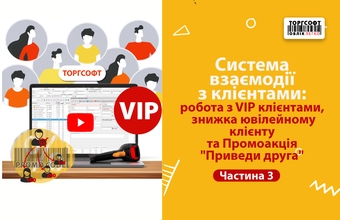
VIP Customers, Discounts & “Bring a Friend” | 3
Customer interaction system in Torgsoft: modes of work with VIP clients, discount for anniversary client, "Bring a Friend" promotion, bonuses and payment control
-
03.02.2025
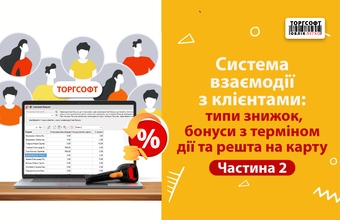
Customer discounts and bonuses
Learn how to configure customer discounts, bonuses with an expiry period, and crediting change to a customer card in Torgsoft.
-
31.01.2025
Program for a stationery store
Stationery store. A bookstore. A publishing house. Shop for creativity. Goods for needlework. Gift and souvenir shop. Art gallery. Stalls of periodicals





Torgsoft is a ready-made solution for warehouse, financial, and inventory management for small and medium-sized businesses
 Go back to the previous step