


Page 57 - Blog
Go to the Blog section
-
23.06.2026
Retail Technologies: Practical Solutions for Stores

What technologies a store needs: accurate stock balances, channel synchronization, fast checkout, personalization, analytics, AI, and data protection.
-
23.06.2026
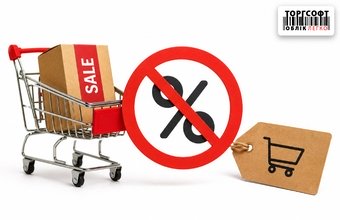
Why the promotion does not apply to the product: non-obvious reasons
Why a promotion may not work in Torgsoft: check product groups, discount priorities, customers, accounting centers and active dates
-
22.06.2026
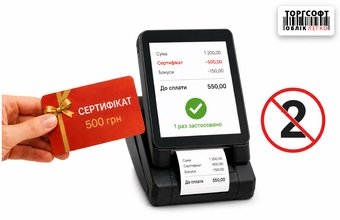
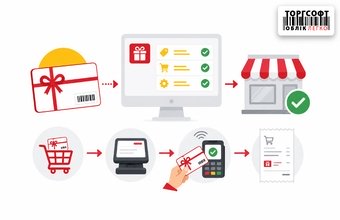
Gift certificates and bonuses: how to avoid double counting and losses
How to set up gift certificates, bonuses and discounts in Torgsoft to avoid double charges and financial losses
-
22.06.2026
Torgsoft-Hybrid: Installation and Setup
How to install Torgsoft-Hybrid, configure port 6001, access, equipment and synchronization of sales with the server
-
21.06.2026
In what cases will the tax authorities cancel the registration of a cash register?
In what cases can the tax authorities cancel the registration of a software program? When can a taxpayer cancel the registration independently? When can registration be canceled automatically?
-
19.06.2026
How to keep records of cosmetics in Torgsoft according to the new rules
How to keep records of cosmetics in Torgsoft according to the new rules from August 3, 2026: batches, expiration dates, responsible person, notification, labeling
-
19.06.2026
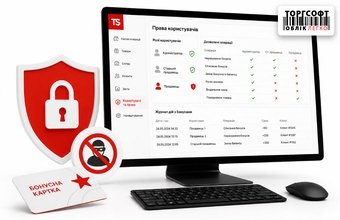
Bonus Fraud: How to Restrict Sellers' Rights and Protect Profits
How to limit seller rights in Torgsoft, protect bonuses from misuse, enable SMS verification, and audit user actions
-
19.06.2026
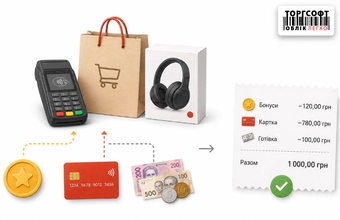
Payment for goods with bonuses: combined checks, prepayments and cancellation of purchases
How partial bonus payment, prepayment, combined receipts, returns, and bonus write-offs work in Torgsoft
-
18.06.2026
Torgsoft bonus system with an expiration date: automatic write-off and customer notification
How to set up expiring bonuses in Torgsoft: automatic write-off, customer notifications, returned bonuses, and error prevention
-
18.06.2026
Gift certificates in Torgsoft: types, fiscalization through PECR and checking template settings
How to set up and fiscalize gift certificates in Torgsoft, choose certificate type, process payment, returns, and receipt printing
-
18.06.2026
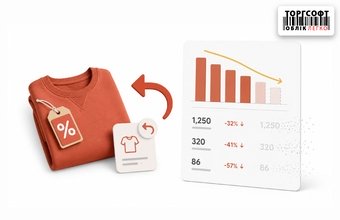
Promotional product returns and discount analytics: where do the numbers go?
How to analyze discount usage, promotional item returns, bonus movements and report differences in Torgsoft
-
17.06.2026
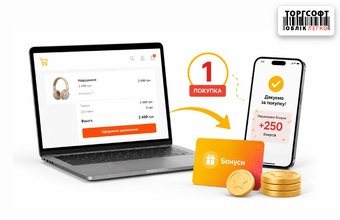
Online sales: how to earn bonuses for your first purchase from an online store
How to accrue bonuses for a first online order in Torgsoft, check SaleType and recalculate prices in the invoice




Torgsoft is a ready-made solution for warehouse, financial, and inventory management for small and medium-sized businesses
 Go back to the previous step