


Fiscal register
Go to the Blog section
-
05.11.2026
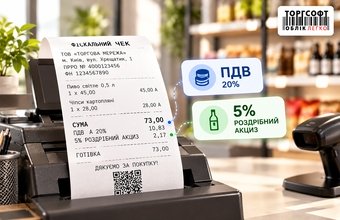
VAT and 5% Retail Excise Tax on ECR and PECR Receipts: How to Configure Them

How to configure 20% VAT and 5% retail excise in Torgsoft ECR and PECR receipts: tax rates, groups, calculations and missing tax checks
-
02.11.2026
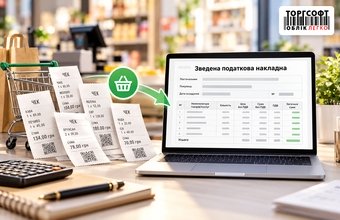
Consolidated Tax Invoice for Retail Sales: How to Generate and Verify
How to create a daily VAT summary invoice in Torgsoft: select sales date and company, check VAT rates and returns, review totals and export XML
-
02.10.2026
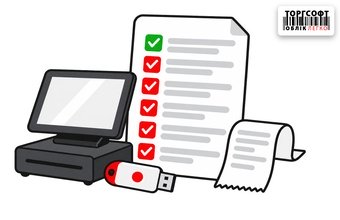
PECR at the Beginning of the Year: Checklist for Checking QES, Business Units, and Licenses in Torgsoft
PECR year-start checklist: Torgsoft license, QES keys, business units, cashiers, and tax registration forms
-
01.10.2026
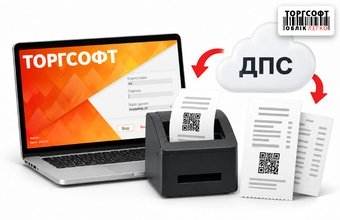
PECR in Torgsoft Hybrid: Z Report Offline, ORDERNUM and ID Errors, Synchronization, and Receipt Templates
How to check PECR in Torgsoft Hybrid: offline Z-report, ORDERNUM and ID errors, synchronization, and receipt templates
-
30.09.2026
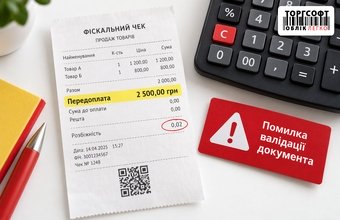
“Prepayment” for a Few Kopecks in a pECR Receipt: How to Find the Cause of Rounding
How to find why a Torgsoft PECR receipt shows a few kopecks as prepayment and returns DocumentValidationError.
-
29.09.2026
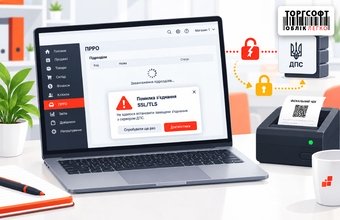
PECR does not load business units: how to restore the connection
What to check if Torgsoft pECR cannot load business units and shows Error connecting with SSL: TLS, Windows, network and e-signature
-
28.09.2026
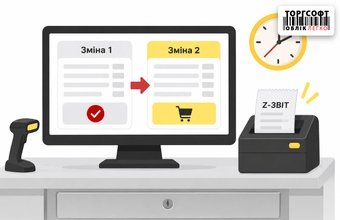
Accidentally generated a Z-report mid-day: how to continue sales and manage the PECR shift in Torgsoft
What to do if a PECR Z-report was created early: open a new shift, register cash on hand, and compare daily totals
-
25.09.2026
How to generate a final period report for a deregistered PECR
How to create a period summary report in Torgsoft for a closed PECR using local fiscal documents
-
24.09.2026
Partial payment in "Trade with invoicing": how to select the PECR receipt mode and correct amount discrepancies
How to choose a PECR receipt mode in Torgsoft for partial payments, prepayments, debt, and check amount mismatches
-
23.09.2026
Installment Prepayments in Torgsoft: From Invoice to Goods Handover
Learn how to record multiple prepayments in Torgsoft, complete the final settlement, hand over the goods, and account for debt and refund limitations.
-
20.09.2026
Cash on Delivery via Nova Poshta: Receipts, Sole Proprietor Income, and Accounting in Torgsoft
How sole proprietors can handle NovaPay cash on delivery, determine whether a fiscal receipt is required, and reconcile shipments, payments, and stock.
-
19.09.2026
Payment method and payment instrument on a fiscal receipt: how to record a transaction correctly
How to record cash, card, online acquiring, split payments, prepayments, and refunds on a fiscal receipt.

Torgsoft is a ready-made solution for warehouse, financial, and inventory management for small and medium-sized businesses
 Go back to the previous step