


Page 2 - Volodymyr Vytyshchenko

Trade Automation Expert at Torgsoft
Volodymyr Vytyshchenko — a trade automation expert at Torgsoft. Implements automated systems in retail outlets. Helps entrepreneurs optimize business processes, automate sales, and accounting.
Specializes in adapting Torgsoft software to the needs of the Ukrainian market. Analyzes business requirements to select the most suitable software and equipment package. Also provides support for the software for online stores and creates online stores in 1 day.
-
08.10.2026
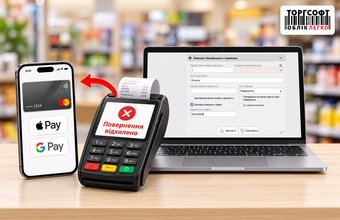
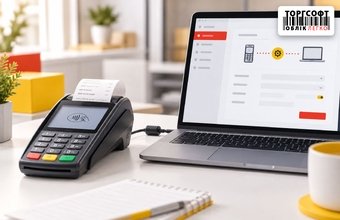
Refunds via Apple Pay and Google Pay: what to do if the POS terminal declines the transaction

What to do if a POS terminal rejects an Apple Pay or Google Pay refund: NFC, digital card number and Torgsoft return settings
-
07.10.2026
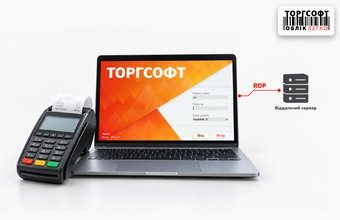
Banking POS Terminal and Torgsoft on a Remote Server: How to Set Up Operations via RDP
How to set up a bank POS terminal for Torgsoft via RDP: COM/USB, Ethernet, VPN, B-POS and checking card payments
-
06.10.2026
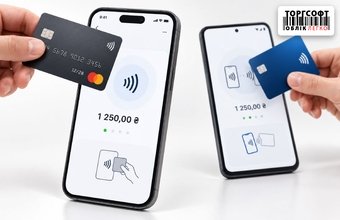
Card payments via smartphone in the Torgsoft mobile app: Tap to Pay and tapXPhone
How to accept card payments by smartphone in the Torgsoft mobile app: Tap to Pay, tapXPhone, NFC, PECR and payment checking
-
05.10.2026
How to separately track POS terminal and online acquiring payments in Torgsoft
How to separate POS payments, online acquiring and IBAN transfers in Torgsoft, record fees and reconcile payments with the bank
-
05.10.2026
How to choose a connection protocol for linking a bank terminal to Torgsoft: BPOS, PosApi, SSI, JSON, and OschadPAY
How to choose a bank terminal protocol for Torgsoft: BPOS, PosApi, SSI, JSON or OschadPAY, and what to confirm with the bank
-
02.10.2026
PECR at the Beginning of the Year: Checklist for Checking QES, Business Units, and Licenses in Torgsoft
PECR year-start checklist: Torgsoft license, QES keys, business units, cashiers, and tax registration forms
-
01.10.2026
PECR in Torgsoft Hybrid: Z Report Offline, ORDERNUM and ID Errors, Synchronization, and Receipt Templates
How to check PECR in Torgsoft Hybrid: offline Z-report, ORDERNUM and ID errors, synchronization, and receipt templates
-
30.09.2026
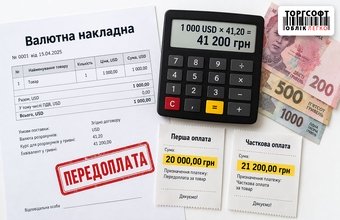
Prepayment for a Foreign-Currency Invoice in TVR: How to Calculate the UAH Equivalent, Exchange Rate Changes, and Partial pECR Receipts
How to calculate prepayment for a foreign currency invoice in Torgsoft, exchange rate changes, UAH equivalent, and PECR receipts
-
30.09.2026
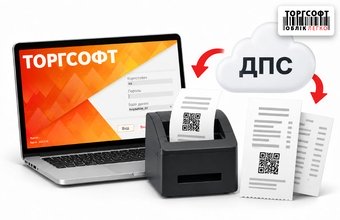
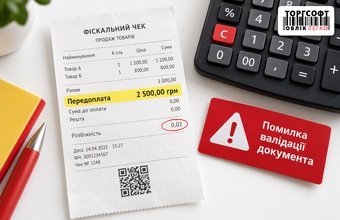
“Prepayment” for a Few Kopecks in a pECR Receipt: How to Find the Cause of Rounding
How to find why a Torgsoft PECR receipt shows a few kopecks as prepayment and returns DocumentValidationError.
-
29.09.2026
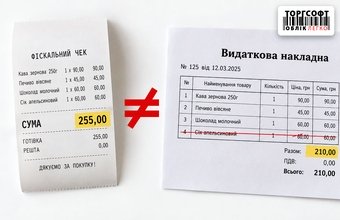
After deleting a product, the amount in the pECR and the financial document differs: how to check the sale and correct the discrepancy
How to check a mismatch between sale total, PECR receipt, financial document, and payment after deleting an item
-
29.09.2026
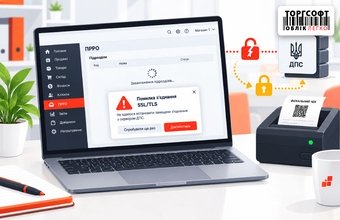
PECR does not load business units: how to restore the connection
What to check if Torgsoft pECR cannot load business units and shows Error connecting with SSL: TLS, Windows, network and e-signature
-
28.09.2026
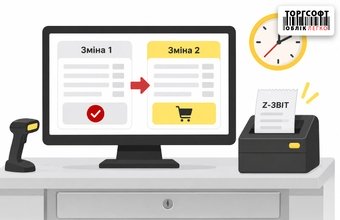
Accidentally generated a Z-report mid-day: how to continue sales and manage the PECR shift in Torgsoft
What to do if a PECR Z-report was created early: open a new shift, register cash on hand, and compare daily totals
Torgsoft is a ready-made solution for warehouse, financial, and inventory management for small and medium-sized businesses
 Go back to the previous step