


Start your online store with inventory management
When an entrepreneur starts selling online, a clear inventory system is needed alongside the website: what is in stock, what price to offer customers, and who will process orders. It is best to think these questions through before launch.
If you already manage inventory in Torgsoft, you can use your existing product database to sync with the site. If you do not yet have an inventory system, start by preparing your assortment: product names, prices, photos, specifications, and actual stock levels will form the basis of your future catalog.
If you already have a website: agree on the data exchange
The “Online Store Synchronization” option sends product details, specifications, photos, prices, and stock levels from Torgsoft to the site. Orders placed on the site are imported into the program, where a manager continues processing them.
Your primary inventory records remain in Torgsoft. Prepare assortment changes in the inventory database and send them to the site through synchronization so you do not have to rebuild the catalog each time.
Your website developer will need to take part in connecting the data exchange. Before any development work, agree on which data the site will accept and how it will return orders. It is also worth checking that the categories match and that product names are clear to customers.
If you do not have a website yet: prepare the groundwork
You do not have to wait for the catalog to be complete before discussing the launch. Prepare sample products and a list of the sections you need: a catalog, information about the store, delivery, and contact details. Discuss the Torgsoft Online Market option with the Torgsoft team and clarify the scope of work and connection terms.
Before the discussion, it helps to decide whether you will sell online only or also in a physical store, where you will dispatch goods from, and who will be responsible for orders.
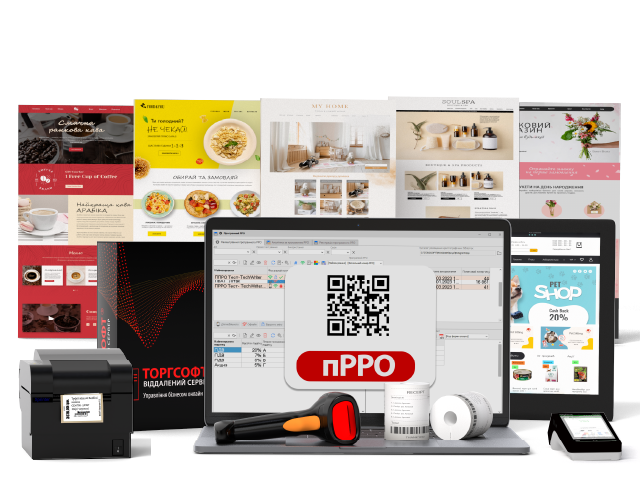
What to check before your first sales
Prepare your products
Check product names, prices, photos, specifications, and stock levels. For clothing, for example, plan how customers will distinguish sizes and colors.
Check how stock updates
When you sell an item in a physical store, the site receives the updated stock level after synchronization. Test this scenario with a sample product before launch.
Check orders and reservations
Place a test order on the site and check that it arrives in Torgsoft. If reservation is configured, the item is reserved until the date specified in the order or for the period defined in the settings.
Agree on regular data exchange
Automatic synchronization can be scheduled. For it to run, Torgsoft must be running on a designated computer under the specified user account.
Product database → synchronization → website catalog
Before launch, go through the entire process: preparing a product, sending it to the site, placing an order, reserving the item, and processing it afterward. Agree on who will check the data exchange and correct catalog inaccuracies.
Discuss your launch option
Tell the sales department whether you have a website and a product database. You can contact them on Telegram at @torgsoft_sale or call +38 (067) 558 37 84.
 Go back to the previous step