


Start with the pay rules in your store
A salesperson may receive a shift rate and a percentage of personal sales. An administrator may have a fixed salary, while a technician may be paid for completed work. The entire shift may earn a bonus for meeting a target. At the end of the period, advances, extra payments and adjustments need to be taken into account.
The Torgsoft “Payroll and Staff Motivation” option supports attendance tracking, sales-based percentage and bonus accruals, salary and advance calculations, and printing payroll statements. To prepare the settings, first describe the current pay terms for each position.
What to prepare before calculating payroll
List the pay components
For each position, specify what employees are paid for: shifts, hours, personal sales, shift results or completed work. If you account for overtime, turnover or profit, describe those terms separately. Torgsoft supports various combinations of additional payments; confirm that your specific arrangement can be implemented before configuring it.
Compare the schedule with actual work
You can create a schedule in the program and track when employees start and finish work. Before calculating payroll, check who worked. Separately prepare information about vacations, sick leave and business trips so you can discuss how to account for them under your pay scheme.
Separate individual and team results
The option accrues sales-based percentages and bonuses and supports team motivation. In your rules, distinguish a salesperson’s reward from the shift bonus. If several people work on one sale, agree in advance how each person’s contribution will be assessed. Mentoring and trainee work are also among the supported motivation areas.
Agree on targets
Torgsoft offers individual and team sales plans. To discuss them with the team, write down the period, product range and metric: for example, turnover, number of sales or average transaction value. Explain how the result relates to the bonus, and confirm the availability of the required settings with a consultant.
Example of a business rule
Shift pay + reward for individual results + team bonus. Confirm that each component can be implemented before configuring it.
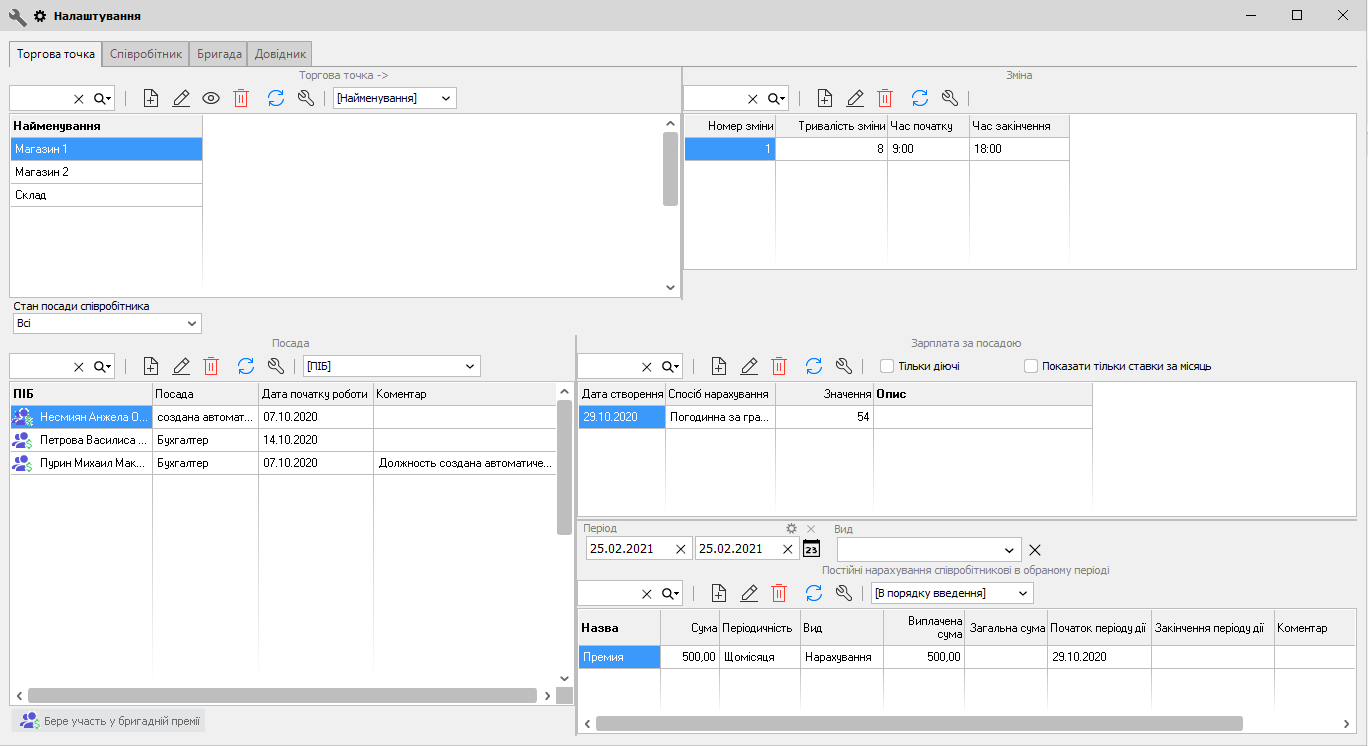
Additional payments, advances and returns
If you pay separately for selling certain goods or services, additional assignments or combining duties, prepare a list of these cases and how the additional payment is determined. For a production facility, workshop or service center, describe which operations, orders or repairs qualify for a reward: a fixed amount or a percentage of the work cost.
Torgsoft calculates salaries and advances and supports deductions. Before the final calculation, reconcile advances already paid, one-time and regular additional payments, and the grounds for adjustments. If you need daily payments, discuss this scenario separately with a consultant.
If a product return affects a bonus under your rules, prepare an example showing the original sale and the return. Check whose result should change and what amount needs to be adjusted.
Check the total and explain it to the team
You can print payroll statements in the program, and a payment archive is maintained. For the first check, choose a familiar period for which you already have your own calculation. Compare the total with attendance, sales, advances and additional payments, and investigate any discrepancies.
Torgsoft also keeps employee personal data and files. It is useful to record pay agreements separately. Explain the components of accrued pay to employees, and when comparing team results, take different duties and working conditions into account.
This approach is useful for stores with several salespeople, retail chains, cafés and other shift-based establishments, as well as production facilities and workshops. Start with the current rules, check the source data and agree on disputed cases before the final calculation.
Discuss your pay scheme
Prepare examples for a salesperson, administrator or technician, along with a list of additional payments and adjustments. For questions about the option, contact us on Telegram or call +38 (067) 558 37 84.
 Go back to the previous step