


A smartphone for the owner, stock clerk and salesperson
Some store work takes place far from a computer: by the shelves, in the stockroom, during delivery or away from the retail location. The Torgsoft mobile app connects to the accounting database and lets users use their phone for the reports and operations available to them.
Start with each person’s specific tasks. The owner needs information about store operations, the stock clerk needs to work with products, and the salesperson needs to make sales. Access to modes is configured separately for each user.
For the owner: check how the day is going
The app provides sales summaries, including cash register reports for the day and reports on goods sold. It also includes modes for finances and the status of the retail network. Access to reports depends on the user’s permissions.
For example, if you are away from the store, review the available summaries before speaking with the salesperson. We recommend deciding in advance which information you will check every day and which questions you will discuss separately with the team. This makes reviewing reports part of the store’s regular oversight.
For staff: work beside the products
The app includes Goods Receipt and Internal Transfer modes for receiving deliveries and moving goods between the stockroom and store. There is also a Product Photography mode. Enable the modes that match each employee’s duties.
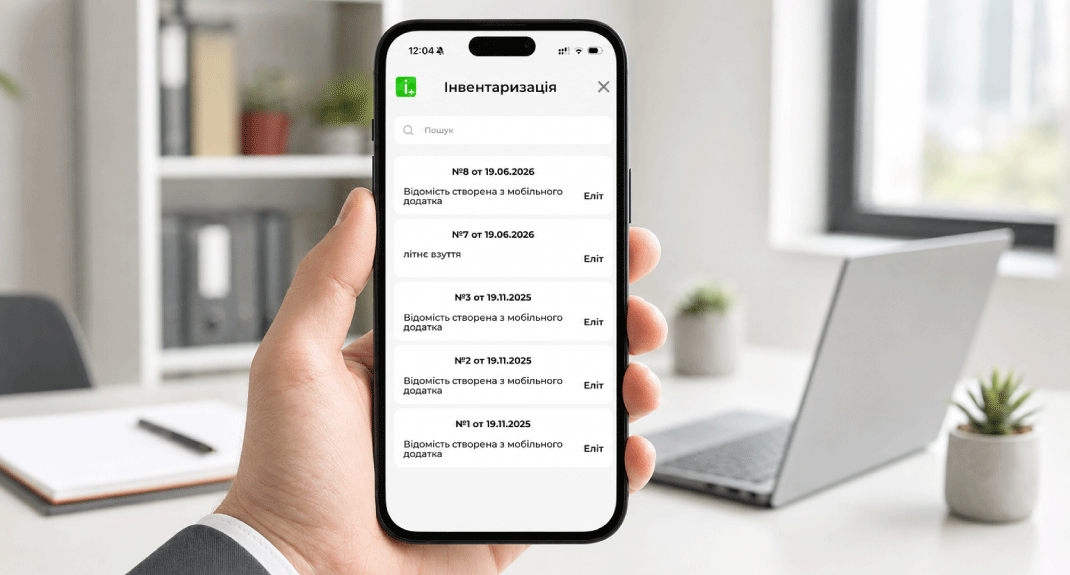
During inventory, users can scan barcodes and enter product quantities if they have the required permission. Access to view the inventory record and the quantities in it is configured separately.
For the first stocktake, we recommend choosing one shelf or a small group of products. Agree on who will count, how to mark locations that have already been checked, and whom to notify about discrepancies. If products are stored in several areas, set the counting order to avoid counting the same item twice.
For the salesperson: make a sale away from the stationary checkout
The mobile app has a Sales mode. It can be used for sales on the shop floor, during delivery or in off-site trade. Salesperson permissions are configured separately, including permissions for selecting a customer and changing sales terms.
Before working off-site, we recommend checking your entire process: which products you will sell, who will record the transaction, and how you will arrange payment with the buyer. Agree on payment and receipt handling while preparing the connection.
What to prepare before connecting
Define the tasks
Make a short list for each employee: viewing reports, receiving goods, counting or making sales.
Agree on access
The administrator configures the permitted modes. We recommend discussing access to reports, inventory quantities and changes to sales terms separately.
Prepare the connection
Connecting to the database requires activation of an additional feature and access configuration. A network connection requires a static IP address for the server and configured access to the application server port.
Connect a smartphone for a specific job. Start with the modes your team needs, then check the chosen process where the employee will use it every day.
Choose a connection setup for your store
Tell us who will use the app and what tasks they will perform. You can ask the orders department about connecting on Telegram @torgsoft_sale or by phone at +38 (067) 558 37 84.
 Go back to the previous step