


Prepare the Checkout for the First Shift
If your business needs fiscal receipts, start by checking your registration details, electronic signature, and product settings. In Torgsoft, fiscal receipts are generated from accounting documents. The cashier should practise a regular sale, a refund, and closing the shift in advance.
It is useful for the store owner to divide preparation into two parts: confirm the requirements for your business with an accountant or the State Tax Service (DPS), and check the technical operation of the checkout.
What to Check Before the First Sale
QES and Registration Details
Torgsoft uses a qualified electronic signature (QES) to operate PRRO. Prepare the cashier’s key, check that it is valid, and verify the details of the business unit, PRRO, and cashiers. Decide in advance who will track key expiration dates and changes to registration details.
Products and Taxes
Make a list of the products you plan to process through PRRO. Check their names and tax settings. Torgsoft supports VAT and excise tax settings; confirm with your accountant which rates apply to your product range.
Payment Methods
Check the settings against the payments the store actually accepts. For example, if customers pay by card and bank transfer, check both scenarios. For a cashless transaction in Torgsoft, you can select the payment method that will appear on the fiscal receipt.
Test Shift
Use PRRO’s test mode before starting actual operations. With the cashier, go through a sale, a refund, and closing the shift; check the products, amounts, and payments. Test receipts are not fiscal receipts, although they may contain a fiscal number. Test mode can be switched on or off when the shift is closed.
One Check — the Full Scenario
Test sale → check the receipt → refund → close the shift.
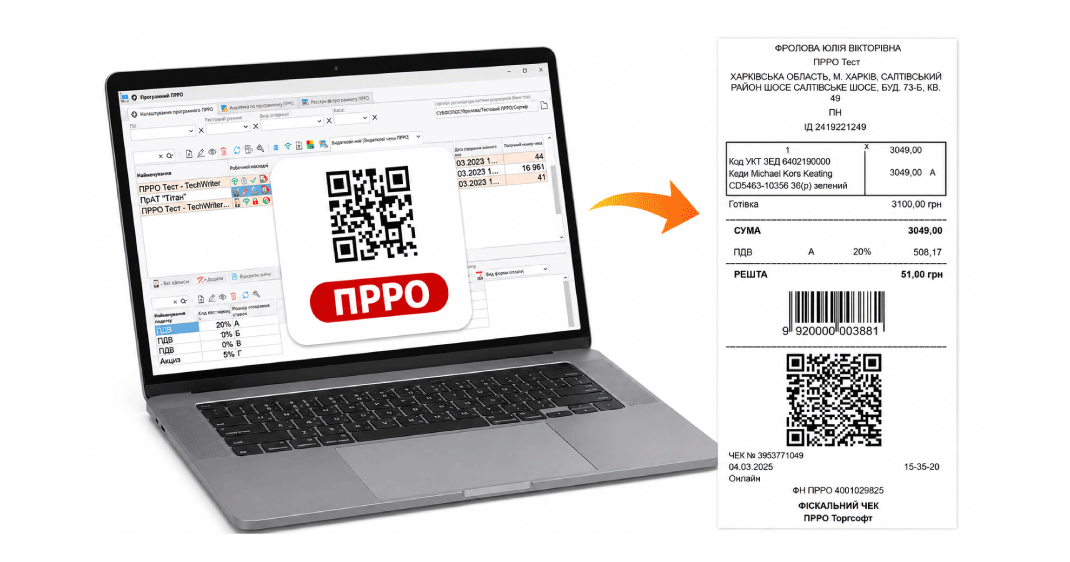
How to Organize the Cashier’s Workday
Agree on the work sequence: open the shift, process sales and refunds, then generate a Z-report at the end of work. In Torgsoft, the Z-report closes the shift. Include this step in the cashier’s internal guide.
During a sale, ask the cashier to check the product, quantity, amount, and payment method. Practise refunds separately, including cases where the money is returned cashlessly: the program lets you select the relevant payout method.
Before the end of the day, reconcile sales and refunds with the funds actually received and paid out. If you find a discrepancy, establish its cause and pass the information to the employee responsible.
What to Prepare for Connection Outages
If you plan to work offline, check the settings in advance and agree on the procedure with the person responsible for the checkout. Torgsoft can switch PRRO to offline mode; receipts generated during an offline shift can be sent to the tax authority.
Prepare a short guide for the cashier: whom to notify if the connection is lost, and who will check that receipts are transmitted after it is restored. Confirm with the State Tax Service or your accountant which conditions for this mode apply to your business.
Coordinate PRRO Setup
Before the first shift, check the keys, registration details, products, taxes, and payments. After testing, establish the daily work procedure and assign responsibility for checks.
Learn more about the option on the Software PRRO page. You can ask the order department about setup on Telegram @torgsoft_sale or by phone at +38 (067) 558 37 84.
 Go back to the previous step