



For the first test, keep staffed checkout available to shoppers and assign an employee to help near self-checkout. Decide whether to expand only after checking the full process: scanning items, correcting the basket, paying, and receiving a receipt.
Shopper scanning and purchases without going through a checkout
In a scan-and-pay format, the shopper scans item barcodes and proceeds to payment. This is how Torgsoft self-checkout works: each scanned item is added to the purchase list.
Checkout-free means completing a purchase without the shopper scanning items at a checkout. For example, Amazon describes using cameras, shelf sensors, combining their data, and artificial intelligence in its Just Walk Out technology. According to the company, shoppers do not need to scan items at a self-checkout or wait in line to pay.
Amazon announced the closure of its Amazon Go and Amazon Fresh physical stores. At the same time, the company reports that Just Walk Out operates at third-party locations. For your own project, define the purchase-completion technology and the way the store will be organized separately. In the pilot plan, record what the shopper, system, and employee each do.
In its 2025 annual report, Tesco reported that all its stores offered a choice between staffed and self-service checkouts, with staff always on hand.
Make a list of purchases to test
Start with packaged items that have readable barcodes. This is a suggested starting scenario for the pilot. Include weighed items, damaged codes, and purchases that require advice in separate checks.
Ask the employee in charge to carry out test purchases and record the result of each action:
- Scan one item and check it against the basket entry.
- Add several identical items and check the quantity.
- Scan an item again and check the procedure for correcting an error.
- Try to buy an item with a damaged code and follow the specified assistance procedure.
- Remove one item and check who changes the basket and how.
- Complete payment and check that a receipt is issued.
For each failed check, decide what to do next: correct product data, change how assistance is organized, or temporarily keep this scenario at a staffed checkout. Repeat the check after making changes.
Set assistance and backup service procedures
A shopper may need help because a payment failed or the screen froze. Assign a person in charge for each shift before the pilot begins. Show shoppers how to contact that person, and agree on who will cover for them.
Write a short procedure for rescanning, a basket error, and a failed payment. Before taking further action, the employee should check the current state of the purchase and payment. Separately rehearse what to do if a shopper leaves the checkout before completing the purchase.
If power, the terminal, or the connection fails, plan to stop accepting new purchases at that station and direct shoppers to an employee. Record who checks an incomplete transaction, how they arrange further service, and who authorizes the station to resume operation after a test check. Check separately whether payment can continue and a receipt can be issued with the chosen equipment and connections.
Measure the pilot using consistent rules
Before expanding, observe how actual shoppers use the checkout. Set observation periods and rules for recording events in advance. For comparison with staffed checkout, choose similar time periods and purchases.
| What to record | How to use the result |
|---|---|
| Waiting time and purchase completion time, separately | Find the stage where delays occur. |
| Requests for help and their reasons | Identify which actions need explanation or employee involvement. |
| Repeat scans and basket corrections | Check product data and the procedure for correcting errors. |
| Incomplete purchases and payment errors | Review each case and check the backup procedure. |
| Downtime duration | Identify the causes of stoppages and the time needed to resume operation. |
Regularly reconcile product stock and check checkout transactions. Record inventory discrepancies separately from scanning errors. Do not attribute every discrepancy to self-checkout without reviewing the specific cases.
Illustrative example of evaluation
Suppose 100 purchases were started at the checkout during the selected period. Shoppers asked for help during 20 distinct purchases, and 5 of the 100 purchases were left incomplete. Requests for help may relate to completed or incomplete purchases. The share of purchases involving assistance is 20 ÷ 100 × 100 = 20%; 95 purchases were completed.
These illustrative figures show how to calculate the measures. Group requests by reason, decide what to change for a repeat test, and compare results using the same rules. Do not calculate payback using only the share of purchases without help.
Torgsoft self-checkout: scanning, payment, and employee involvement
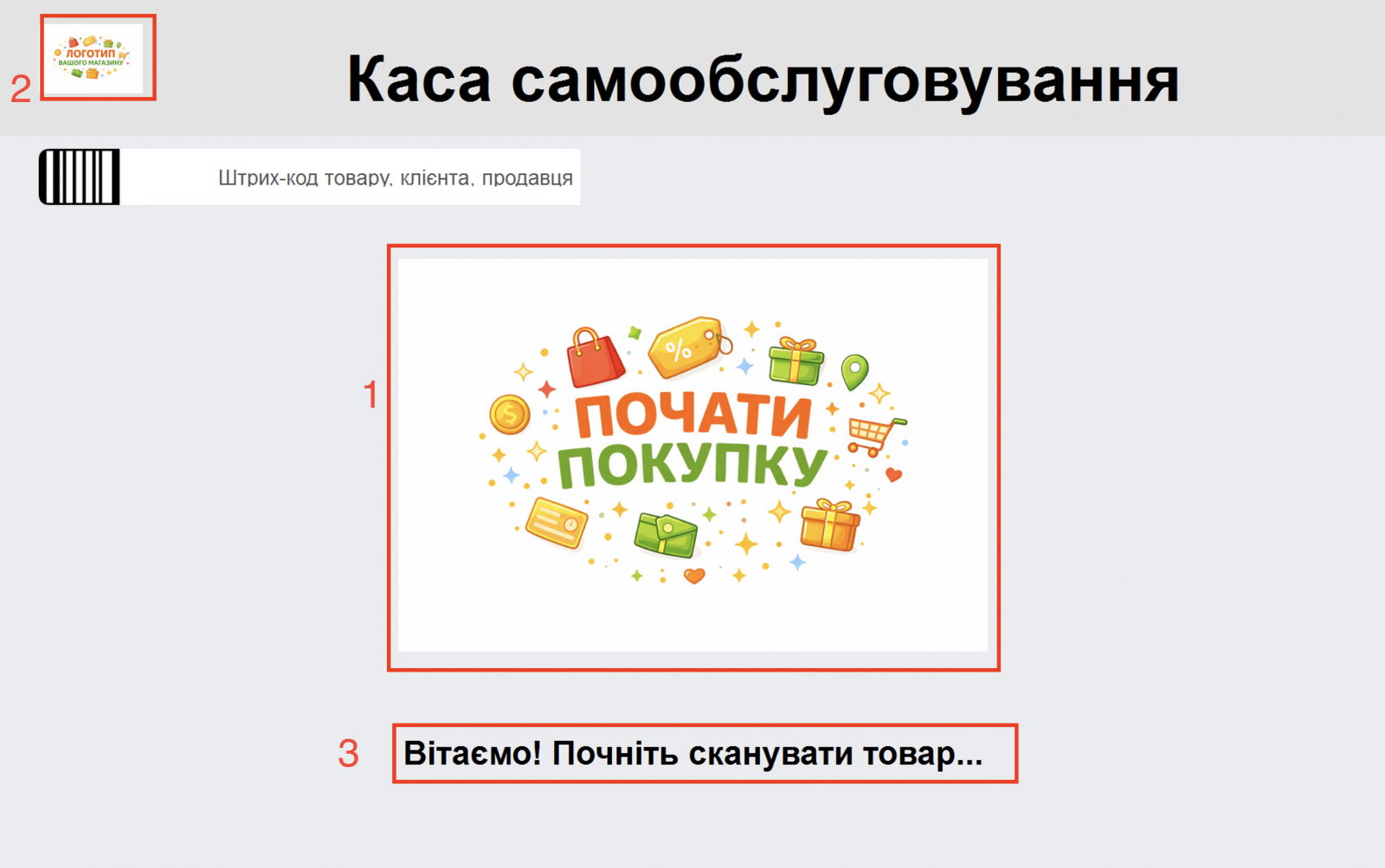
For a pilot in which shoppers scan their own items, the “Каса самообслуговування” (Self-checkout) option runs in the Torgsoft Hybrid application in self-checkout mode. The shopper scans items, which are automatically added to the purchase list. The option supports a bank terminal, a software cash register (PRRO), and a fiscal registrar. If a PRRO is selected and configured for fiscalization, the checkout automatically creates a fiscal receipt through it after successful payment through a bank terminal. To operate the checkout, configure a fiscal registrar or PRRO for receipt printing and a bank terminal for cashless payments. To sign in, enter the Torgsoft user’s login and password, select the database, and enable the “Каса самообслуговування” (Self-checkout) checkbox. On the first launch, synchronize the data so that the application can read employee barcodes. After synchronization, scan or enter an employee barcode to open the settings. The operator should complete a test sale with payment and receipt printing; contact support about configuring user permissions if needed. Self-checkout setup instructions.
When the corresponding settings are disabled, shoppers cannot use the “Видалити товар” (Delete item) and “Змінити товар” (Change item) actions. Before the pilot, decide how an employee will help correct the basket under these restrictions. Mandatory age verification is provided for excise goods and age-restricted goods: if a purchase contains an item requiring this confirmation, the system prompts for the seller’s barcode to be scanned. Include this employee involvement in the service plan.
During the test, check whether shoppers complete scanning and payment, where assistance is needed, and how long it takes. Evaluate the chosen process without assuming that automatic item addition or receipt generation by itself eliminates errors or losses. View the Torgsoft “Каса самообслуговування” (Self-checkout) option.


 Go back to the previous step