


Build your summer assortment from goods that your sales, orders, and customer inquiries show are needed. Before purchasing, count your stock, confirm delivery times, and set the amount the store can spend on a trial batch without delaying other payments.
Choose several types of leisure activities your customers prepare for, compare the specifications of the goods they need, and order a small batch. Set a date for assessing sales and establish the conditions for reordering in advance: weather and changes in customers’ plans can affect demand.
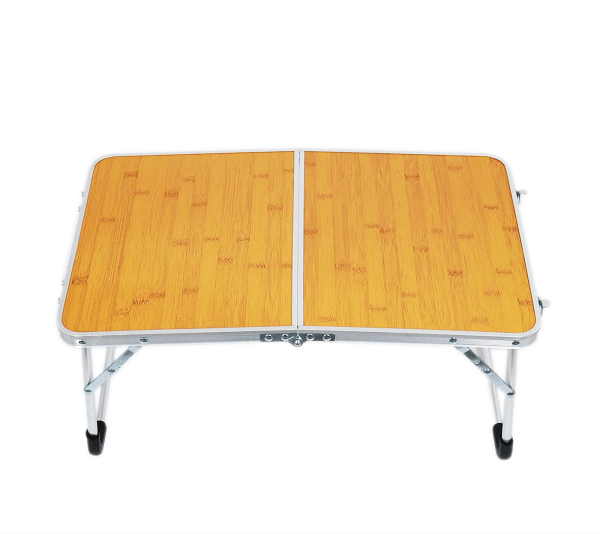


How to determine which summer goods your customers need
Start with your own data from the previous warm season and recent weeks. For each product group, compare units sold, returns, actual price after discounts, stock on hand, and periods when the item was unavailable. Find out why sales were low: perhaps customers were not interested in the model, or the required size was out of stock.
- Collect inquiries from the store, phone calls, and messages. Record the specific need: a backpack for a day hike, a table to transport by car, or a thermos cup of a particular capacity.
- Separately count inquiries that resulted in a purchase and refusals due to price, specifications, or unavailability. Count repeated messages from one customer as a single inquiry.
- Find out which products already in stock meet these needs. Compare them with proposed new items to avoid unnecessary purchases of similar models.
- Ask the supplier about the minimum order quantity, delivery time, whether additional orders are possible, and what to do if defects are found or parts are missing from a set.
- For each new item, record the reason for purchasing it, the quantity, the budget limit, and the date for assessing the result.
If your store has no sales history for tourism goods, start by surveying your customers and making a small trial purchase. You can initially offer expensive or bulky models to order if the supplier confirms availability and delivery time. State clearly in the product listing that the item must be ordered from the supplier.
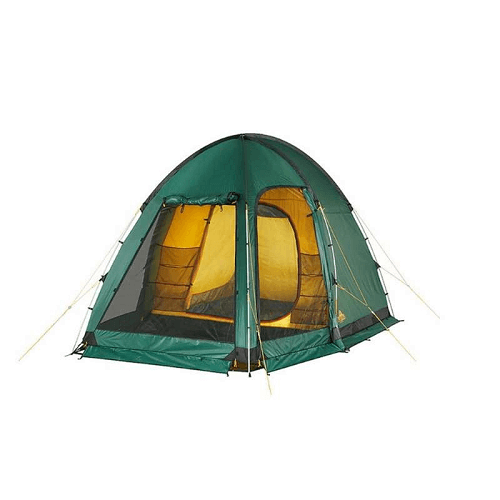
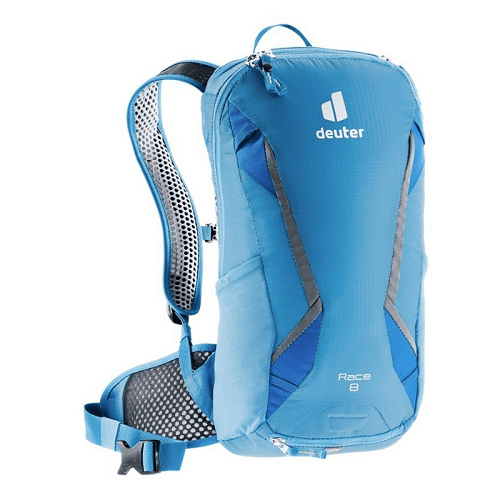
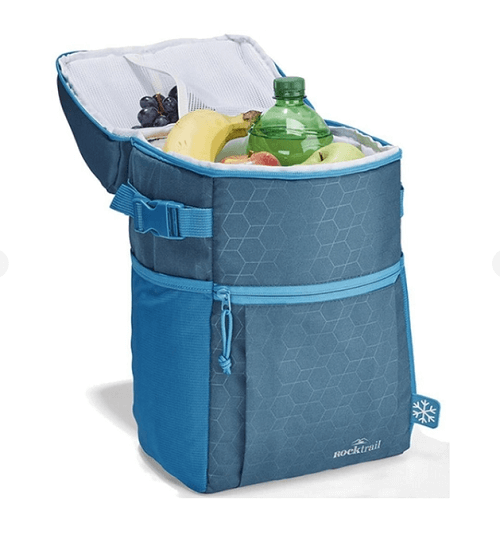
Which goods to choose for travel, hiking, camping, and picnics
Use the table as a starting point for selecting your assortment. Before purchasing, find out which of the suggested groups your customers need. Take each model’s specifications from the manufacturer’s or supplier’s documentation.
| Type of leisure and product groups | What to ask the customer | How to limit stock costs | Which specifications to compare |
|---|---|---|---|
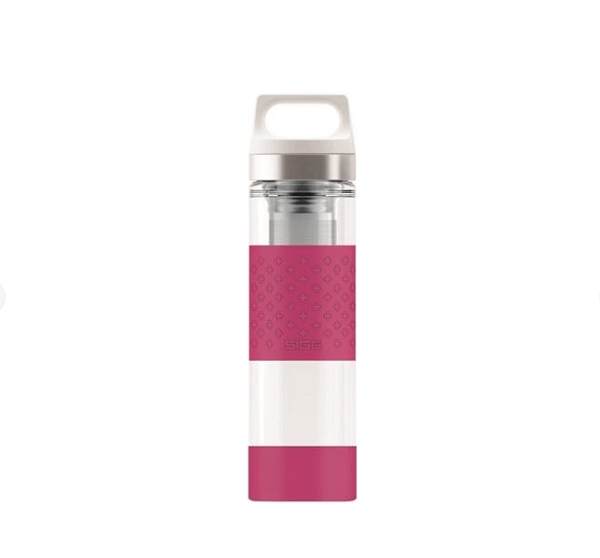
| Weekend trips: travel bags, compact backpacks, organizers for arranging belongings, bottles, thermos cups | How will the person travel, how many belongings will they take, and what size bag do they need? | Start with models customers ask about regularly. Limit the number of colors so the budget is not spread across many similar options. | External dimensions, empty product weight, capacity, compartment dimensions, drinkware capacity, lid design. |
| Day hikes: backpacks, sitting mats, compact tableware, rain ponchos, covers for belongings | What will the customer carry, how long will the route take, and what volume of belongings needs to fit? | Compare several models with different capacities. Purchase additional sizes and colors after assessing inquiries. | Backpack weight and capacity, strap adjustment range, poncho size, folded product dimensions, stated water protection conditions. |
| Camping—overnight stays in tents—with belongings transported by car: tents, mats, sleeping bags, folding tables and chairs, lanterns | How many people will use the items, how much space is available for transport, and in what conditions will they be used? | Calculate the cost of each model and determine how much storage space it needs. For expensive options, find out whether you can display one sample and order more later. | Dimensions when folded and unfolded, weight, set contents, stated furniture load capacity, sleeping bag specifications, lantern power source. |
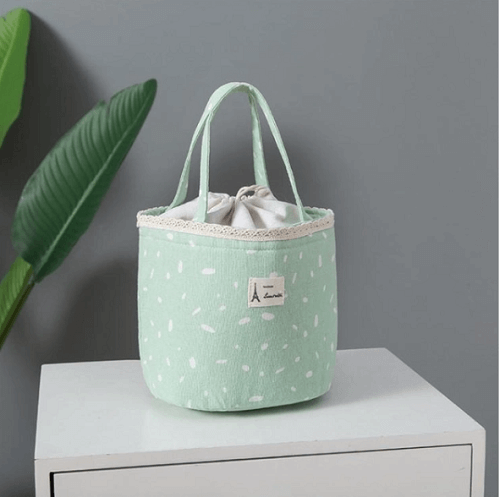
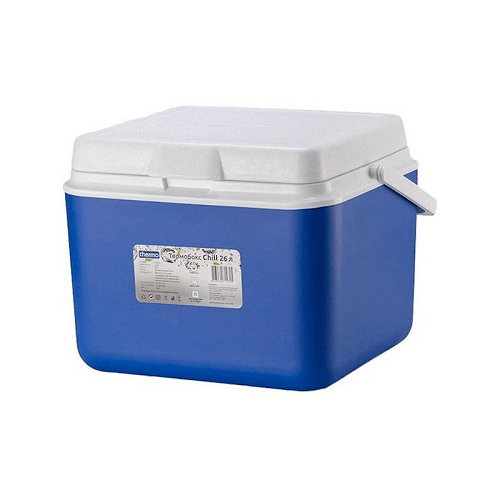
| Picnics and leisure at a country house: blankets, reusable tableware, food-carrying bags, thermoses, folding furniture, hammocks | How many people is the set for, how will it be transported, and where will it be stored? | Select compatible goods that can be purchased separately. Do not increase furniture stock just to show a wider range on the shelf. | Blanket size, number of items in a set, bag capacity and weight, thermos capacity, hammock components and installation conditions according to the instructions. |
Check separately that goods sales staff will offer together are compatible. For example, a bottle should fit in the pocket of a particular backpack, and tableware should fit in the chosen bag. This will help the salesperson explain why they are recommending that additional item.
How to check goods before purchasing a batch
Request a sample or inspect the first small delivery before placing a repeat order. Compare the actual model with the delivery note, labeling, and description. Measure the dimensions, check the weight, and make sure all set components are present. Inspect seams, fasteners, and folding mechanisms according to the manufacturer’s instructions.
Prepare the same set of information for each product listing: SKU (product code), model, color, size or capacity, weight, dimensions for transport, set contents, and care instructions. Keep supplier instructions and documents where staff can find them by SKU.
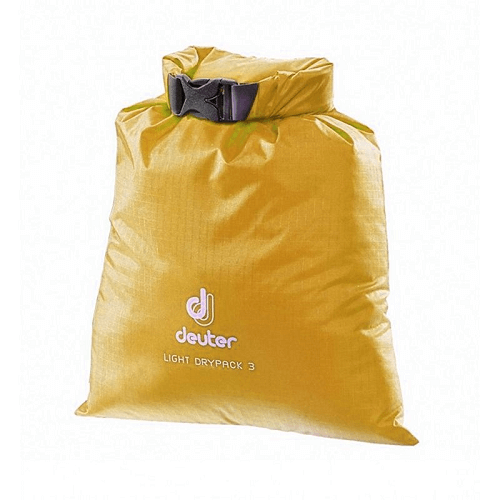
- For water-resistant covers and bags, state only confirmed conditions of use. Do not extend a claim of rain protection to immersion in water.
- For thermoses and food-carrying bags, state the properties claimed by the manufacturer and the conditions specified for testing them. Do not promise a specific temperature retention time without confirmation for that model.
- For tents, furniture, and hammocks, check the components against the set contents list. If required fasteners or a cover are not included, tell the customer before payment.
- For clothing and rain ponchos, provide the specific manufacturer’s size chart so customers can compare their measurements with the product’s dimensions.
Set up a returns procedure before sales begin: appoint a staff member responsible, choose a place to inspect goods, and decide how to contact the supplier. Staff should record the model, reason for the inquiry, condition of the goods, and whether all set components are present. Store goods separately until inspection if there is a question about their condition.
Before sales begin, check the official rules to determine which grounds and time limits for returns apply to your goods in Ukraine. Incorporate these requirements into staff procedures.
How to calculate the budget and break-even point for a trial batch
Set your purchasing budget after accounting for rent, payroll, taxes, supplier payments, and other expenses. Keep some available funds for reordering items that sell. Set a limit in advance on advertising and discounts for the trial batch.
Calculate the break-even point—the number of sales at which revenue will cover the costs included in the calculation. Specify which costs you include so you can assess the result correctly.
Illustrative educational example. A store buys 30 items at UAH 300 each and spends UAH 9,000 on the batch. The selling price is UAH 500. Additional variable costs incurred with each unit sold are UAH 50. Separate costs for launching sales of this batch are UAH 3,000.
- Difference between the selling price and purchase cost: 500 − 300 = UAH 200 per unit.
- Amount from each unit available to cover launch costs: 500 − 300 − 50 = UAH 150.
- To cover UAH 3,000 in launch costs, the store needs to sell 3,000 ÷ 150 = 20 units.
- After all 30 units are sold, UAH 1,500 will remain before accounting for the store’s other expenses and taxes: 30 × 150 − 3,000 = 1,500.
This is a simplified break-even calculation for the launch under the stated conditions. After selling 20 units, 10 items with a purchase cost of UAH 3,000 remain in stock. In this example, the store has covered the launch costs, but some of the invested money remains tied up in unsold goods.
For your own calculation, include delivery, packaging, order payments, possible discounts, and other costs not included in the example. The markup—the amount added to the purchase cost to set the selling price—must also cover the store’s other expenses. Calculate net profit after accounting for all expenses and taxes.
When to prepare your store for the summer season
Plan your preparation backward from when you expect sales to begin at your store. Use this schedule as a working guide. If delivery takes longer, start earlier.
- 6–8 weeks ahead: Count seasonal stock, review past sales and inquiries. Agree on the budget, the main types of leisure activities for which you will select goods, and the suppliers.
- 4–6 weeks ahead: Inspect samples, compare them with the documents, and place a trial order. Confirm the arrival date and whether another delivery is possible.
- 2–3 weeks ahead: Receive the goods, check set contents, and enter individual sizes and colors in the records. Prepare descriptions, your own photos, and price tags.
- One week ahead: Check the website ordering process and product availability. Show sales staff how to compare models, fold furniture, and find specifications.
- Each week during the sales period: Compare demand, stock, returns, and delivery times. Make reorder decisions separately for each model and option.
Decide in advance which orders can be reduced or postponed by agreement with the supplier if sales are weaker. If a delivery will arrive too late for the planned sales period, review its quantity before payment.
How to sell summer goods in-store and online
Arrange goods around customer needs: items for a day hike, a weekend trip, or a picnic. Place brief model comparisons nearby, covering price, weight, size, and set contents. This will help customers assess the differences and sales staff ask follow-up questions.
Offer additional goods after finding out what the customer needs. You can show a cup with a thermos if the customer needs one, or a suitable bag with a blanket. If selling a bundle, decide its contents and price in advance, and calculate how the discount will affect the amount left after expenses.
In the website product listing, show the item both unfolded and folded, and include a photo of the set and its dimensions. State separately which items are sold as extras. If an item is available to order, give the delivery time confirmed by the supplier and explain how to check availability.
Decide how many items can be offered in-store and online at the same time. If stock is updated manually, appoint a staff member responsible and set a procedure for checking quantities after the last units are sold.
If your software exchanges data with the website, check how it works with a test product:
- Record a sale of the test product and compare its quantity in the software and on the website.
- Cancel that sale and check the stock level again.
- Record another test sale, then process a return for it. Compare the quantity in the software and on the website.
- Change the test product’s quantity in the software and record when the website stock level updates.
After these steps, the staff member responsible should know what data your configuration—a set of software, licenses, and settings—transfers and when it updates.
How to replenish stock and handle unsold goods
Before reordering, calculate how much stock may be needed until the next delivery, what is already on hand, and what has been ordered earlier. Separately account for goods reserved for confirmed orders so you do not offer them to another customer.
Illustrative stock-planning example. A store sells an average of 2 units per day, delivery takes 5 days, and the owner has decided to keep a buffer—additional stock—of 4 units. The guideline for starting a reorder is 2 × 5 + 4 = 14 units of available stock, meaning goods that can be sold and are not reserved for confirmed orders.
Review this calculation if sales or delivery times change, or little time remains before the season ends. Days when goods were unavailable can also distort the average sales figure.
If an item is not selling, first check the price, description, visibility on the shelf, available sizes, and reasons customers declined to buy. Choose one specific change and a date to assess its result. This will help you decide whether to continue selling under the current conditions.
Assign end-of-season stock a next step: sell it throughout the year, reduce its price, exchange it by agreement with the supplier, or store it until the next season. Before storing goods, inspect them, check set contents against the manufacturer’s instructions, and record their location and quantity. Compare storage costs with the likely outcome of selling at a discount.
Accounting for tourism goods and seasonal stock in Torgsoft
Organize accounting so staff can see the stock of a specific model, size, and color and compare it with sales:
- Open «Склад → Стан складу» (“Warehouse → Warehouse status”). Check the quantity, size, price, and cost—the value at which the goods are recorded in the software.
- Record sizes and colors separately so you can see the stock of each option.
- Each week, select an item in the «Стан складу» (“Warehouse status”) form and click «Аналіз інтенсивності продажів» (“Sales intensity analysis”) to assess how actively it is selling.
- To view receipts and stock outflows for the selected item, open «Рух товару → Рух товару» (“Item movement → Item movement”).
- To assess sales velocity, select the required items and click «Додати до оборотної відомості → Додати до списку для "Оборотність запасів"» (“Add to turnover report → Add to the list for "Inventory turnover"”).
- In the confirmation window, click «Так» (“Yes”) to open the report with the selected items.
Torgsoft-Start is intended for one accounting center—a store or warehouse in Torgsoft—with basic operations and main reports. Supplier orders, transfers between warehouses, and advanced analytics are available in Ultra. Local operation requires a separate license for each computer. For remote locations, choose a format based on staff locations and the need for a shared database. Before purchasing, compare Start and Ultra features and current license purchase terms.
«Мінімальні та максимальні залишки за складами» (“Minimum and maximum stock levels by warehouse”) and «Синхронізація з інтернет-магазином» (“Online store synchronization”) are separate paid options that require a full-function license. The number of licenses for these options depends on the configuration: for some versions, you purchase one for each workstation; for a local network in which computers work together, one for the network; for terminal access, where staff connect to the software on a shared server, one for the server. Check compatibility, price, and current commercial terms in the Torgsoft additional options catalog, then prepare the options for use:
- For «Мінімальні та максимальні залишки за складами» (“Minimum and maximum stock levels by warehouse”), set the minimum stock for the required goods in each warehouse.
- For «Синхронізація з інтернет-магазином» (“Online store synchronization”), set up data exchange with the website.
- Perform the test product checks described above: a sale and its cancellation, another sale followed by a return, and a quantity change. Record which data is transferred and when the website stock levels update.
Start by counting seasonal stock and listing customer inquiries. Compare the two, choose goods for a trial purchase, and record the quantity, budget limit, and date for assessing sales. This list will form the basis of the supplier order and help you decide which goods to reorder.


 Go back to the previous step