


For a small store window, choose one clear offer, display products that customers can actually buy, and show easy-to-read prices. The owner sets the objective and budget, while a designer or the person responsible for merchandising prepares the display. The sales assistant checks product availability, price accuracy, and the cleanliness of the entrance each day.
To assess the results, compare the number of visits, receipts, and sales of the displayed products across comparable business days. Take weather, opening hours, promotions, and stock interruptions into account: a change in revenue alone does not prove that the display had an effect. For a store in Ukraine, provide product and service information in Ukrainian, and advertise discounts with truthful prices, dates, and terms.

Set the display’s objective and choose one offer
An exterior store window is the space people see from the street. Use it to show what the store sells, what need the selected product meets, and how much it costs. A shelf inside the store helps customers make their choice: it can hold more options, sizes, and specifications. Do not try to move the entire shelf assortment into the window.
Start with a brief for the person preparing the display. If there is no separate designer, the owner can put it together with the sales assistant:
- Identify the customer and their need. For example, someone is looking for a small gift or gloves for everyday use.
- Choose one main offer. This could be a specific product, a selection grouped by purpose, or a set with clearly specified contents.
- Decide what action you want the customer to take. For example, come in and choose a size. The sales assistant should know where the relevant products are located.
- List the constraints. The display budget, available space, product stock, and storage requirements.
For an initial display, show one main product and a few relevant complementary items. The number depends on the size of the window: each item should remain recognizable, and its price should be unambiguous. If the sign needs a lengthy explanation from the sales assistant, shorten or clarify the offer.
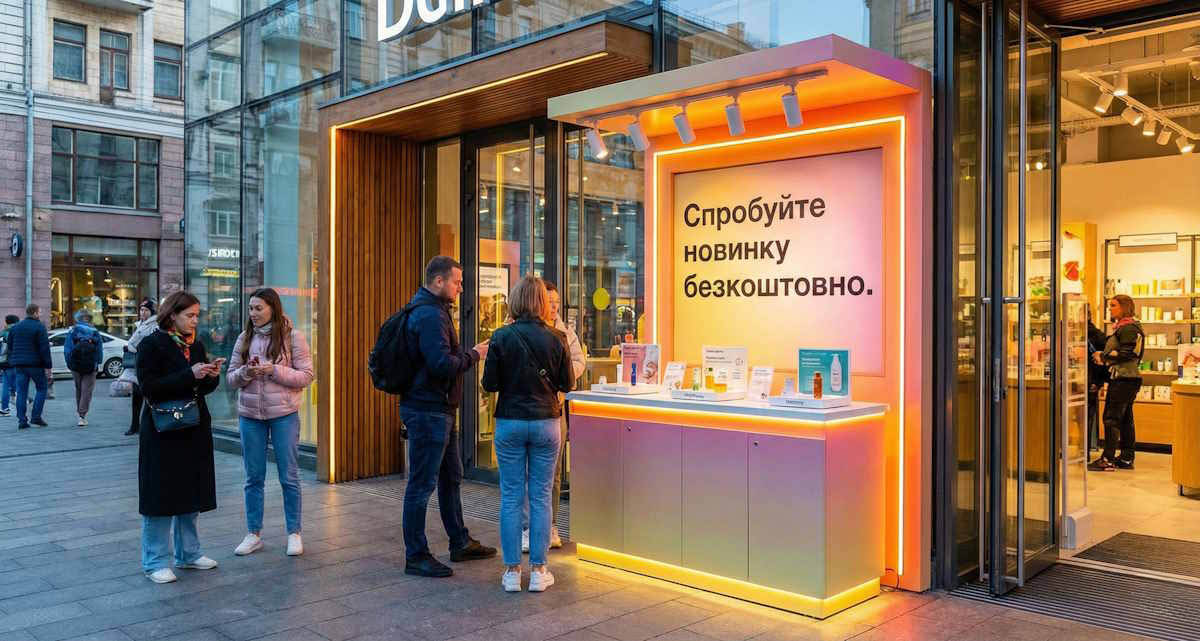
Choose products customers can buy in this store
Before setting up the display, the owner or sales assistant makes a list of the products to be shown: name, type, size or volume, price, and location in the sales area. The sales assistant then checks the recorded quantity against the actual stock. Products held at another warehouse require a separate decision about delivery to the store.
For clothing, check which sizes are available; for a set, make sure all the components are in stock. If customers see a specific color or configuration, the sales assistant should know whether that exact option is available. Do not substitute another option without explaining the change.
Agree on what to do when the last unit is sold: remove the relevant sign, replace the product, or change the offer. The sales assistant informs the person responsible for the display when stock runs out during the shift, so the window does not continue to draw customers in for an unavailable product.
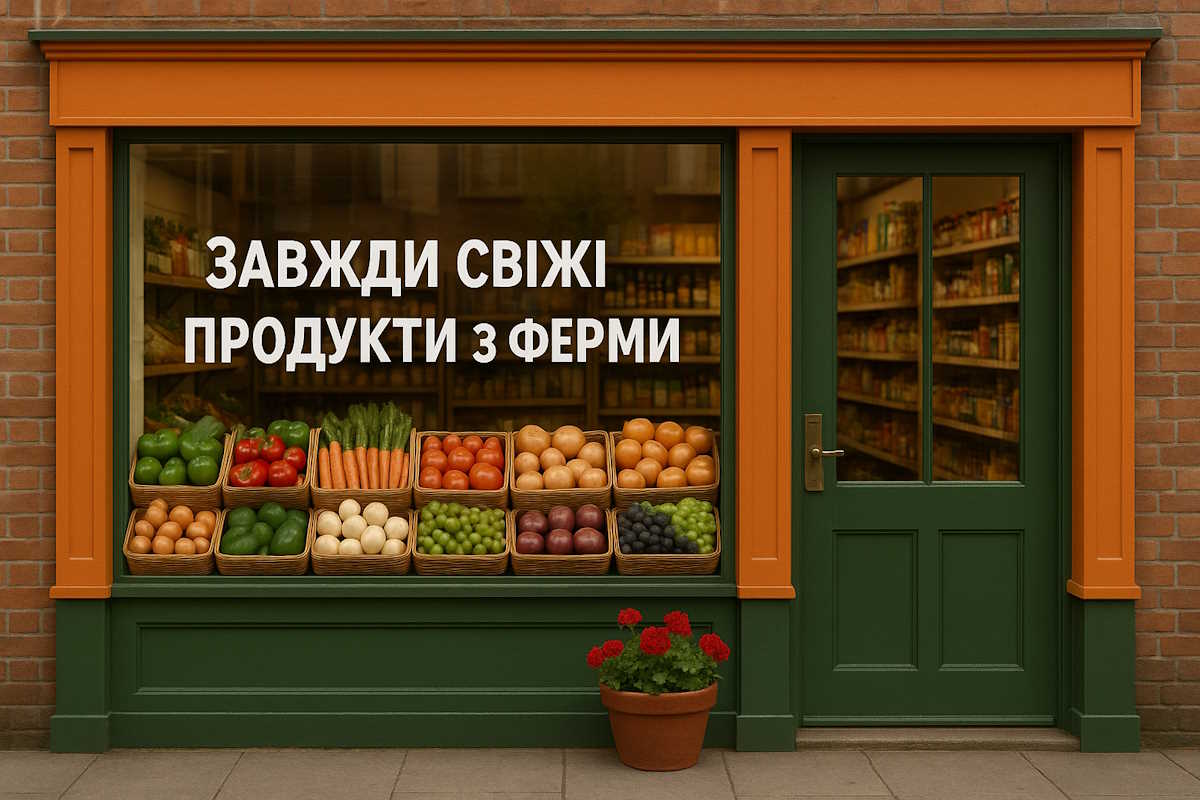
Make products and prices easy to read from the street
The person preparing the display positions the main product and its sign, and the owner checks them from the pavement from both directions of approach. Look at the window during the day and after switching on the lights. If glare obscures the price, reposition the sign or light. Revise any terms that cannot be read from the available viewing position.
- Label the specific product. Customers should understand which item the price applies to.
- State what the price covers. A single item, a pair, a package, or a specified set.
- Use sufficient contrast. Check that the sign is legible against its background under the actual lighting conditions.
- Remove unnecessary messages. The main offer should stand out among the decorations and other signs.
- Check storage requirements. Direct sunlight or heat from the lighting must not compromise the product’s stated storage conditions.
Under Article 15 of the Law of Ukraine “On Consumer Protection”, customers must have access to clear and reliable information before purchasing a product. Price signs must be legible, and the price must include all taxes and mandatory charges payable by the customer. For a packaged product, state the price per package; for an unpackaged product, state the price per customary unit of measurement. Also state the price per standard unit of the product, such as a kilogram or liter, as appropriate to the product type. A window sign does not replace mandatory labeling or other product information.
The sales assistant checks the window price against the price of the corresponding item on the shelf and at the point of sale. After a price change, the designated employee replaces all related price tags. For an offer combining several products at one price, state the contents, total price, individual product prices, duration, and any restrictions.
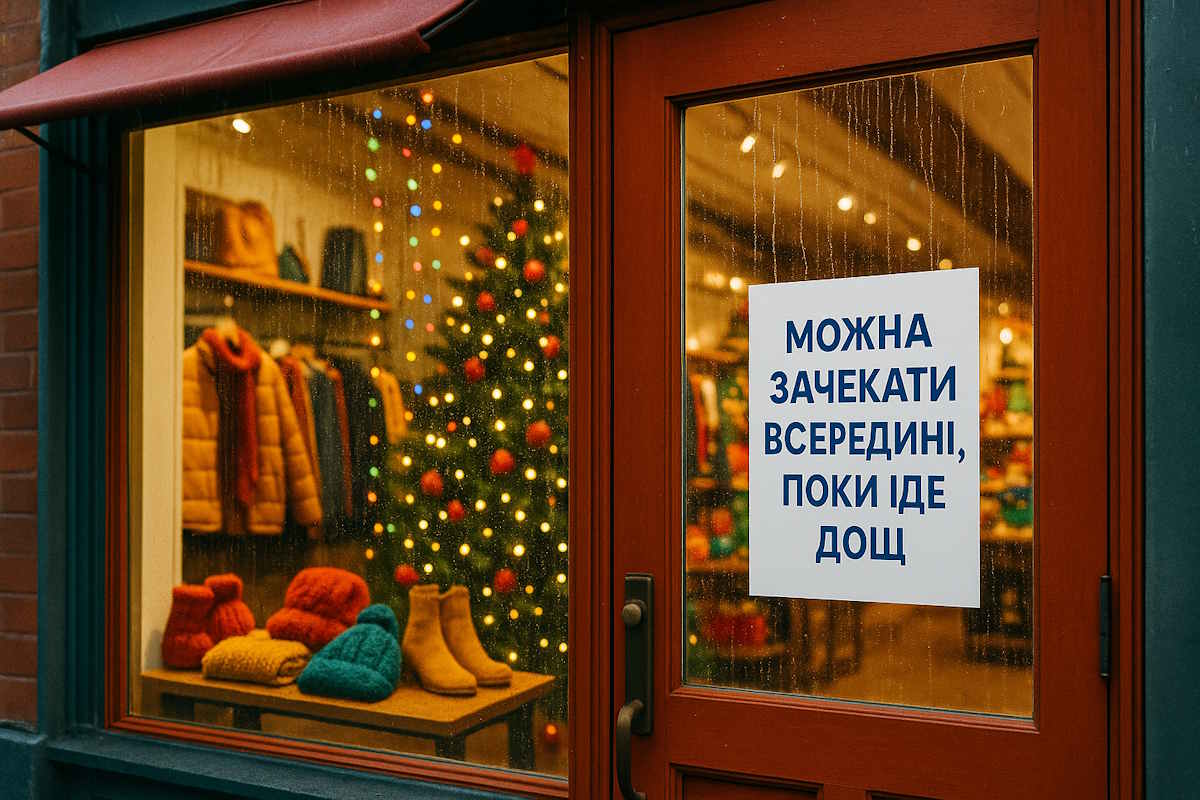
How to present a discount and information in Ukrainian
Use the terms “discount” and “reduced price” for products the store sells directly, for a specified limited period, at a price below the usual price. For a “sale,” you must also define the products covered: all products in a particular area or a clearly specified group. After publicly announcing the offer, show both the price before the reduction and the reduced price, as required by Parts 4–6 of Article 15 of Law No. 1023-XII.
In an advertisement for a price reduction or sale, state the location, start and end dates, and either the new price in relation to the previous selling price or the discount amount. These requirements are established by Part 4 of Article 8 of the Law of Ukraine “On Advertising”. Prices in advertisements for products sold in Ukraine must be stated in hryvnias.
Illustrative example of an advertisement: “Gloves, model A: previous price — UAH 250, discounted price — UAH 200, 20% discount. Valid from November 1 through November 7 at the store located at [address], for sizes [list].” Before printing, the owner fills in the actual details and verifies the previous price using sales history or accounting records. Calculation in the example: (250 − 200) ÷ 250 × 100% = 20%.
Present product names, price explanations, and purchase terms in Ukrainian. You may also provide them in other languages, as long as the full required information is available in Ukrainian. Under Article 30 of the Law of Ukraine “On Ensuring the Functioning of Ukrainian as the State Language”, service is also provided in Ukrainian; at a customer’s request, personal service may be provided in another language acceptable to both parties.
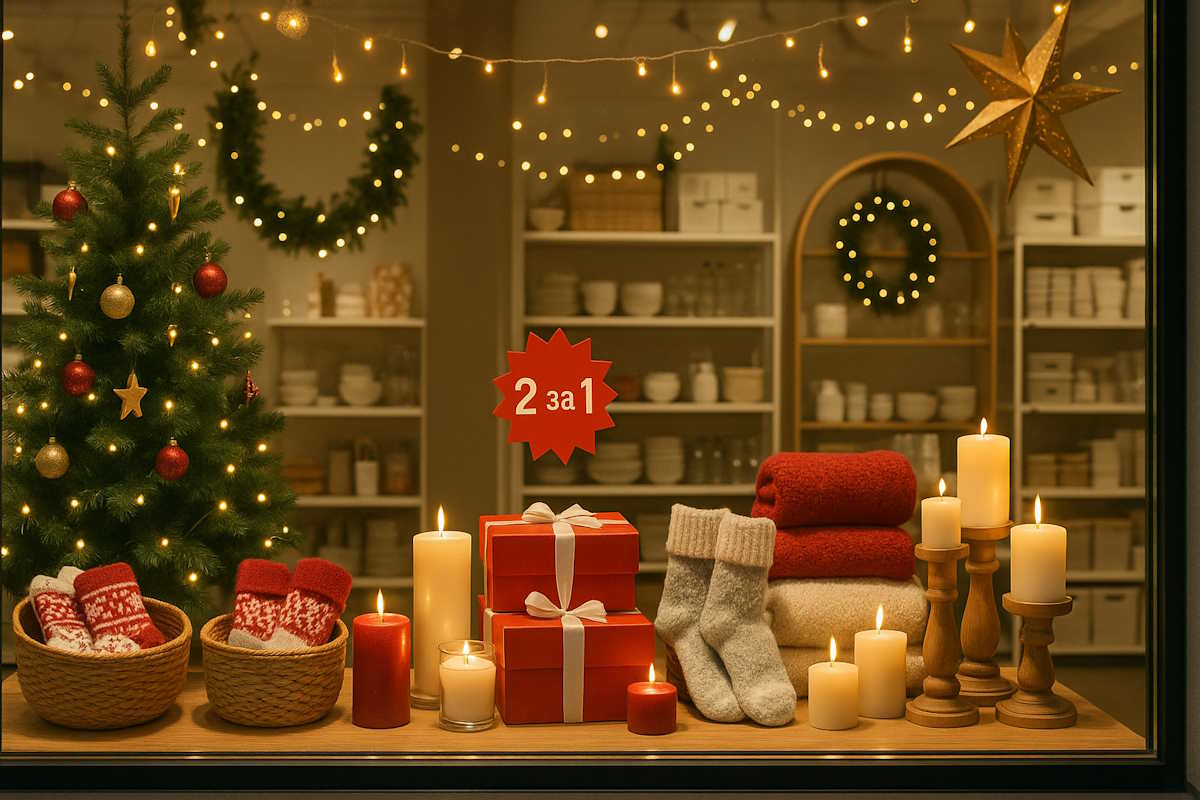
Prepare the lighting and keep the entrance safe
Before opening, the sales assistant cleans the glass, windowsill, and entrance area, checks that display stands are stable, and makes sure the door opens freely. Boxes, decorations, and portable structures must not obstruct the passage, including for someone with a stroller or wheelchair. Keep wires out of the passage; use a qualified professional for new lighting connections.
The owner checks that the entrance and opening hours remain visible after the display is set up. If the window display has an open back and the sales area is visible through it, also check that the visible part of the store is tidy. If the window is closed off from the sales area by a back wall, ensure employees can access it easily for cleaning and replacing products.
Before ordering an outdoor banner, sidewalk sign, or new façade structure, check with the local authority about placement requirements and coordinate the work with the property owner. For an initial distinction, consider Part 7 of Article 8 and Part 6 of Article 9 of the Law of Ukraine “On Advertising”: product information at the point of sale and a sign with specified content and placement are not considered advertising. These provisions do not provide a general exemption for all façade advertising.
Stock checks and price-tag printing in Torgsoft for the window display
Before preparing the display, the sales assistant opens “Склад → Стан складу” (“Warehouse → Stock Status”) in Torgsoft and checks the quantity, size, and price of the selected items. “Центр обліку” (“Accounting center”) means a store or warehouse in the program. If “Усі склади” (“All warehouses”) is enabled, use “Вибрати склади” (“Select warehouses”) to limit the list to the relevant store: the network’s total stock does not mean the product is available at this particular location. To find products, use the “Товар в наявності” (“Product in stock”) filter, then check the quantity against the actual stock.
For the selected items, the “Друк” (“Print”) menu offers label printing per unit and labels showing discounts. First print one sample and check the name, price, and legibility in the window. Before announcing a discount, review “Історія змін ціни та знижки” (“Price and discount change history”) for the relevant product. The sales assistant separately checks that the completed price tags contain the required information and that the advertisement states the offer’s dates, location, and terms.
How to assess the results of a store window change
State a hypothesis that can be compared with the store’s performance figures. For example: “If we make the price sign for the main product larger, the number of visits during comparable hours may increase.” Keep the product range, price, and other conditions as stable as possible for the comparison. If you change the display, launch a promotion, and advertise at the same time, it will be difficult to identify the display’s individual effect.
- Record the baseline figures. Choose several business days and defined observation hours.
- Use a consistent counting method. Count visitor entries, excluding employees and deliveries according to the same rule each time. A visitor’s return entry counts as another entry.
- Change the selected element. Keep a photo of each version and record when the change was made.
- Repeat the observations. Compare the same days of the week and opening hours, and take weather, holidays, local events, promotions, and product unavailability into account.
- Compare the figures. Count entries, sales receipts, revenue, and units sold of the displayed product. Record returns separately.
A simple paper log can record the date, hours, display version, weather, entries, receipts, sales of the selected product, and circumstances that may have affected the result. If the store operated for fewer hours or ran out of the product, mark that day separately and choose an additional comparable day.
Illustrative comparison
Suppose the store compares two sets of comparable business days with the same observation duration. All the figures below are invented to explain the calculation.
| Metric | Before the change | After the change |
|---|---|---|
| Number of entries | 200 | 240 |
| Number of sales receipts | 60 | 84 |
| Receipts as a proportion of entries | 30% | 35% |
| Displayed product units sold | 12 units | 18 units |
The number of entries increased by 20%: (240 − 200) ÷ 200 × 100%. The proportion of receipts to entries rose from 60 ÷ 200 × 100% = 30% to 84 ÷ 240 × 100% = 35%, an increase of 5 percentage points.
This is the ratio of receipts to entries, not the share of unique people who bought a product. One person may enter more than once, several people may make a joint purchase, and one visitor may receive several receipts. These figures also cannot establish that the display itself caused the increase. If the conditions were comparable, the owner can keep the display version for one more observation cycle. Before spending more, consider the costs of the display, discounts, and returns.
Daily checklist for the sales assistant
- The displayed products are available for sale, and the required options can be found quickly in the sales area.
- The price tag clearly applies to the product, and its price matches the price charged at the point of sale.
- The promotion has not expired, and its terms and restrictions remain accurate.
- The glass is clean, the lights work, and glare does not obscure the signs.
- The door and passage are clear, display stands are stable, and wires do not obstruct movement.
- Entries and receipts are recorded according to the agreed method, and unusual circumstances are noted in the log.
Official sources
- Law of Ukraine “On Advertising” dated 03.07.1996 No. 270/96-VR — Article 7, Parts 4, 7, and 8 of Article 8, and Part 6 of Article 9: advertising accuracy, discount announcements, information at the point of sale, prices, and signs.
- Law of Ukraine “On Consumer Protection” dated 12.05.1991 No. 1023-XII — Article 15, especially Parts 3–6: price information, combined offers, discounts, and sales.
- Law of Ukraine “On Ensuring the Functioning of Ukrainian as the State Language” dated 25.04.2019 No. 2704-VIII — Article 30: language of service and product information.
- Official Torgsoft help: “Склад → Стан складу” (“Warehouse → Stock Status”) — stock, warehouse selection, price history, and label printing.


 Go back to the previous step