


In the «Товарознавство → Ціна продажу» (Merchandising → Sales Price) menu, you can compare product prices across different accounting centers. This is useful when a store network needs to price products consistently or you want to check the price at a specific location.
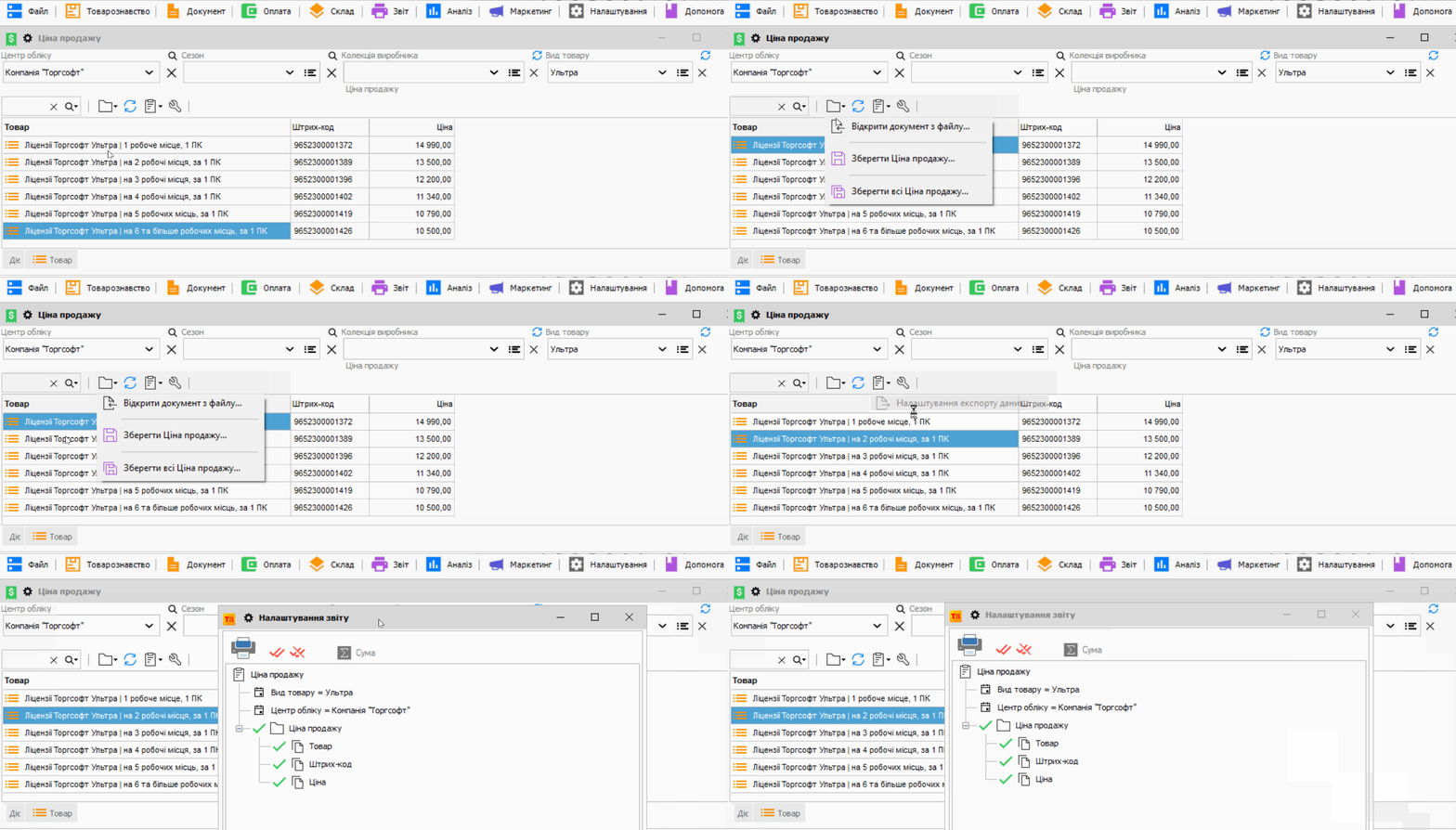
How to check prices
Select a store or accounting center. If needed, narrow the list by product type, season, or manufacturer collection. The table shows the product, barcode, and price; you can find a specific item using quick search.
How to transfer prices to another store
Save the prices of selected products or the entire list to a file. At the other accounting center, open this file to load the prices. This exchange is described in Help for a distributed database; before loading, check that the file is intended for the correct store.
The fields and commands in this mode are listed in Help: Sales Price.


 Go back to the previous step