


Server, Database, and Performance
-
How the terminal server works

A complete guide to the terminal server for business: working with Torgsoft, remote access, configuration tips
-
Instructions for installing SQL Server 2014
SQL Server 2014 Express installation guide for Torgsoft. Step-by-step configuration of a SQL Server instance and installation of service packs
-
How to install SQL Server Management Studio
SQL Server Management Studio (SSMS) installation instructions | how to connect to the Torgsoft program database | how to connect to a SQL Server instance
-
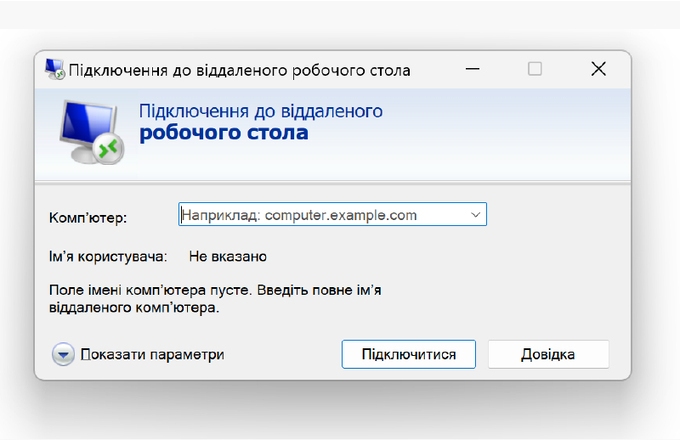
How to connect to the server?
How to connect to a remote server via Windows. Step-by-step instructions on how to use Remote Desktop Connection to easily manage remote computers
-
How to update the server connection shortcut
Instructions for updating the Torgsoft server connection shortcut: change the address and save the new settings without creating a new connection
-
Ending a session on the server: how to end the work correctly?
Shutting down the store: should I shut down the server or not? What is the right way for a seller and store owner to shut down work on a remote server?
-
How to speed up the accounting software?
Guide to speeding up Torgsoft software. Learn how to optimize your SQL database, program settings, and server environment for stable performance.
-
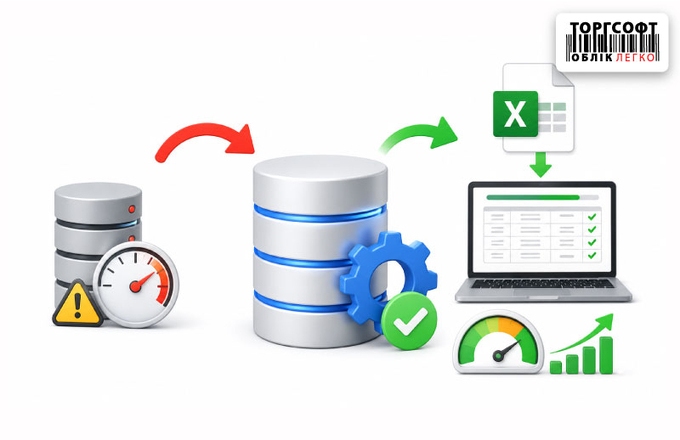
The database slows down after the initial import: errors in the data, Excel file, and import settings
How to fix Torgsoft database slowdown after bulk import: SQL Express limits, Out of memory, Arithmetic overflow, and index optimization





Torgsoft is a ready-made solution for warehouse, financial, and inventory management for small and medium-sized businesses
 Go back to the previous step