


Choose a platform for selling products using three criteria: whether it accepts your assortment, how much your store earns after all expenses, and whether your team can process orders on time. For your first launch, we recommend comparing two suitable options, getting their contractual terms, and testing a limited assortment. Traffic figures alone do not determine the results for a specific store.
ROZETKA, Prom, Epicentr, ALLO, and Kasta offer sales through marketplace infrastructure. Evaluate OLX separately as a classified ads service with tools for professional selling and OLX Delivery. Below is a comparison of these six options and a review process to help you calculate your budget, organize returns, and reduce the risk of selling unavailable products.

Example of a ROZETKA page. Promotional terms shown in the image do not determine the current terms of sale.
- What to Check Across the Six Platforms
- What Terms to Get Before Approving Your Budget
- Who Is the Seller and Who Is Responsible to the Buyer
- How to Calculate Results After Orders Are Fulfilled
- How to Run a Test with 20–50 SKUs
- How to Prevent Selling Products That Are Already Out of Stock
- Torgsoft for Prom and ROZETKA: License, Synchronization, and Inventory Holds
- When to Expand Sales
What to Check Across the Six Platforms
First, check whether you can sell in your category and whether the store can meet the requirements for registration, payment, and delivery. Then find out who will store the products, communicate with buyers, and handle returns. These responsibilities determine your costs and staff workload.
| Platform | What the official source confirms | What to check for your store |
|---|---|---|
| ROZETKA | The official seller help center covers registration, delivery and payment setup, product management, advertising, reports, balance, and order fulfillment services. | Category eligibility, seller and product listing requirements, commission, recurring charges, payout procedure, and terms for your chosen logistics model. |
| Prom | Offers a website on its platform, listings on its marketplace, and presence in the “Prom Pokupky” app. Product imports and payment and delivery integrations are available; product limits depend on the plan. | The separate cost of orders from the catalog and your own website, terms for a Prom subdomain and a custom domain, plan, promotion mode, and payment services. |
| Epicentr | Requires an application, a seller account, a signed contract, and account funding. Its page lists individual entrepreneurs in tax group two or three and legal entities; according to its FAQ, acquiring must be connected and delivery to Epicentr branches and parcel lockers activated. | Whether the seller meets the requirements, whether the required delivery methods are available, and how they affect costs. Request the commission for your specific category. |
| ALLO | After applying, the seller signs a contract and adds products. The stated features include a personal account, integration through an application programming interface, online payment, installment payments, and delivery to ALLO pickup points. | Category commission, usage charges, payment method costs, delivery, returns, and payout terms. Check technical compatibility of the integration separately. |
| Kasta | Offers two models: Marketplace 3P, where the seller processes orders, and Fulfilled by Kasta, which includes warehouse services. It works with individual entrepreneurs and legal entities. | The full cost of each model for your product: commission, logistics, warehouse operations, returns, additional services, and payout terms. |
| OLX | Offers classified ads, listing packages, an OLX store, and OLX Delivery, including payouts to a business account. | The cost of the required number of listings and promotion, delivery availability in your category, payment terms, and staff time spent on messages. |
Check initial terms on the official pages: ROZETKA seller help, start selling on Prom, partnering with Epicentr, ALLO marketplace, Kasta partnership models, and OLX for business. Prom also has an official support center for setting up your store.
How to Narrow the Options for Your Store’s Needs
If you need both a store website and sales in a platform catalog, include Prom in your initial comparison: this combination is explicitly described in its offer. If you want another team to handle storage, shipping, and returns, request a quote for Fulfilled by Kasta; ask the ROZETKA help center about its warehouse service terms. For Epicentr, check right away that your store can meet its acquiring and delivery requirements so you do not spend time preparing an incompatible workflow.
For products whose condition, contents, or pickup options buyers often ask about before purchasing, we recommend testing OLX listings separately. This is a practical recommendation for checking demand, not a guarantee that the service suits every category. Include time spent on conversations in your test: low direct listing costs can come with significant labor costs.

Example of a Prom page. Check the seller’s current rates before signing up.
How OLX Differs from Placing an Order on a Marketplace
On OLX, sellers post classified ads and can use professional selling tools. At the same time, OLX Delivery has a separate purchase and payout process, including payouts to an individual entrepreneur’s (FOP) or legal entity’s account. For your budget, identify the specific transaction method: an agreement through the listing or OLX Delivery, if available.
Do not apply the terms of one transaction method to another. Check what charges apply to the listing, package, promotion, payment, and delivery, as well as who pays for an unsuccessful shipment. For a marketplace, also check the order path from placement through payout separately, since a buy button does not explain all the seller’s contractual costs.
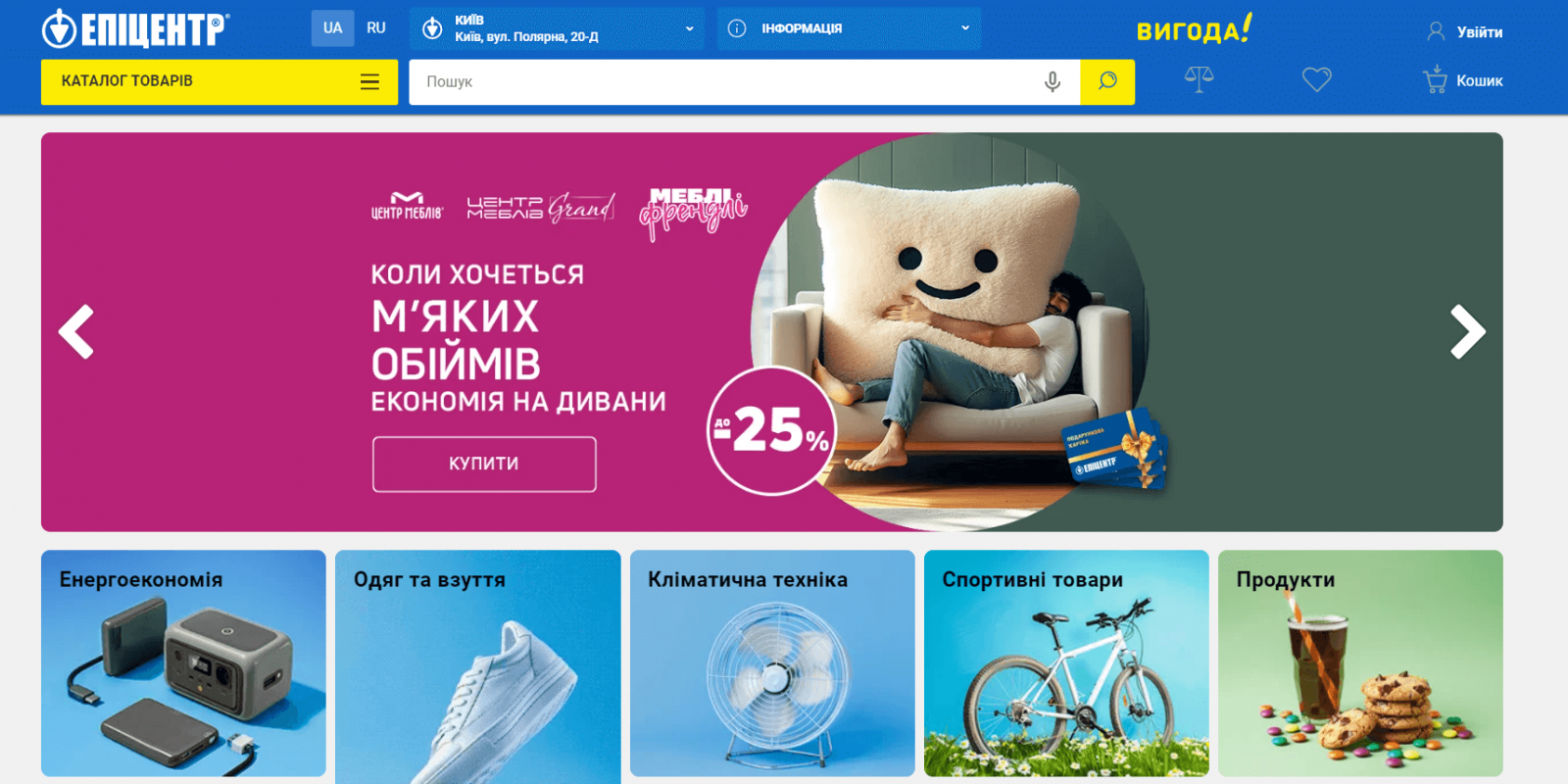
Example of an Epicentr page. Current cooperation terms are listed on the page for sellers.
What Terms to Get Before Approving Your Budget
Ask each candidate for the contract, fee schedule, and operating rules for your specific category and partnership model. Send the same list of questions so you can compare the answers. Keep the agreed documents and correspondence: a verbal answer from a manager is not a sufficient basis for a financial plan.
- Commission. What rate applies to the specific product, what amount is it calculated on, are taxes included, and how do discounts, cancellations, and returns affect it?
- Recurring and initial charges. What do the package, subscription, activation, and additional services cost? Is an initial payment an expense, or is it a balance top-up for future charges?
- Payment. Who receives the buyer’s money, what charges does the payment provider collect, what do installment payments cost, and what documents does the seller receive?
- Logistics. Who pays for shipping, packaging, storage, reshipping, failed delivery, and returns?
- Payouts. What event triggers a payout, how long does it take to arrive, what amounts may be withheld, and how do returns affect the balance?
- Service. What are the confirmation and shipping deadlines, who handles claims, and what happens if the rules are breached?
- Data exchange. Which products, inventory levels, prices, orders, and statuses can be transferred, how quickly, and who resolves errors?
Check the package’s advertised price alongside the terms for access and renewal. For Kasta, compare Marketplace 3P and Fulfilled by Kasta separately: according to its official description, in the first model the seller communicates with buyers, packs and ships orders, and handles returns; in the second, Kasta performs these operations. The page’s statement that there are no mandatory recurring platform usage charges does not mean there are no commissions, logistics costs, or other expenses.
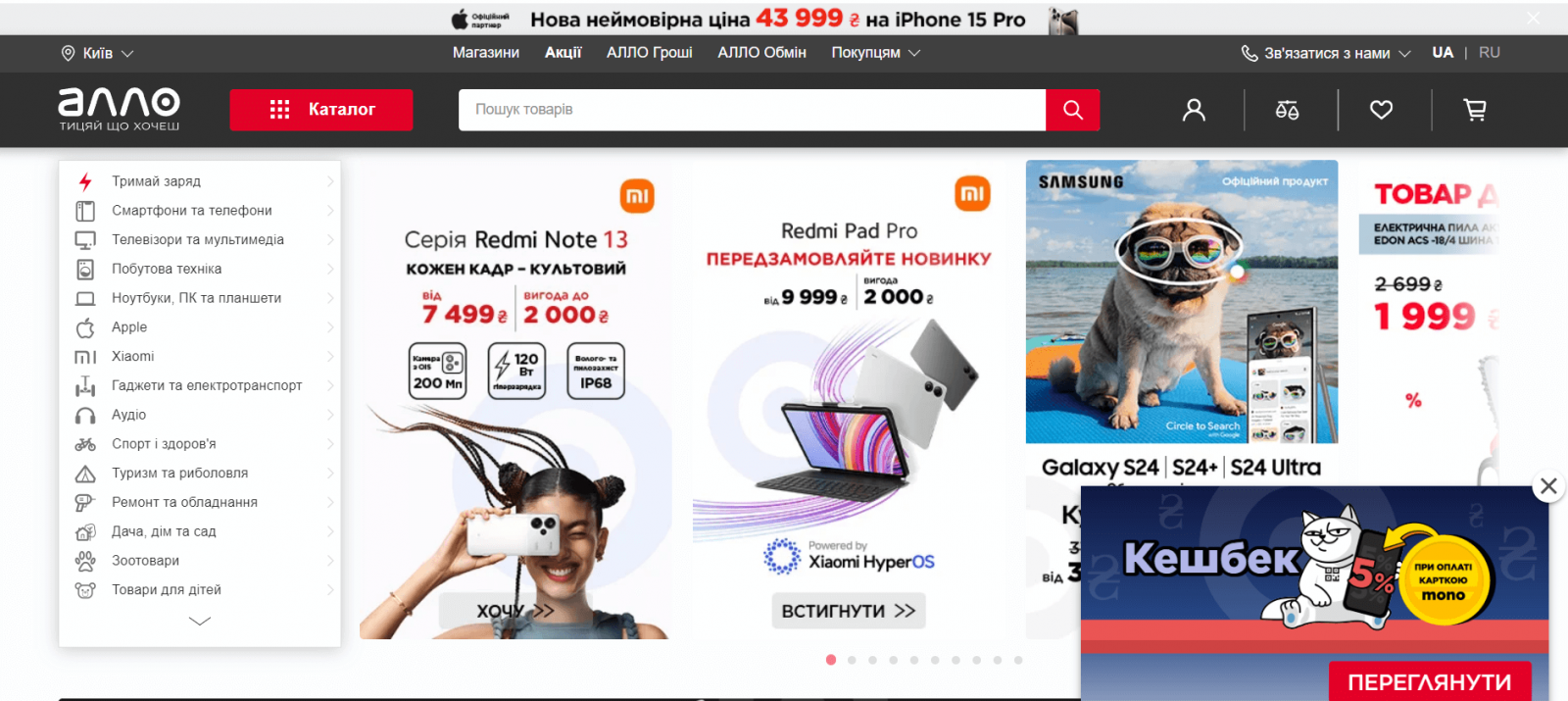
Example of an ALLO page. Prices and promotions shown in the image are not a current commercial offer.
Who Is the Seller and Who Is Responsible to the Buyer
For a retail store selling to buyers in Ukraine, the relevant provisions of Ukrainian law apply. Before launch, establish from the contract who is the seller of the product, who accepts payment, and who handles delivery. The platform’s name on a purchase page does not, by itself, establish that the platform sells your product in its own name.
Under Article 7 of Ukraine’s Law “On Electronic Commerce” No. 675-VIII dated 03.09.2015, the seller must provide direct, simple, and stable access to the identification and contact details specified in that article. These include the legal entity’s name or the individual entrepreneur’s details, address details, email address and/or online store address, and the legal entity’s identification code or the entrepreneur’s taxpayer registration number. An entrepreneur who has refused that number on religious grounds, officially notified the tax authority, and has a note in their passport must provide the passport series and number.
If the activity requires a license, license details must also be provided. The buyer must also receive information on whether taxes are included in the price and on delivery costs.
In practice, this means checking the seller profile, product listings, and buyer messages before publishing products. Article 11 of the same Law requires prompt confirmation of receipt of an order and provides for confirmation of an electronic transaction with information about returns, the seller, the handling of claims, and warranty obligations. An offer, electronic contract, and electronic messages must be prepared in the state language; at the buyer’s request, the contract may be concluded in another language by agreement of the parties.
Check fiscal receipt requirements separately for each payment method. Ask your accountant to determine whether your specific transaction requires a cash register (RRO) or a software cash register (PRRO), who performs the payment transaction, and who issues and provides the receipt. Give them the platform contract, payment flow, and documents from the payment service provider. Do not conclude that the fiscal obligation has been fulfilled merely because the platform confirmed payment or transferred money to the store’s account: the list of documents in Article 11 of the Law on Electronic Commerce does not, by itself, determine whether an RRO or PRRO must be used.

Example of a Kasta page. Check the seller terms in the current agreement.
How to Prepare for Returns Before the First Sale
For distance sales to consumers, Article 13 of Ukraine’s Law “On Consumer Protection” No. 1023-XII dated 12.05.1991 requires the seller, before concluding the contract, to provide information about the seller, product characteristics, the price including delivery, payment, warranties, delivery, and the procedure for terminating the contract. The provision of this information must be confirmed in writing or by electronic message. Keep a copy of the confirmation the buyer actually receives and check it with a test order.
Part four of Article 13 provides the consumer with the right to notify the seller of termination of a distance contract within 14 days of confirmation of the information or receipt of the product or first delivery. If the confirmation does not meet the requirements of part three of Article 13, the consumer has the right to terminate the contract within 90 days of receiving that information, or, for physical goods, from receipt of the product or first delivery.
If the seller corrects the confirmation within this period, the consumer has 14 days from receipt of the corrected confirmation. Exceptions are set out in part five, including custom-made or processed products that cannot be sold to other people or whose resale would cause significant financial losses, as well as unsealed software media. Check whether a specific exception applies to your product and contract terms.
Assign a staff member to record requests, agree on a return address, and set a product inspection procedure. In your records, link the return to the original order, buyer refund, commission adjustment, and actual delivery cost. This lets the store see the full cost of the transaction and prevents a returned product from going back on sale before its condition has been checked.
How to Calculate Results After Orders Are Fulfilled
To assess a sales channel, use orders that buyers received and kept, along with the actual payments associated with them. Do not include refunded amounts in revenue, and account separately for costs from failed delivery, returns, and nonrefundable commissions. Reassess a batch of orders after the applicable return periods have passed and payouts have been reconciled.
Recommended calculation: From revenue after returns, subtract the cost of goods sold, commissions, payment costs, packaging, order processing, logistics, losses on unsuccessful transactions, and taxes tied to those sales. The resulting amount shows the channel’s contribution toward advertising, recurring charges, and other fixed costs. After subtracting those, you can assess the channel’s result for the period.
Illustrative Comparison of Two Channels
All figures below are fictional and provided to demonstrate the calculation; they are not platform fees or tax advice. In each channel, the store received 100 orders for one product each. The product price is UAH 1,000 and its cost is UAH 600; in channel A, buyers kept 80 products, and in channel B, 90. The rest were returned to stock undamaged, so their purchase cost is not included in the cost of sales.
For this example, the commission is 12% in channel A and 8% in channel B; payment costs are UAH 20 per product kept by the buyer; packaging costs UAH 20; and labor costs UAH 30 for each of the 100 orders. The store pays UAH 30 for delivery on each successful order and UAH 100 total for each unsuccessful one. For unsuccessful transactions, we assume that commissions are refunded in full and there are no other payment losses; this must be checked against the contract for a real budget. Tax costs in the model are assumed to be UAH 50 per product kept, and do not represent a statutory tax rate.
| Metric | Channel A | Channel B |
|---|---|---|
| Products kept by buyers | 80 | 90 |
| Revenue after returns | 80 × 1,000 = UAH 80,000 | 90 × 1,000 = UAH 90,000 |
| Cost of sales | 80 × 600 = UAH 48,000 | 90 × 600 = UAH 54,000 |
| Commission | 80,000 × 12% = UAH 9,600 | 90,000 × 8% = UAH 7,200 |
| Payment costs | 80 × 20 = UAH 1,600 | 90 × 20 = UAH 1,800 |
| Packaging for all orders | 100 × 20 = UAH 2,000 | 100 × 20 = UAH 2,000 |
| Processing all orders | 100 × 30 = UAH 3,000 | 100 × 30 = UAH 3,000 |
| Delivery for successful orders paid by the store | 80 × 30 = UAH 2,400 | 90 × 30 = UAH 2,700 |
| Costs for unsuccessful orders | 20 × 100 = UAH 2,000 | 10 × 100 = UAH 1,000 |
| Assumed tax costs | 80 × 50 = UAH 4,000 | 90 × 50 = UAH 4,500 |
| Contribution before advertising and recurring charges | UAH 7,400 | UAH 13,800 |
| Advertising | UAH 4,000 | UAH 4,000 |
| Recurring charges for the period | UAH 1,000 | UAH 2,500 |
| Total costs included | UAH 77,600 | UAH 82,700 |
| Result after included costs | 80,000 − 77,600 = UAH 2,400 | 90,000 − 82,700 = UAH 7,300 |
In this model, channel B delivers a better result through a combination of lower commission and fewer unsuccessful transactions, despite its higher recurring charge. This follows from the assumptions used. If the store has additional costs for storage, management, damaged returns, or inventory financing, subtract those too.
How to Check Sensitivity and Payback
Change one parameter at a time in the calculation to see the profitability margin. If the commission in channel A rises from 12% to 15%, the additional cost is UAH 80,000 × 3% = UAH 2,400, reducing the result to zero. If buyers keep 80 products in channel B instead of 90, with all other conditions unchanged, revenue is UAH 80,000, total included costs are UAH 75,900, and the result is UAH 4,100.
Calculate initial setup costs separately from monthly costs. For example, if launching channel B cost UAH 14,600 and each following month brings the same additional result of UAH 7,300 after all applicable costs, the estimated payback period is UAH 14,600 ÷ UAH 7,300 = 2 months. This is a planning assumption: changes in advertising, returns, costs, or customer migration from another store channel will change the timeframe.
Prepare a cash flow calendar separately. Before a payout from the platform arrives, the store may need money for purchasing, packaging, and shipping; after the payout, it still needs a reserve for returns. A positive result for the period does not show whether cash will be available on a particular day.
How to Run a Test with 20–50 SKUs
For a first launch, we recommend 20–50 stock keeping units (SKUs), meaning distinct assortment items with their own inventory identifiers. This is an example of a manageable test, not a platform requirement. Count variants whose stock you track separately as distinct SKUs, such as different sizes of the same product.
- Select the assortment. Choose products with confirmed stock, documentation, clear contents, and enough margin after calculated costs. Include several price ranges to check which products can absorb channel costs.
- Prepare the listings. Check the name, specifications, dimensions, package contents, warranty terms, and photos of the actual product. For used or discounted items, describe their condition and defects so buyers can assess the offer before ordering.
- Assign responsibilities. Decide who confirms orders, checks inventory holds, packs items, hands them to the carrier, handles returns, and reconciles payouts.
- Check the full order process. Before launching ads, check the transfer of price, stock, payment method, delivery details, and statuses. Separately test cancellations, release of inventory holds, and return records.
- Limit budget and workload. Set advertising spend and the number of orders the team can process within agreed timeframes in advance. If inventory errors or unaccounted costs arise, pause assortment expansion until they are resolved.
- Review results for completed transactions. Compare revenue after returns, all costs, staff time, and actual payouts. Decide whether to continue after reconciling the relevant batch of orders.
In your test spreadsheet, record the date, platform, order number, product, revenue, cost of goods, all deductions, delivery, labor costs, returns, and payout date. Allocate an annual package across the analysis periods, but show the full payment on the date it is made in your cash calendar. For OLX, also count the time spent on inquiries that did not result in a purchase.
How to Prevent Selling Products That Are Already Out of Stock
Before connecting a second channel, choose a single source of truth for inventory and determine when stock is reserved. If buyers see the last unit at the store and on several sites at the same time, periodic updates do not eliminate the risk of two orders for one product. Check the data transfer delay and decide what the employee should do before confirming an order.
For scarce items, we recommend setting aside stock for a specific channel or maintaining a safety stock, if your setup supports that workflow. For example, you can avoid listing the last unit on every platform at once until inventory reservations have been tested. This is an operational recommendation; agree on how to implement it based on the capabilities of your inventory system and the specific integration.
Check three scenarios: the last unit is sold in the store, an online order is canceled, and a product is returned. After each action, reconcile the physical quantity, reservation, and availability on the site. Add returned products back to available stock only after receiving and inspecting them.
Torgsoft for Prom and ROZETKA: License, Synchronization, and Inventory Holds
If your store’s primary inventory records are kept in Torgsoft, include the configuration for online sales in your launch budget. According to the official license comparison, these tasks require a license with full functionality and the relevant paid option; integrations with Prom.ua and Rozetka.ua are listed as separate options with a one-year license. Torgsoft Ultra supports compatible options, but their cost is not included in the base license. For other platforms, agree separately on the data exchange method and scope of work.
According to the synchronization setup guide, an object is created in the “Склад → Синхронізація з Інтернет-магазином” menu (Warehouse → Synchronization with Online Store), and the exchange type is selected, including Prom.ua or Rozetka. For a live launch, define the source of prices, inventory locations for stock exports, the location from which stock is deducted, and the mapping between payment methods and accounts or cash registers. The option guide describes settings for reserving goods on an invoice and the reservation period; check them against your order-processing workflow. For file-based exchange with your own website, the website developer must configure it.
Automatic data exchange works only when Torgsoft is running on a designated computer under the specified user account; according to the documentation, the interval must be no more frequent than once every 10 minutes, taking other synchronization objects into account. This means there is a delay between a sale and the website update. Check the synchronization log, transfer of zero stock, reservation, and release of reservations after cancellation; if an error occurs, the designated employee should check the availability of scarce products on the platform.
When to Expand Sales
Add products and increase the advertising budget after the store has confirmed a positive result on completed orders, reconciled payouts, and learned to meet the agreed deadlines. If sales are coming in but the contribution toward costs is insufficient, first review prices, assortment, advertising, logistics, and the reasons for returns. Increasing the number of orders under an unprofitable model will increase costs.
Connect a second platform with a separate budget and a person responsible for inventory. Compare its additional results with the costs and time it creates for the store. That way, the decision to continue working together will be based on completed sales of your assortment and verified contract terms.


 Go back to the previous step