


The seller does not have the ability to open and close the shift
09.01.2022 19:23If a seller does not see the fiscal registrar button or actions in Torgsoft, the reason is most often related to the access rights of their role. This instruction shows how to check the user's role under the Owner's account, open the necessary program resources, and grant access to operations with the fiscal registrar.
Changing access rights should only be done under the Owner's account or another user with full administrative rights. If you mistakenly open unnecessary actions for the seller's role, the user will gain access to operations that should not be performed at their level. If there is a doubt about exactly which items need to be allowed for a specific role, it is better to clarify this with technical support first.

Reason: Restriction of access rights for the role under which the seller works.
How to fix (performed under the Owner's account):
- Check the employee's role. Go to Settings → Users, select the required seller, and see what role is assigned to them.
- Go to Settings → Role settings.
- Click the Resources button. In the window that appears, check the box next to the seller's role and click the Select button.
- In the opened «Program resources» window on the Main form tab, expand the menu branch (by clicking on the «pluses») following this path: Document → Realization → Actions → Fiscal registrar.
- Check the boxes next to the required actions to open access to them (for example, Open shift, Close shift, Print Z-report, X-report).
- In the top menu of the window, click File → Save.
- For the new access rights settings to take effect, be sure to restart the Torgsoft program at the seller's workplace (you need to completely close the program and log in again under the seller's login).
-
30.07.2026
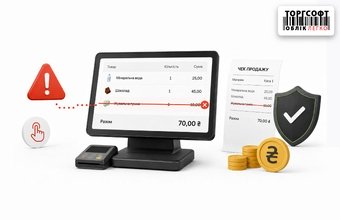
Canceled sales items: how to detect cashier fraud and protect store profits

How to control canceled items in sales, block item deletion from receipts, and check cashier actions
-
29.07.2026
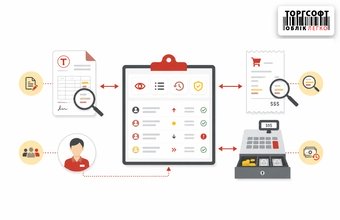
How to monitor staff actions in Torgsoft and find changes in documents, checks, and cash register
Where to check staff actions in Torgsoft: document changes, cash transactions, manual discounts, collections and deletion of goods
-
21.07.2026
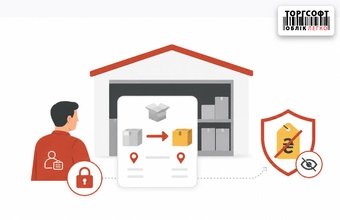
Storekeeper rights for internal transfers: warehouse setup, price hiding, and logistics scenario control
How to set warehouse staff rights in Torgsoft: warehouse access, hidden prices, visible invoices and control of goods acceptance
 Go back to the previous step
Дякую за відповідь. Це перевіряв як працює, знаю. пРРо дійсно один, але поки що все одне (підприємство, фіскальний номер, один принтер). Один сеанс в фоні висить синхронізація з інтернет магазином. Другий сеанс працює продавець у якого повноцінне місце з пРРО. Продавець закінчив роботу (z-звіт), все вимкнув. На наступний день прийшов, ввімкнув дискетка(фіскальна) сіра. Я, як власник, віддалено віддалено в параметрах пРРО погуляв. У продавця дискетка стала активна. Взагалі, навіть у власника дискета(фіскальна) неактивна, тільки через налаштування. В той час в іншому сеансі (синхронізація з інтернет магазином) дискета у ролі продавця активна. Дякую.
Ролі налаштовано. Заходить віддалено на сервер. У продавця доступ до потрібних кнопок є, але ввечері закрили зміну, вимкнули комп'ютер і зранку кнопки неактивні. Може щось порадите окрім моїх танців з бубном. Дякую.
Олексій, якщо кнопки неактивні, то або не вибрано пРРО на конкретному робочому місці, або хтось зайняв це робоче місце Якщо у Вас кілька підключень до сервера, а опція одна, то якщо її налаштувати під двома користувачами, то той, хто перший зайде в реалізацію, той і працює.