


Access & Security
-
How to add new seller and create a user in Torgsoft accounting program

A new seller in the Torgsoft accounting program: how to add and fill out a seller card, create a new user, password and label for him / her
-
How to link an employee to a user?
A new employee in the Torgsoft accounting program: how to bind a new employee to a user so that he works under his own label
-
How to change the password in a Torgsoft accounting program?
How to change the standard owner password in the Torgsoft accounting program? Forgot your password? Technical support contacts
-
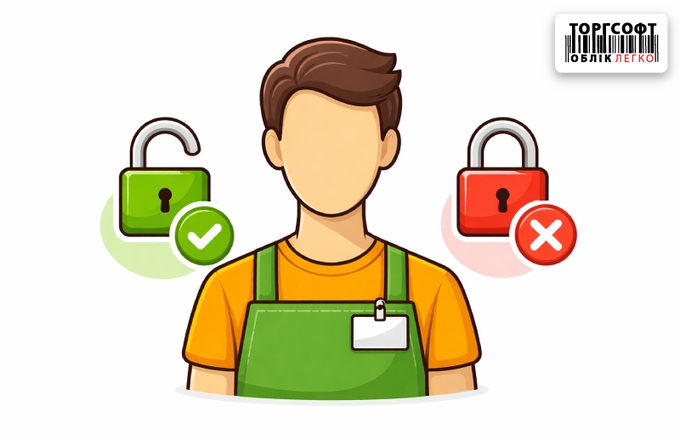
How to set up restrictions on access rights for sellers in a chain of stores
How to set up access rights in a chain of stores in Torgsoft: restrictions on accounting centers, cash registers, warehouses, roles and audit of actions
-
Work time tracking: setup, licenses, and photo capture
Staff time tracking: check-in/out control, photo capture via app, automatic schedules, and payroll calculation based on hours worked.
-
The seller does not have the ability to open and close the shift
How to grant a seller access to fiscal registrar actions in Torgsoft: opening a shift, X report, Z report, and other operations.
-
Creating a database archive
Torgsoft backup guide: manual archive creation, auto-schedule setup, database backup to Google Drive cloud, and manual file copying.
-
Problem with creating archives in Torgsoft
Why is the archive not created in Torgsoft: backup errors, causes of failures and ways to restore the database backup
-
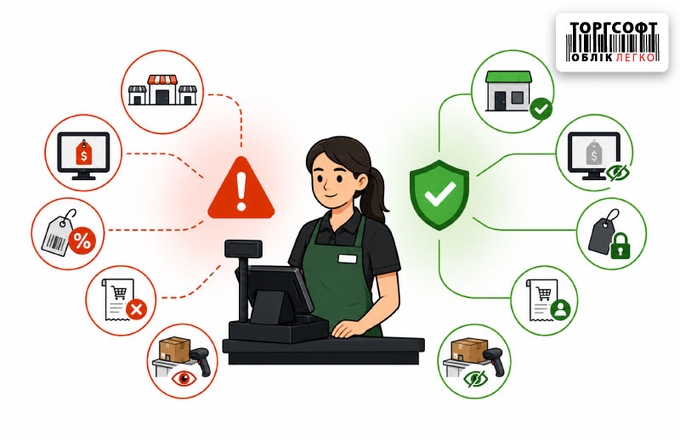
How to prevent price fraud: markup control and restrictions on seller rights
Control of prices, discounts, access rights and sales at a loss in Torgsoft: how to prevent staff fraud and protect profits
-
Audit of personnel actions and detection of fraud in accounting
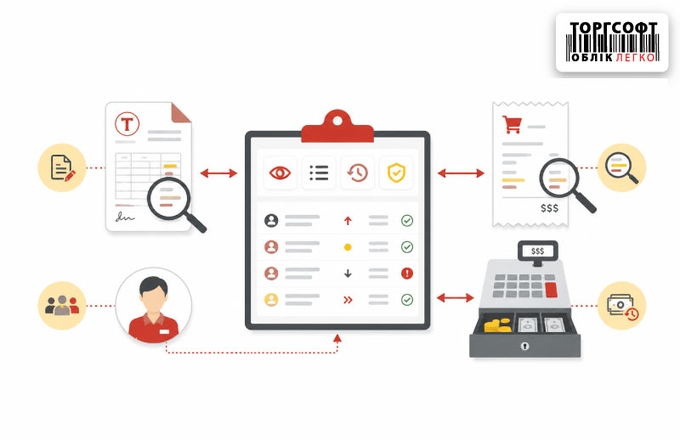
A step-by-step guide to setting up audit logs in Torgsoft. How to detect fraud involving receipts, returns, and discounts using the system’s standard tools
-
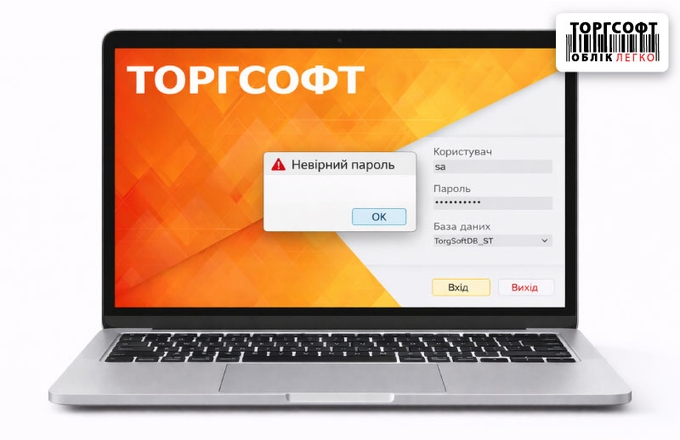
Changing a user's password and resolving login issues
How to change or reset your password in Torgsoft: login recovery, shortcut update, IP unblocking and access verification
-
Missing buttons or access after update: Roles update
After updating Torgsoft, buttons or access disappeared? How to update roles, restore rights, restore menus, columns and work of the pECR after updating
-
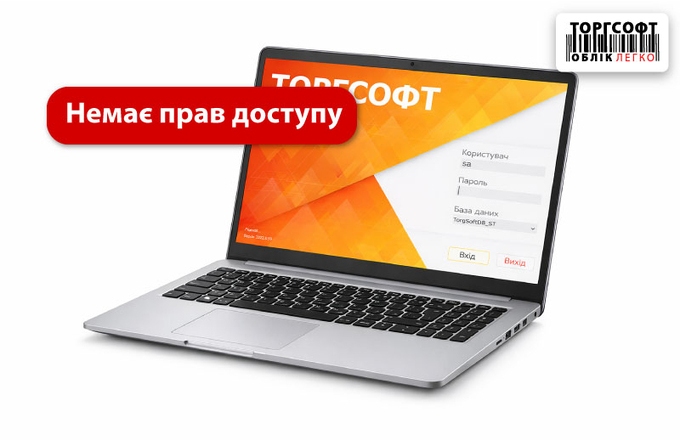
Setting up the "Seller" role: minimum access rights and security controls
Setting up the "Seller" role in Torgsoft: minimum rights, cash register control, access restrictions, working with the terminal and preventing abuse
-
Access rights to warehouses and stores: how to restrict access and protect the cash register
How to set up access rights in Torgsoft: restrictions on warehouses, prices, discounts, inventory and protection against fraud
-
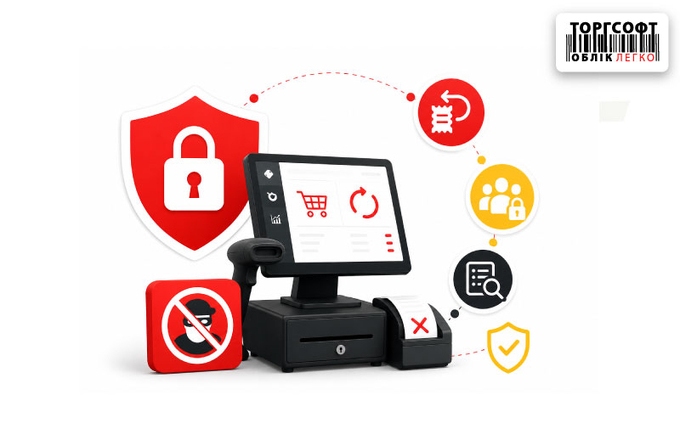
Refund scams: how to protect your checkout from unscrupulous sellers
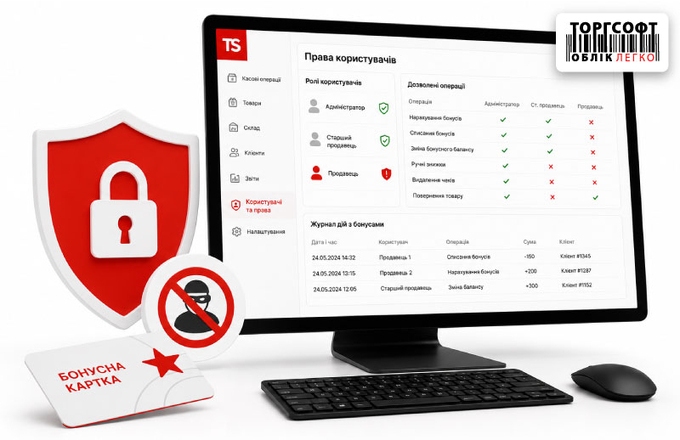
How to protect the cash desk from fraud in Torgsoft: roles, access rights, returns, bank terminal, and user action log
-
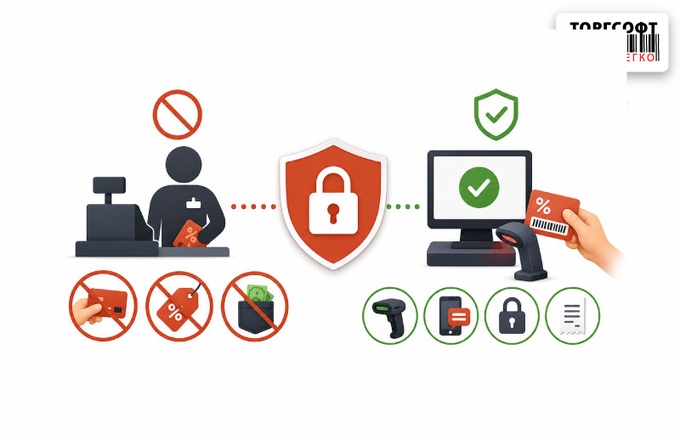
Anti-fraud at the checkout: how to prevent fraud by sellers with discount cards
How to limit seller discounts in Torgsoft, block manual discount card entry and control cashier actions
-
Bonus Fraud: How to Restrict Sellers' Rights and Protect Profits
How to limit seller rights in Torgsoft, protect bonuses from misuse, enable SMS verification, and audit user actions
-
How to monitor staff actions in Torgsoft and find changes in documents, checks, and cash register
Where to check staff actions in Torgsoft: document changes, cash transactions, manual discounts, collections and deletion of goods
-
The "Discount" column disappears in the sale: how to configure seller rights
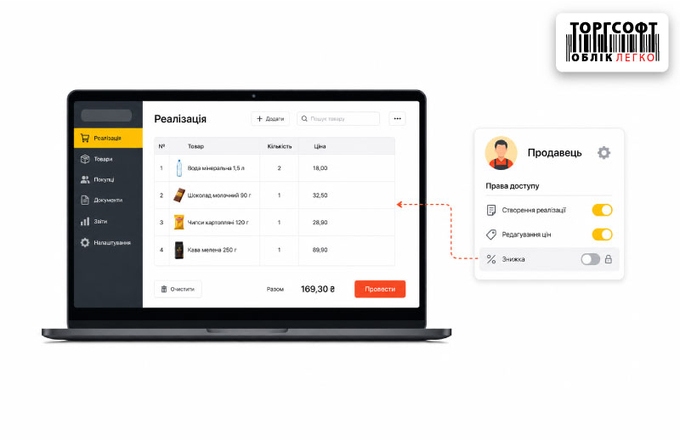
How to show the discount column in Torgsoft sales, set seller permissions and allow manual discount or price changes
-
Restrictions on seller rights for VIP clients
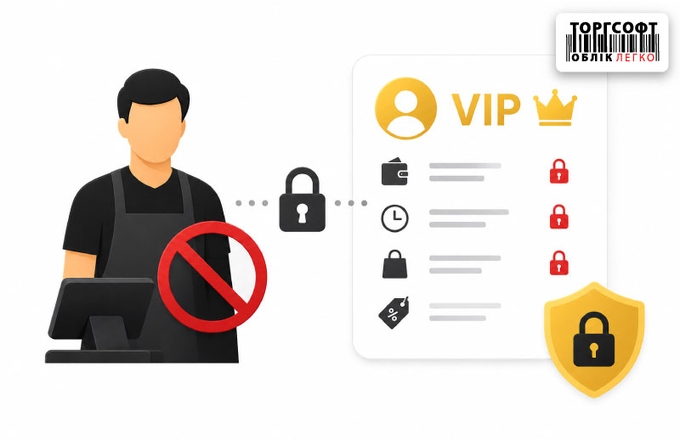
How to limit seller rights for VIP clients: hide debts, purchase history, payment dates and prevent sales below cost
-
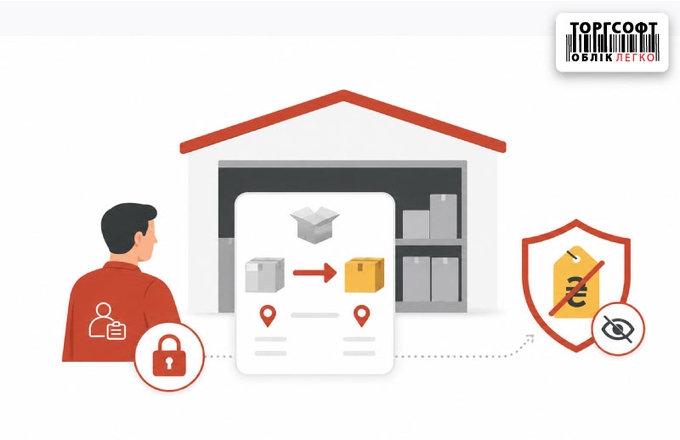
Storekeeper rights for internal transfers: warehouse setup, price hiding, and logistics scenario control
How to set warehouse staff rights in Torgsoft: warehouse access, hidden prices, visible invoices and control of goods acceptance
-
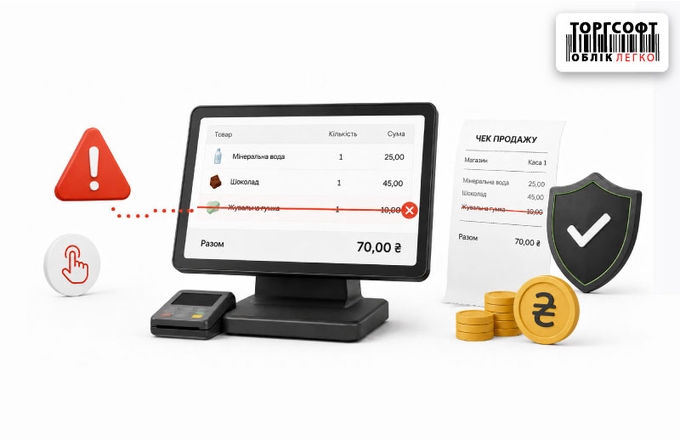
Canceled sales items: how to detect cashier fraud and protect store profits
How to control canceled items in sales, block item deletion from receipts, and check cashier actions




Torgsoft is a ready-made solution for warehouse, financial, and inventory management for small and medium-sized businesses
 Go back to the previous step