


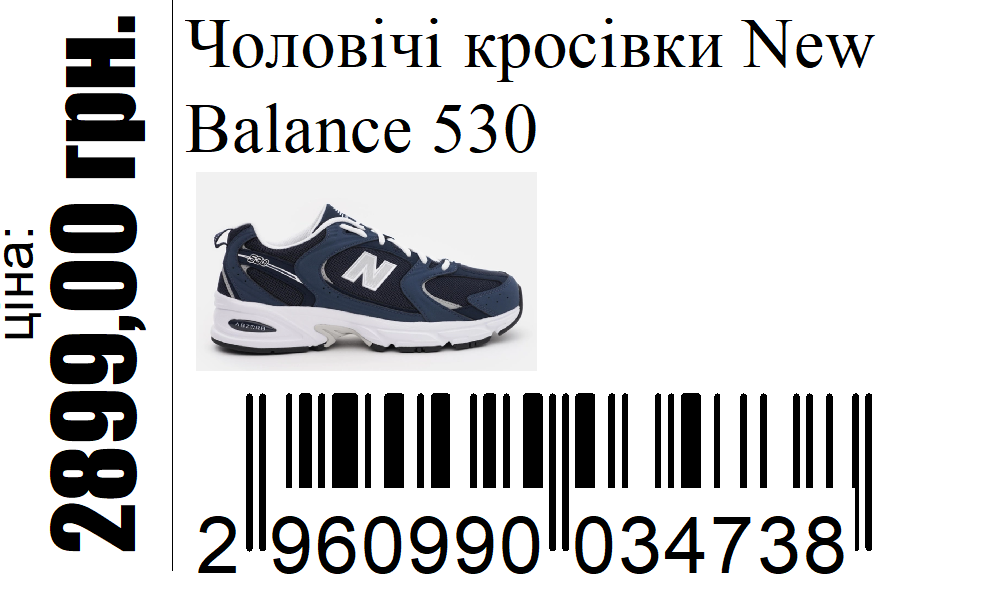
“Товарознавство → Довідник піктограм” (Product Management → Icon Directory) stores images that you can link to a product type and display on its labels. For example, one icon can mark all products in a particular category.
How to add an icon
In the directory, click “Додати” (Add), enter a name, and upload the image file. Then open the required “Вид товару” (Product Type), select this icon in its card, and save your changes. The icon will be linked to all products of this type.
How to display it on a label
In the tag printing settings, enable the use of the product type icon in the template. In the template editor, add the “Піктограма виду товару” (Product Type Icon) image field, save the template, and check the label preview.
The steps and template settings are described in Help: Icon Directory.


 Go back to the previous step