


“Товарознавство → Передрукувати етикетку” (Product Management → Reprint Label) lets you quickly print a replacement label if the original is damaged or lost. Find the product by barcode, item code, or name.
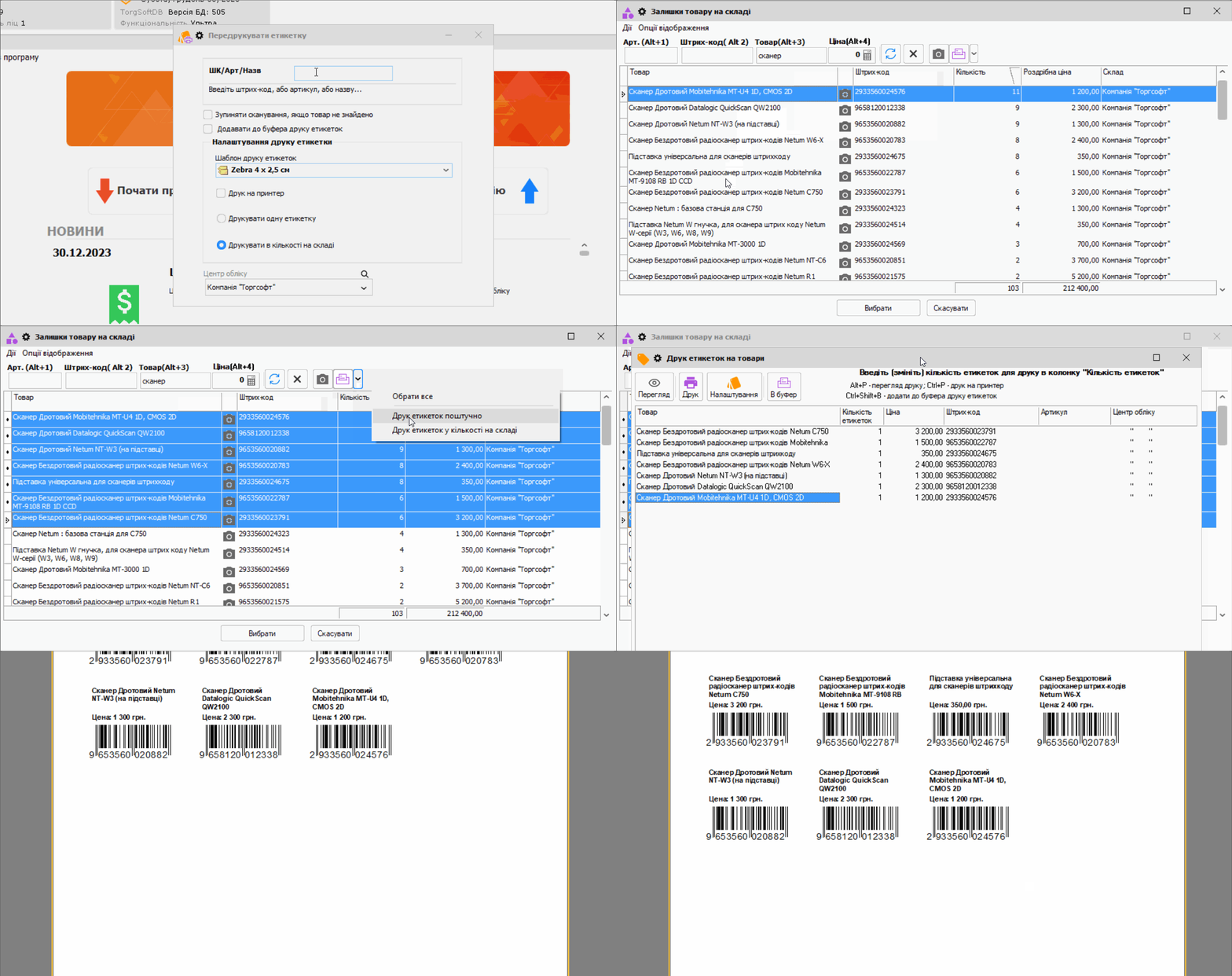
How to reprint a label
Open the mode, scan the barcode, or find the product manually. Select a configured label template, the number of copies, then print to a printer or open the preview. Before printing, check the product name, price, and barcode.
What you need to print
The template must match your printer and include the required fields. See the tag printing guide for template setup and printing labels in general.


 Go back to the previous step