


Printing: Receipts & Labels
-
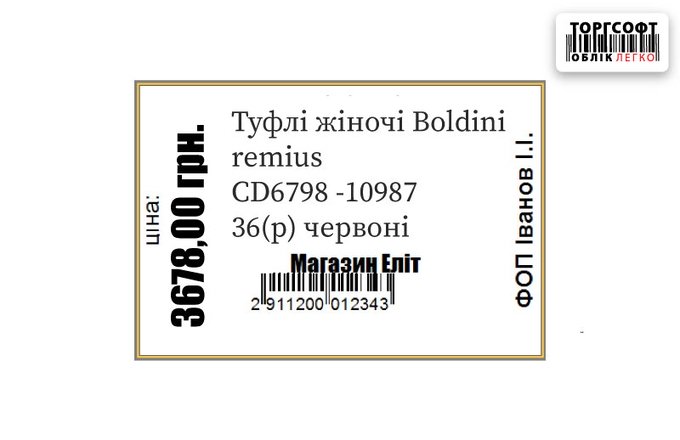
Setting up a label template in Torgsoft

How to customize a label template in Torgsoft: fields, barcode, price format, strikethrough promotional price, saving the template
-
Printing labels and barcodes: setting up templates, fields, and the printer
Setting up label printing in Torgsoft: driver, FastReport template, printer calibration, common errors and their elimination
-
Generating barcodes for weighted goods in Torgsoft
How to create barcodes for weighted goods in Torgsoft: product parameters, label printing, EAN-13 structure and scanning at the cash register
-
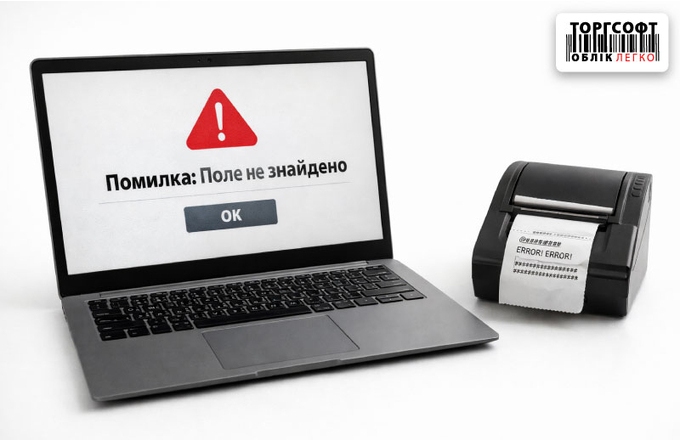
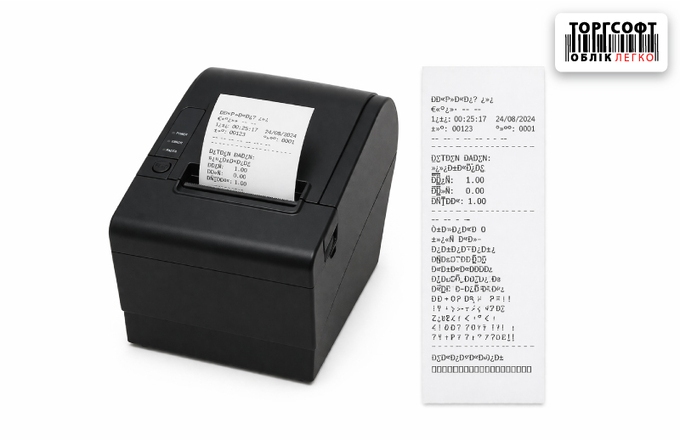
"Field not found / Expression error" errors when printing a check
Error when printing a receipt in Torgsoft: how to check the template, program language and quickly restore the cash register
-
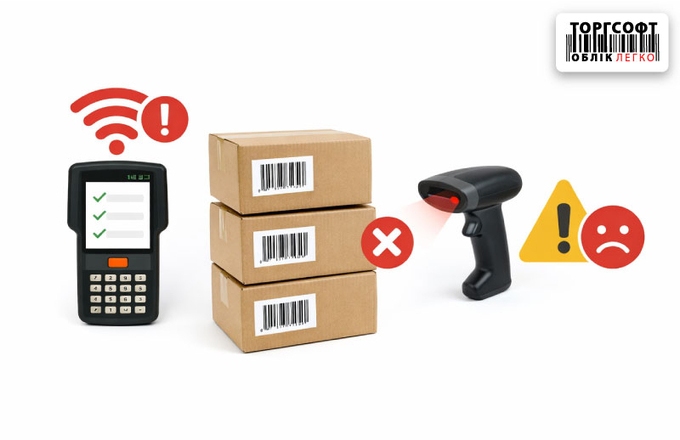
Mobile inventory and data collection terminal: connection, communication, and scanning errors
Troubleshooting Mobile Inventory in Torgsoft: Connection Errors, Communication Issues, Barcode Scanning Problems, App Crashes, and License Issues
-
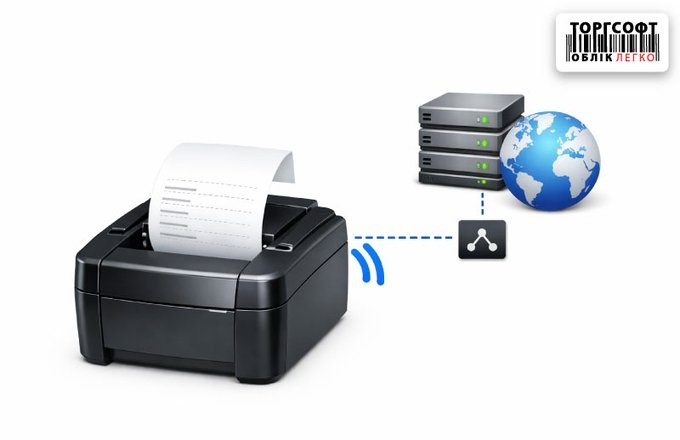
Printing from a remote server via LPR/LPD instead of RDP
How to set up printing from a remote server via LPR/LPD: without RDP, with direct printing to a local printer, port forwarding and DDNS
-
Barcode cannot be scanned when display scale is over 100% in RDP
Guide to fixing barcode distortion when printing from Torgsoft via RDP. Learn how Windows display scaling affects print quality and how to resolve it.
-
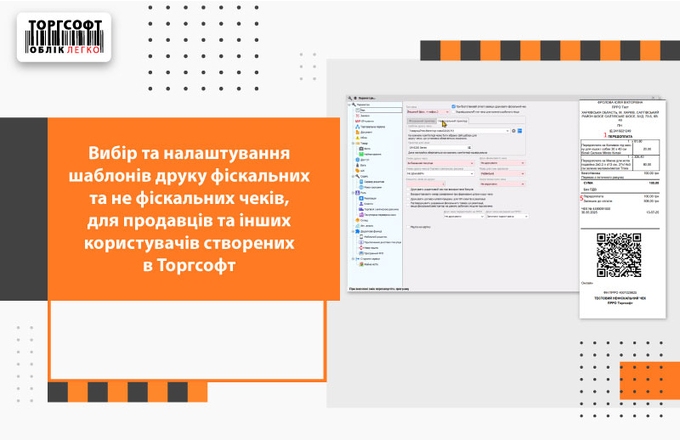
Selecting and configuring a receipt template for different users in Torgsoft
Setting up fiscal and non-fiscal receipt templates for different users in Torgsoft: access rights, printing receipts
-
The printer does not print after changing or resetting the router: how to restore printing
How to restore network printer printing after changing router: checking IP address, TCP/IP port, print queue and settings in Torgsoft
-
The printer does not print or the print queue is stuck: how to clear the Spooler
How to clear the print queue and restart the Print Spooler if the printer does not print, documents are stuck or the failure occurred due to RDP
-
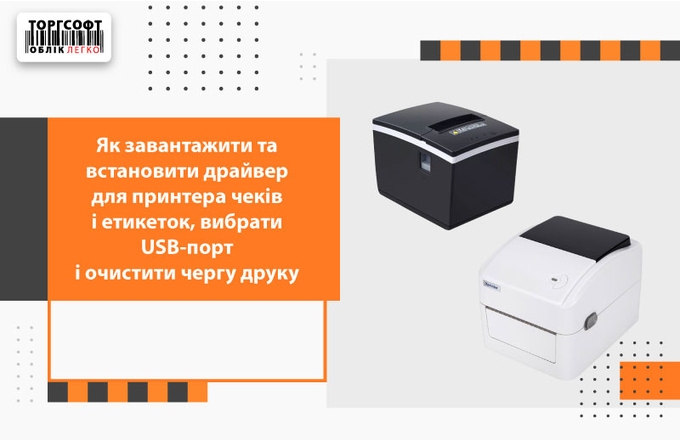
To install and install the driver for the receipt and label printer, select a USB port
How to install the receipt and label printer driver, select a USB port, clean your device and update your device with Torgsoft
-
Setting up and printing checks in Torgsoft: from sales receipt to fiscal document
How to set up product and fiscal receipt printing in Torgsoft, choose a template, adjust the QR code, and fix print errors
-
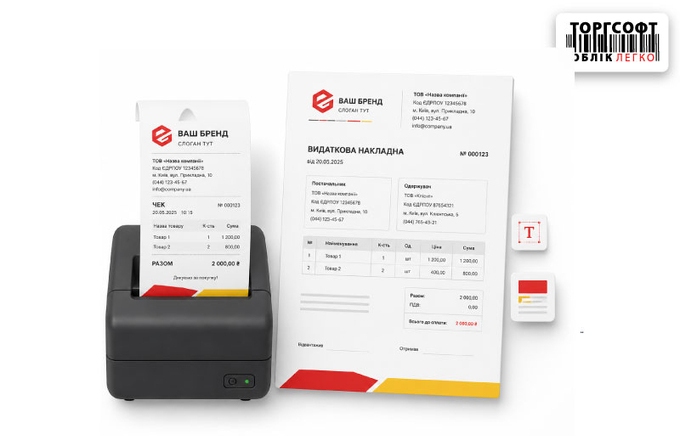
Branding checks and expense invoices: how to add a logo and corporate identity to a document
How to edit Torgsoft print templates: add a logo, set fonts, discounts, QR code size and text in a sales receipt or invoice
-
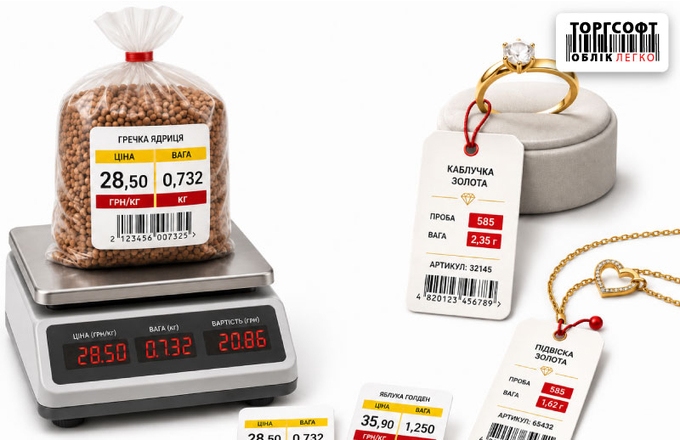
Labels for weight and jewelry products: price per unit of measure, weight and fineness
How to set up labels for weighted and jewelry items: unit price, weight, fineness, and price per 100 g in Torgsoft
-
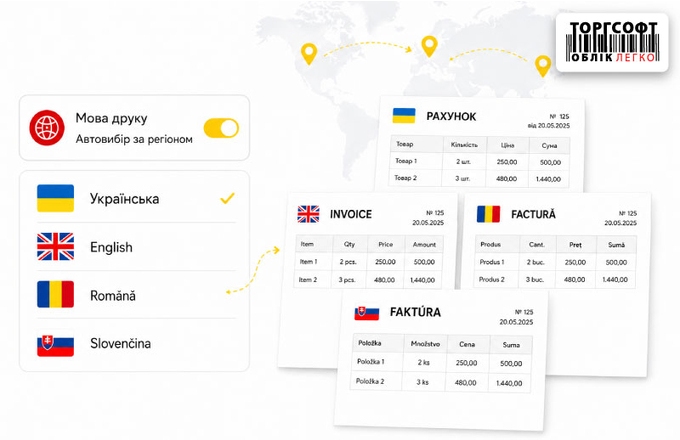
Regional print settings: automatic selection of template language for invoices and delivery notes
Set up regional print templates for invoices and delivery notes in Torgsoft: language selection by region, company, and customer
-
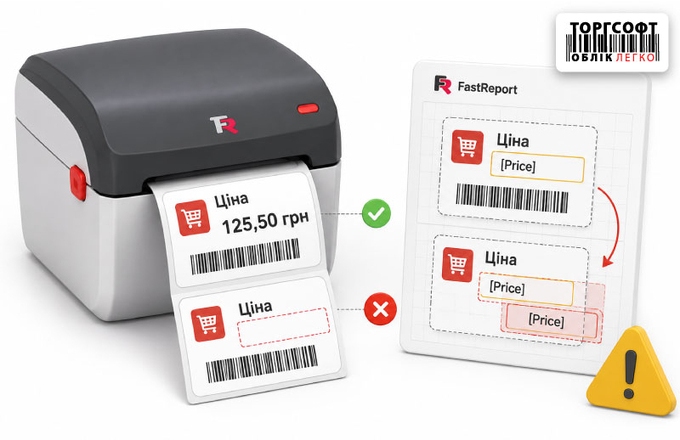
Price is printed only on the first label: Fix overlay errors in FastReport
What to do when price or name prints only on the first label: check MasterData and field boundaries in the FastReport template
-
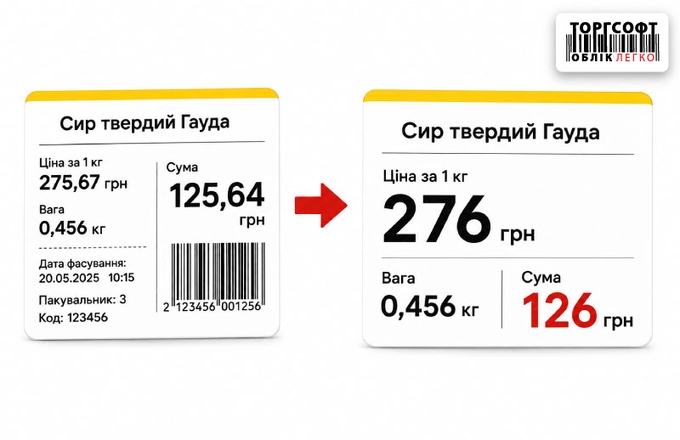
Visual clarity on the price tag: how to round up pennies and hide unnecessary data
How to set up price labels in Torgsoft: hide cents, round prices, create prices ending in nine, and remove extra fields
-
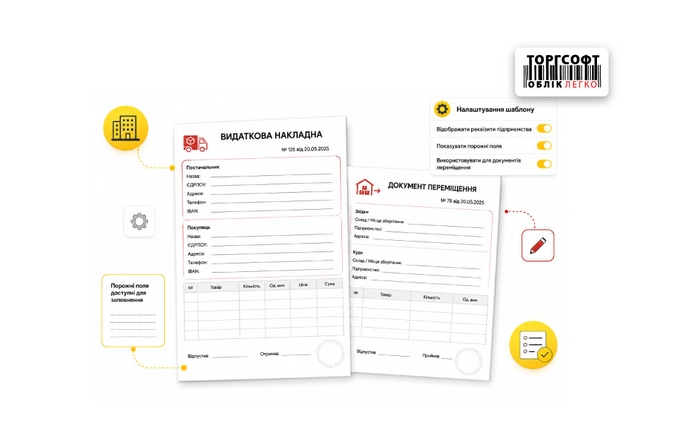
Company details in expense invoices and movement documents: template settings and empty fields
How to set up company details in delivery notes and transfer documents in Torgsoft and check why fields are empty
-
Extended product information: how to display dynamic characteristics on the label and in documents
How to print dynamic product attributes, supplier codes, short names, and UKT ZED codes on Torgsoft labels and documents
-
How to cancel printing on a receipt or label printer
How to stop accidental printing on a receipt or label printer, clear the Windows print queue, and restart the print spooler if it gets stuck.
-
Printing Tags and Labels in Torgsoft
How to print tags from товарознавство (product records), warehouse stock, or a goods receipt; choose quantities and set up a template.
-
Label Print Buffer: Preparing Price Tags for A4 and A5
Combine labels from different operations, check quantities, and print them on a standard printer.
-
Calculate a Label Price in Torgsoft
Calculate a label price and discount, choose the print quantity, and configure a template.
-
Packaging Individual Items in Torgsoft
Set a package barcode, specify the item quantity, and print labels for packaged units.
-
Reprint a Product Label
How to reprint a label by barcode, item code, or product name in Torgsoft.
-
Icon Directory for Labels
Learn how to add an icon, link it to a product type, and display it on a label in Torgsoft.






Torgsoft is a ready-made solution for warehouse, financial, and inventory management for small and medium-sized businesses
 Go back to the previous step