


Printing
Go to the Blog section
-
07.10.2026
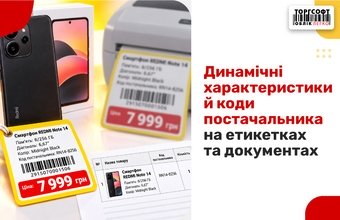
Dynamic Attributes and Supplier Codes on Labels

How to create dynamic attributes, add them to labels and documents, and configure supplier and UKT ZED product codes in Torgsoft
-
18.09.2026
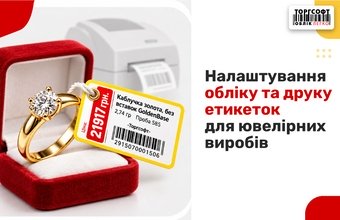
Jewelry Inventory and Label Printing
Tracking jewelry in Torgsoft: weight, price per gram, fineness, stock entry, and label printing configuration in FastReport
-
09.09.2026
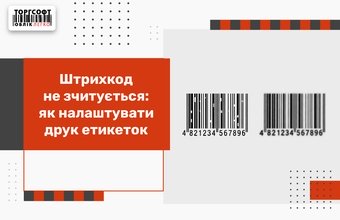
Unreadable Barcode: Configure Label Printing
The barcode is not readable? How to configure label printing, thermal head, remove white bars, spaces and barcode cropping
-
03.08.2026
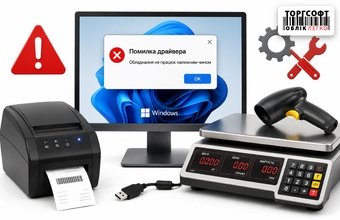
Scale and hardware driver crashes due to Windows updates: what to do?
How to block Windows driver updates for a COM port when scales or a printer lose connection with Torgsoft
-
31.07.2026
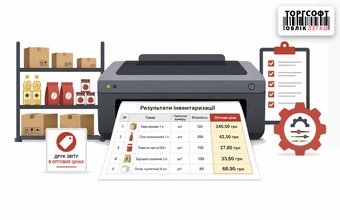
How to configure printing of inventory results in wholesale prices
How to set up printing inventory results in wholesale prices using a FastReport template
-
29.05.2026
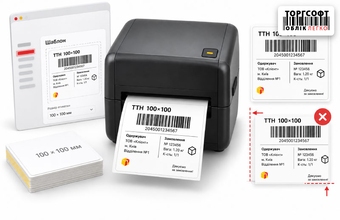
Printing a Nova Poshta TTN label 100×100 mm with Torgsoft: template, printer and typical offsets
How to print a Nova Poshta 100×100 mm TTN label from Torgsoft: printer choice, template setup, calibration, and fixing shifts
-
22.05.2026
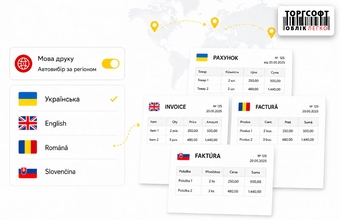
Regional print settings: automatic selection of template language for invoices and delivery notes
Set up regional print templates for invoices and delivery notes in Torgsoft: language selection by region, company, and customer
-
21.05.2026
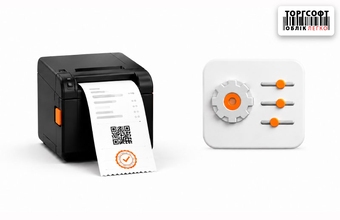
Setting up and printing checks in Torgsoft: from sales receipt to fiscal document
How to set up product and fiscal receipt printing in Torgsoft, choose a template, adjust the QR code, and fix print errors
-
15.05.2026
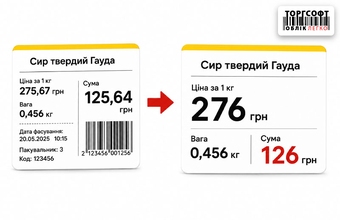
Visual clarity on the price tag: how to round up pennies and hide unnecessary data
How to set up price labels in Torgsoft: hide cents, round prices, create prices ending in nine, and remove extra fields
-
08.05.2026
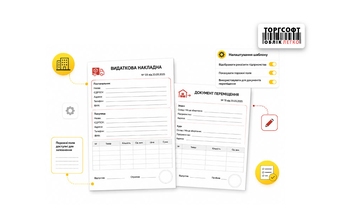
Company details in expense invoices and movement documents: template settings and empty fields
How to set up company details in delivery notes and transfer documents in Torgsoft and check why fields are empty
-
01.05.2026
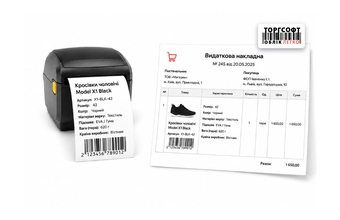
Extended product information: how to display dynamic characteristics on the label and in documents
How to print dynamic product attributes, supplier codes, short names, and UKT ZED codes on Torgsoft labels and documents
-
29.04.2026
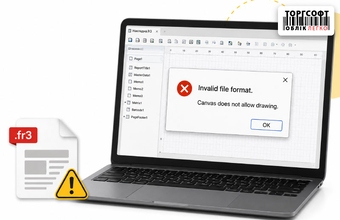
Errors Invalid file format and Canvas does not allow drawing: how to repair a damaged print template
How to handle Invalid file format and Canvas does not allow drawing in Torgsoft: check the template, replace the file, or restart
Torgsoft is a ready-made solution for warehouse, financial, and inventory management for small and medium-sized businesses
 Go back to the previous step