


Scales
Go to the Blog section
-
20.08.2026
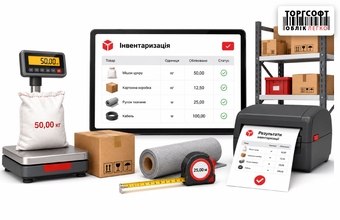
Inventory of goods by measure: weight, length and printing of results

How to stocktake goods by measure in Torgsoft: weight, length, reference units, actual values, and printing results
-
03.08.2026
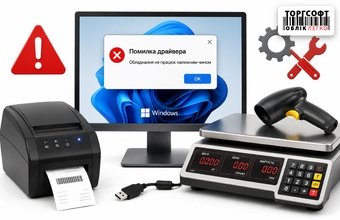
Scale and hardware driver crashes due to Windows updates: what to do?
How to block Windows driver updates for a COM port when scales or a printer lose connection with Torgsoft
-
22.05.2026
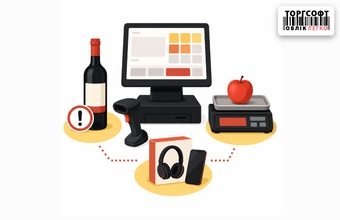
Special products at the checkout: how a cashier can work with alcohol, weighted goods and electronics at Torgsoft
How cashiers sell alcohol with excise stamps, weighted goods and warranty electronics with serial numbers in Torgsoft
-
06.03.2026
Connecting Vagar VP Scales to Torgsoft
Steps for connecting Vagar VP and VP-N scales to a computer and transferring the product weight to the Torgsoft sales window.
-
18.09.2025
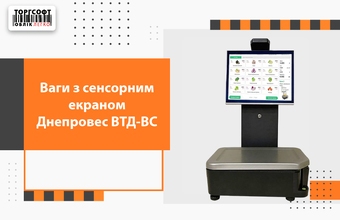
Dneproves VTD-VS Touchscreen Scales
Scales Dneproves VTD-VS 15 kg with touch screen and label printer. Integration with Torgsoft, settings, printing and offline and online operation
-
23.07.2025
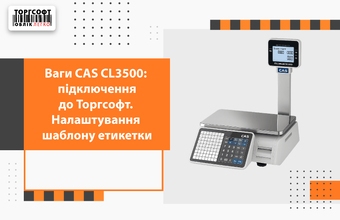
Connecting CAS CL3500 scales
Learn how to connect CAS CL3500 scales to the network, transfer data from Torgsoft, and set up label printing for weighed goods.
-
26.06.2025
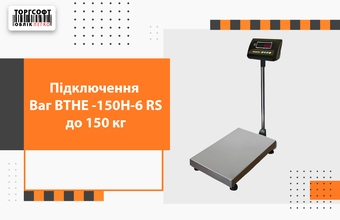
Connecting VTNE-150N-6 RS scales
This lesson covers connecting the VTNE-150N-6 RS scales to Torgsoft, setting exchange parameters, and checking weighing and sales.
-
30.04.2025
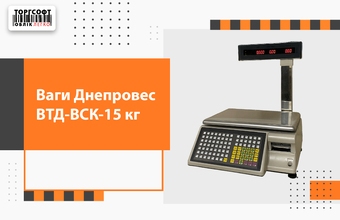
Setting up Dneproves VTD-VSK scales
Set up Dneproves VTD-VSK scales with Torgsoft: connect the device, prepare products, choose a label template and check a sale.
-
14.04.2025
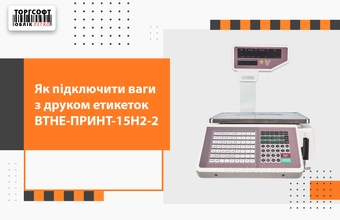
Setting up VTNE-PRINT-15N2-2 scales
Connect VTNE-PRINT-15N2-2 scales to Torgsoft: network, weighed goods, label template, and a test sale.
-
10.01.2025
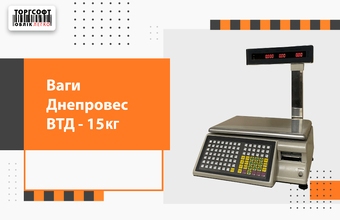
Dneproves VTD scales overview
An overview of Dneproves VTD scales for weighing products and printing barcode labels.
-
25.11.2024
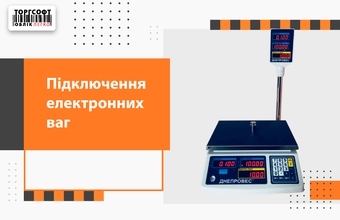
Connecting electronic scales
Connect electronic scales to Torgsoft by configuring the driver and exchange settings, marking a product as sold by weight, and checking weight capture during a sale.
-
01.11.2024
Replacing the Label Roll in ВТНЕ-Принт Scales
How to install a new label roll in ВТНЕ-Принт 15Н2-2 scales and check printing after replacement.

Torgsoft is a ready-made solution for warehouse, financial, and inventory management for small and medium-sized businesses
 Go back to the previous step