


Stocktaking
Go to the Blog section
-
09.10.2026
Product Supply Directory and Supply Batch

Learn how to create a supply batch, link incoming invoices to it, and analyze their profitability in Torgsoft.
-
18.09.2026
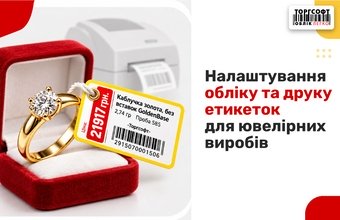
Jewelry Inventory and Label Printing
Tracking jewelry in Torgsoft: weight, price per gram, fineness, stock entry, and label printing configuration in FastReport
-
10.09.2026
Are sole proprietors required to take inventory of their goods?
When must a sole proprietor count goods, which documents should they prepare, and how should they record shortages and surpluses in a shop?
-
31.08.2026
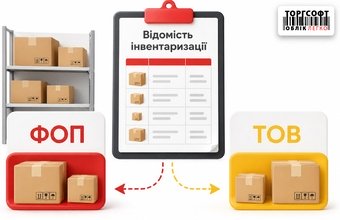
Inventory by business entity: how to separate stock between Sole Proprietorship and LLC
How to stocktake by company in Torgsoft: split stock between sole proprietors and LLCs and check inventory adjustments
-
26.08.2026
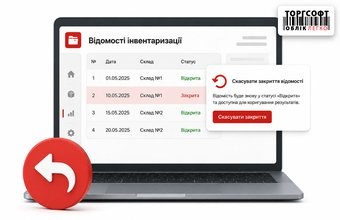
How to undo inventory close and correct results
How to reopen a closed inventory sheet in Torgsoft, correct actual quantities, recalculate sums, and close it again
-
21.08.2026
Financial inventory results: automatic documents, costing and closing optimization
How Torgsoft calculates stocktaking totals: surplus receipt, write-off, mismatch offset, cost price, and recalculation
-
20.08.2026
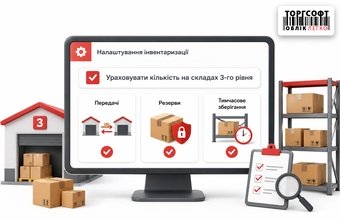
How to show the parameter for accounting for level 3 warehouses and checking transfers, reserves, and temporary storage
How to include third-level warehouses in Torgsoft stocktaking, check transfers and reserves, and avoid false shortages
-
20.08.2026
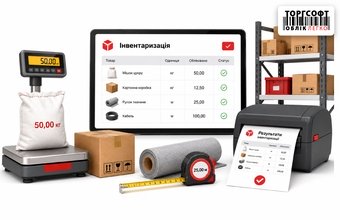
Inventory of goods by measure: weight, length and printing of results
How to stocktake goods by measure in Torgsoft: weight, length, reference units, actual values, and printing results
-
18.08.2026
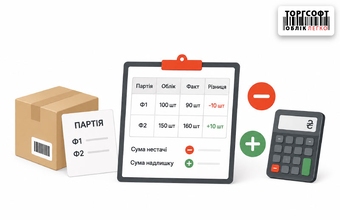
Inventory in batch accounting (F1-F2): how the sum of shortage and surplus is formed
How Torgsoft calculates shortages, surplus and mismatch after stocktaking, and how to adjust F1 stock separately
-
14.08.2026
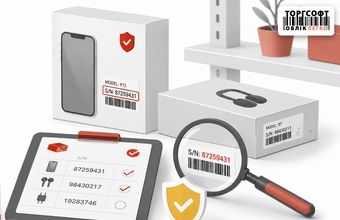
Inventory of warranty goods by serial numbers
How to stocktake goods by serial numbers in Torgsoft, find serial-number mismatch, and correct the wrong number in documents
-
13.08.2026
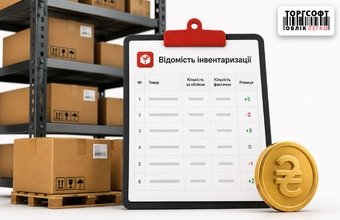
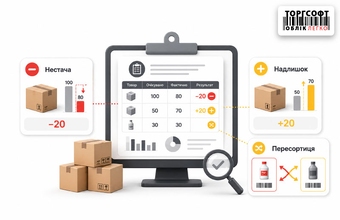
Shortage, surplus and reassortment: how to read inventory results
How to read stocktaking results in Torgsoft: shortage, surplus, mis-sorting, discrepancies, and checks before closing inventory
-
13.08.2026
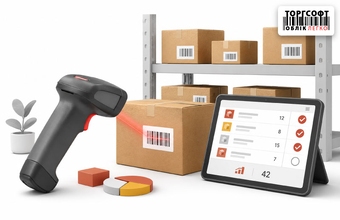
Inventory of goods with a scanner
How to run stocktaking with a scanner in Torgsoft: sales blocking, fractional quantity, duplicate barcodes, and result checks


Torgsoft is a ready-made solution for warehouse, financial, and inventory management for small and medium-sized businesses
 Go back to the previous step