


Inventory and stock control
-
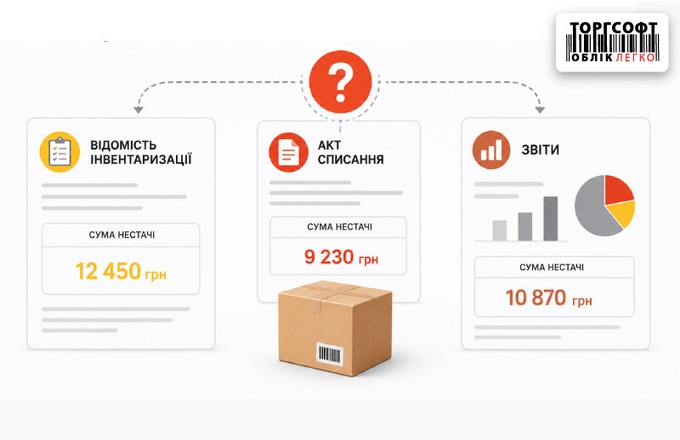
Why is the shortage amount in the inventory statement different from the write-off act and reports?

Why shortage amounts differ in inventory records, write-off acts, and reports due to item offsets and price types
-
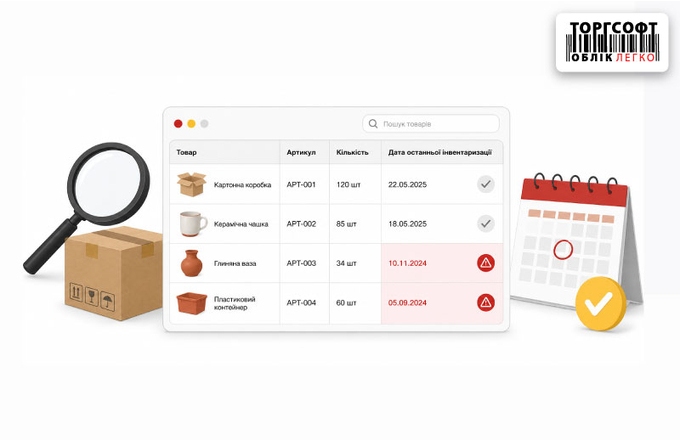
How to find an item that hasn't been checked in a while: using the last inventory date to control balances
How to find items not checked for a long time using the last inventory date in stock status
-
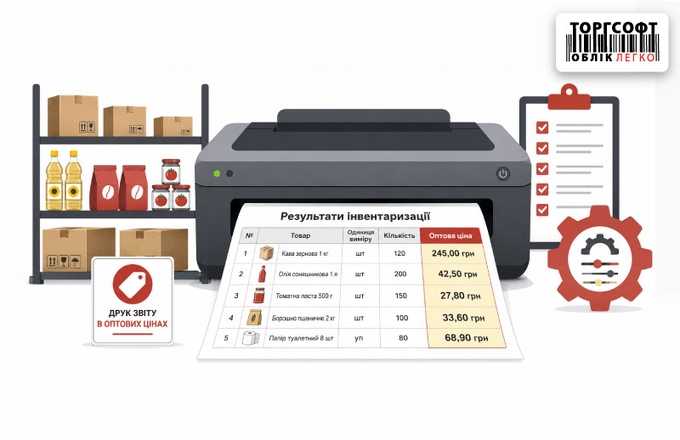
How to configure printing of inventory results in wholesale prices
How to set up printing inventory results in wholesale prices using a FastReport template
-
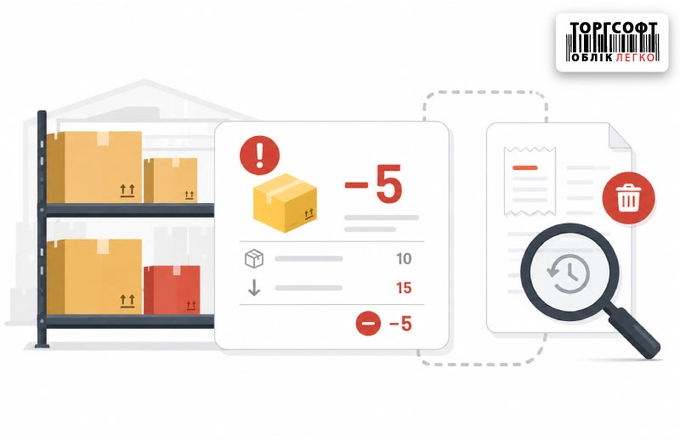
How to find the cause of negative balances and track deleted documents
How to find stock discrepancies using Product Movement, Warehouse Document Register, and Document Change Log in Torgsoft
-
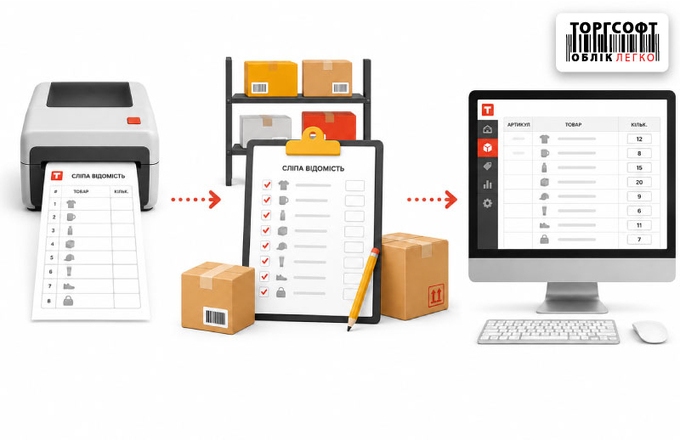
Manual inventory: how to print a "blind" inventory list and correctly transfer data to a PC
How to run manual stocktaking with a printed sheet: hide stock balances, enter actual quantities, and close the document
-
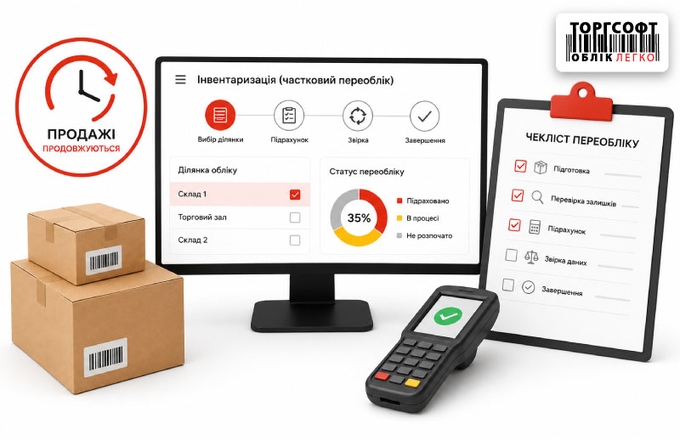
Partial recalculation without stopping sales
How to run partial stocktaking in Torgsoft: select goods, set blocking and access, use DCT/mobile app, resolve discrepancies
-
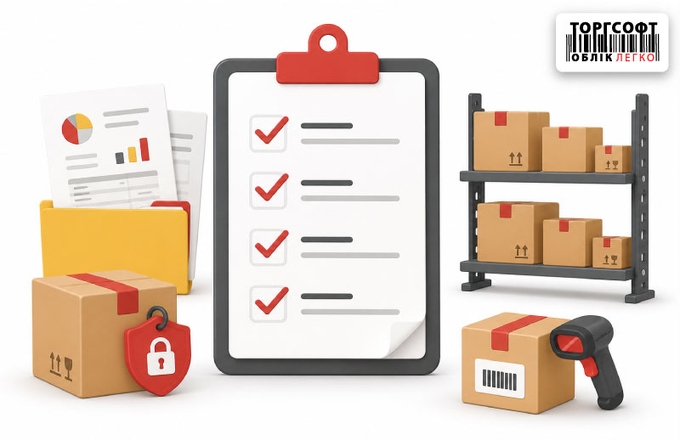
Preparation for inventory: checklist of information, documents, reserves and balances
How to prepare for stocktaking: check old sheets, receipts, internal transfers, reserves, negative stock, and recalculation
-
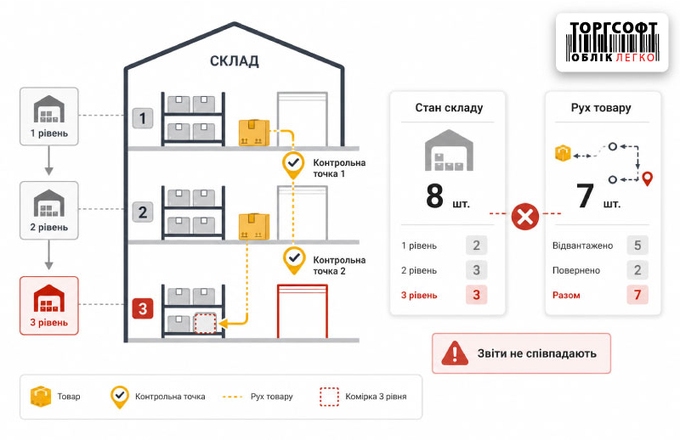
Level 3 Checkpoints and Warehouses: Why “Warehouse Status” and “Goods Movement” Don’t Match
Why Stock Status and Product Movement may show different balances and how to check control points, level 3 warehouses, and negative stock
-
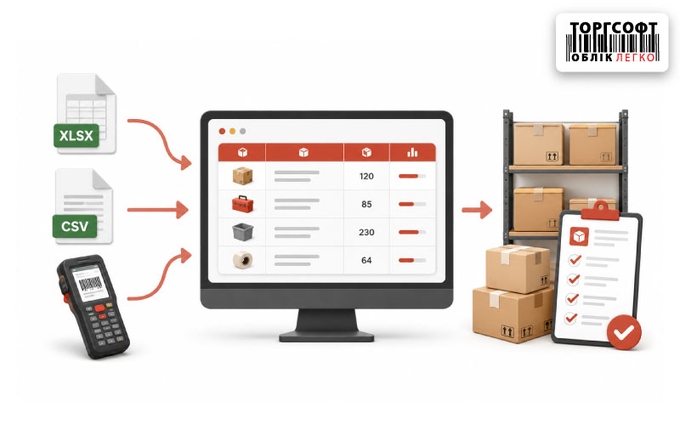
Import of products and inventory results: Excel, CSV and data collection terminals
How to import stocktaking results via CSV, TXT, and data terminals, and how it differs from importing goods from Excel
-
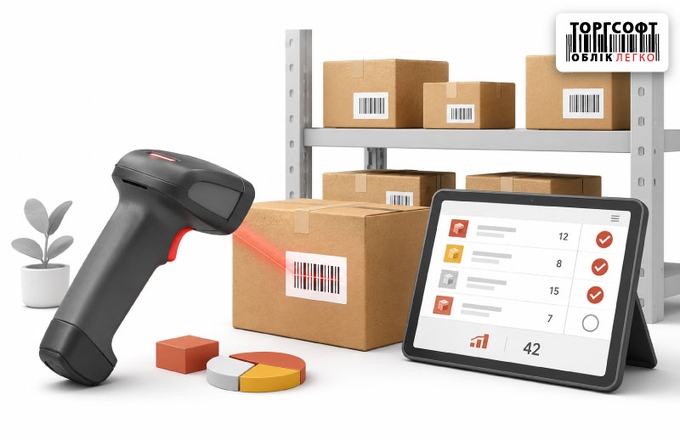
Inventory of goods with a scanner
How to run stocktaking with a scanner in Torgsoft: sales blocking, fractional quantity, duplicate barcodes, and result checks
-
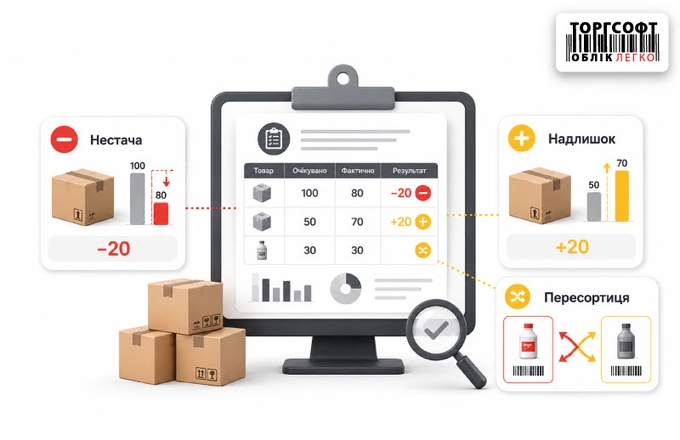
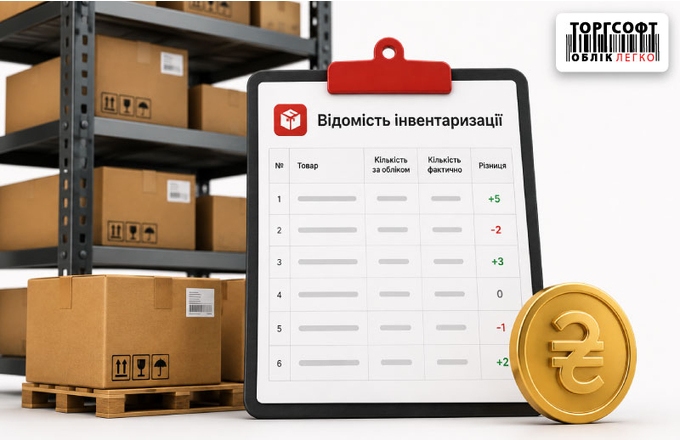
Shortage, surplus and reassortment: how to read inventory results
How to read stocktaking results in Torgsoft: shortage, surplus, mis-sorting, discrepancies, and checks before closing inventory
-
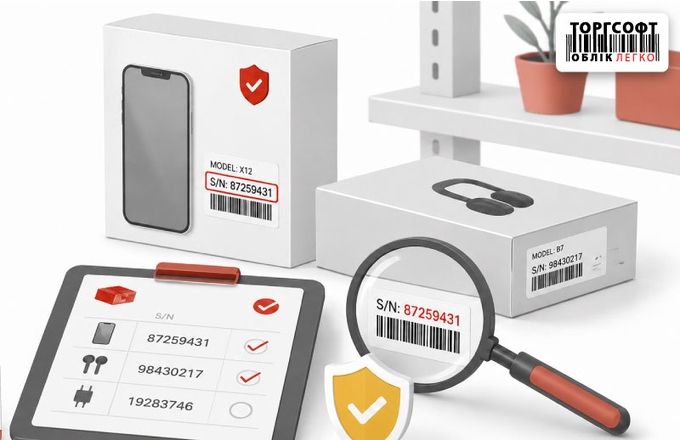
Inventory of warranty goods by serial numbers
How to stocktake goods by serial numbers in Torgsoft, find serial-number mismatch, and correct the wrong number in documents
-
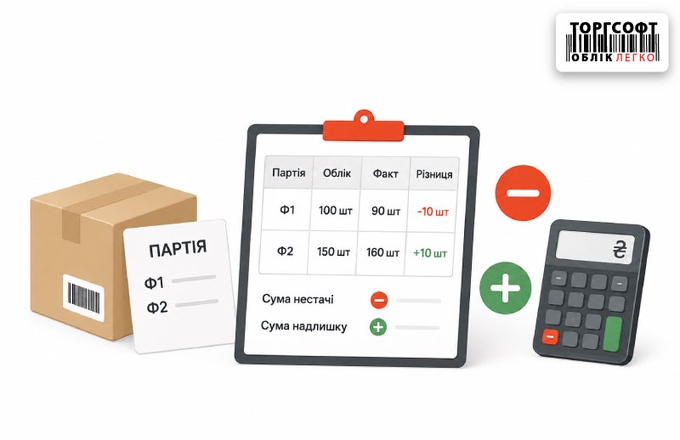
Inventory in batch accounting (F1-F2): how the sum of shortage and surplus is formed
How Torgsoft calculates shortages, surplus and mismatch after stocktaking, and how to adjust F1 stock separately
-
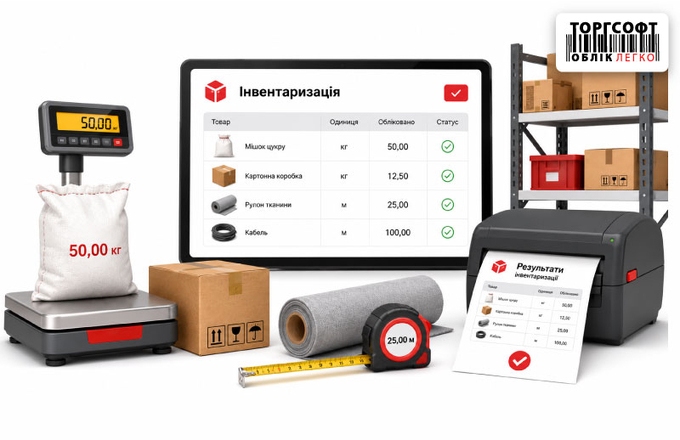
Inventory of goods by measure: weight, length and printing of results
How to stocktake goods by measure in Torgsoft: weight, length, reference units, actual values, and printing results
-
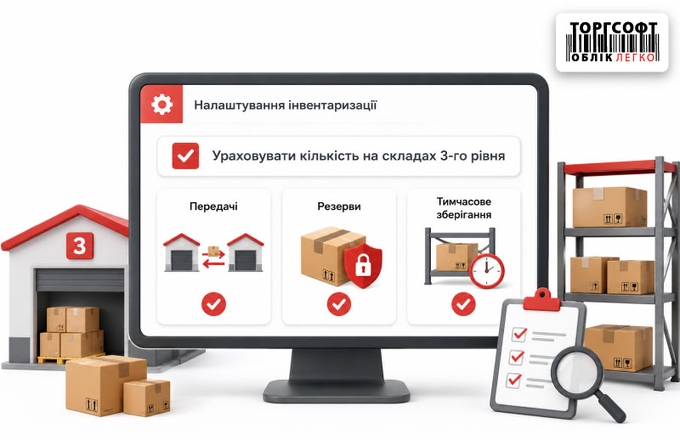
How to show the parameter for accounting for level 3 warehouses and checking transfers, reserves, and temporary storage
How to include third-level warehouses in Torgsoft stocktaking, check transfers and reserves, and avoid false shortages
-
Financial inventory results: automatic documents, costing and closing optimization
How Torgsoft calculates stocktaking totals: surplus receipt, write-off, mismatch offset, cost price, and recalculation
-
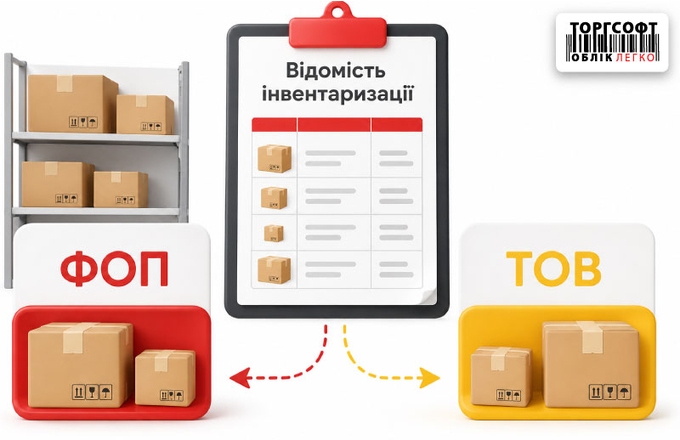
Inventory by business entity: how to separate stock between Sole Proprietorship and LLC
How to stocktake by company in Torgsoft: split stock between sole proprietors and LLCs and check inventory adjustments
-
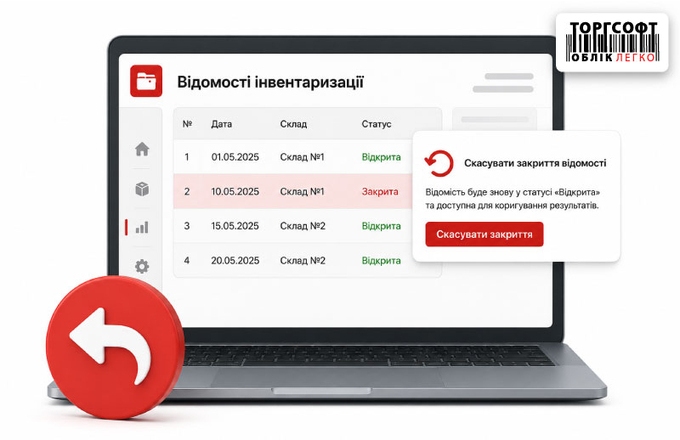
How to undo inventory close and correct results
How to reopen a closed inventory sheet in Torgsoft, correct actual quantities, recalculate sums, and close it again
-
Stocktaking: statement, counting and closing
How to prepare and run stocktaking: create a statement, block goods, count stock, handle errors, close the statement and check results.

Torgsoft is a ready-made solution for warehouse, financial, and inventory management for small and medium-sized businesses
 Go back to the previous step