


Oleksiy Remarik

Retail equipment specialist and author of training videos
Oleksii Remaryk — an expert in connecting and configuring retail equipment in Torgsoft. He clearly demonstrates how devices synchronize with Torgsoft, tests equipment, and selects optimal solutions for various businesses — from stores to warehouses and retail chains.
He helps Torgsoft clients connect and configure scales, barcode scanners, label printers, cash registers, and other devices, ensuring stable system performance and accurate accounting. He advises entrepreneurs on choosing equipment for daily work with Torgsoft.
-
09.10.2026
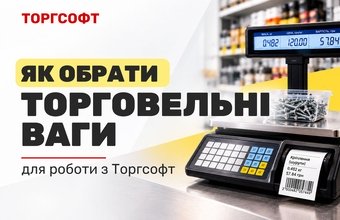
How to Choose Retail Scales for Use with Torgsoft

Which scales work with Torgsoft: checkout scales, label-printing scales and self-service models. Overview of Dneproves, VAGAR and other brands
-
09.10.2026
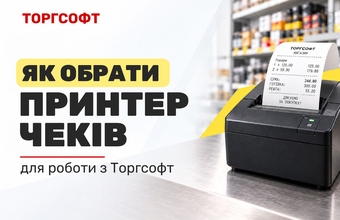
How to Choose a Receipt Printer for Use with Torgsoft
Compare Xprinter XP-E200L and XP-Q801K receipt printers for Torgsoft: print quality, USB, LAN and Wi-Fi connections, and model selection
-
07.10.2026
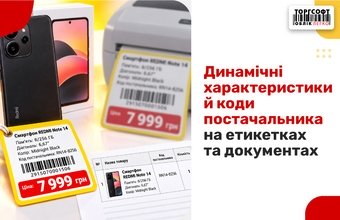
Dynamic Attributes and Supplier Codes on Labels
How to create dynamic attributes, add them to labels and documents, and configure supplier and UKT ZED product codes in Torgsoft
-
22.09.2026
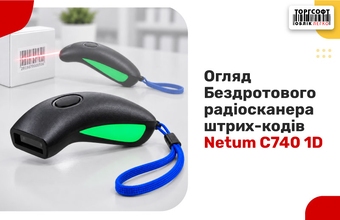
Review of the Netum C740 1D Wireless Barcode Scanner
Netum C740 1D Review: Bluetooth, USB receiver, and cable connectivity; integration with Torgsoft; and inventory management in stores and warehouses
-
18.09.2026
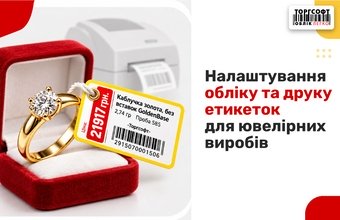
Jewelry Inventory and Label Printing
Tracking jewelry in Torgsoft: weight, price per gram, fineness, stock entry, and label printing configuration in FastReport
-
09.09.2026
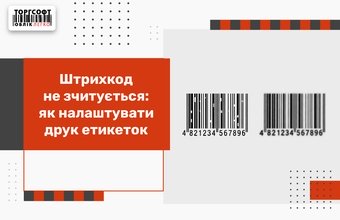
Unreadable Barcode: Configure Label Printing
The barcode is not readable? How to configure label printing, thermal head, remove white bars, spaces and barcode cropping
-
19.08.2026
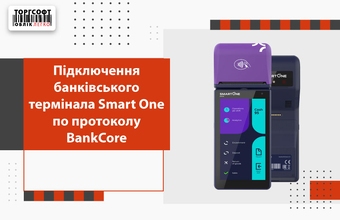
Connecting a Smart One banking terminal using the BankCore protocol
Connecting Smart One to Torgsoft via BankCore: Wi-Fi, IP, port, merchant, multiple sole proprietors, remote server and test payment
-
24.07.2026
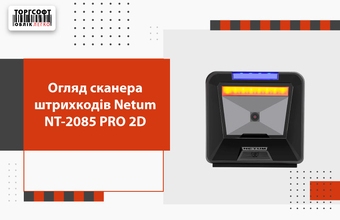
Netum NT-2085l PRO 2D barcode scanner review
Netum NT-2085 PRO 2D review: 1D, 2D, QR and Data Matrix, auto-scanning, USB connection and work at the cash register
-
23.07.2026
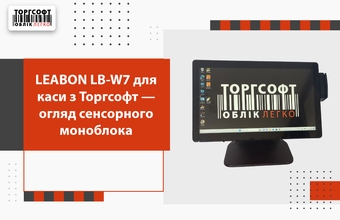
LEABON LB-W7 for cash register from Torgsoft — review of the touch-sensitive monoblock
LEABON LB-W7 cash register review: specifications, connectors, equipment connection and work with the Torgsoft accounting program
-
22.07.2026
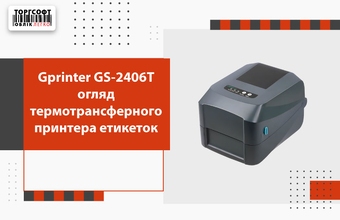
Gprinter GS-2406T thermal transfer label printer review
Gprinter GS-2406T review: thermal and thermal transfer printing, Ethernet, label selection and work with Torgsoft
-
21.07.2026
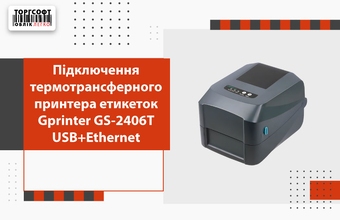
Connecting the Gprinter GS-2406T USB+Ethernet thermal transfer label printer
How to connect and configure Gprinter GS-2406T: installing labels and ribbon, driver, auto-calibration, USB and Ethernet
-
30.06.2026
Antivirus Blocked Torgsoft: Restore Access
What to do if the antivirus blocked Torgsoft: how to restore files from quarantine and add the program to exceptions

Torgsoft is a ready-made solution for warehouse, financial, and inventory management for small and medium-sized businesses
 Go back to the previous step