


Page 5 - Video Lesson Archive
This section contains video lessons published before 24 February 2022. The program interface has changed; each lesson's text explains the relevant workflow.
-
Repair and Warranty Service Records

How to accept an item for repair, record work and materials, and track an order in Torgsoft.
-
Boxes for Seasonal Storage
Pack seasonal goods in a barcoded box, move them into storage, and return them to sale.
-
Privat24 Statements in Torgsoft
How to connect a bank account, retrieve Privat24 statements, and link incoming payments to a customer payment.
-
Warranty Tracking by Serial Number
Learn to configure serial numbers, receive and sell items under warranty, and check warranty periods.
-
Mobile work with Torgsoft
Mobile app overview: connecting to the database, viewing data, and working from a smartphone.
-
Online Store Orders and Customers
How to link online orders to Torgsoft inventory and check reservations, payments, and customer details.
-
Nteumm Scanner and OCPP-585 Receipt Printer
An overview of a small-shop setup: scanning products, connecting a printer and test-printing receipts.
-
Clear Closed-Period Statistics
What data is covered when clearing closed-period statistics, and what to check before cleaning the database.
-
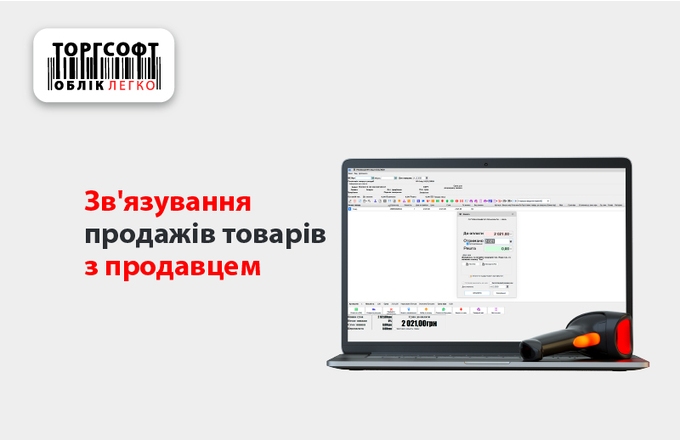
Personal Sales by Salespeople
How to link items on a receipt to a salesperson and include personal sales when calculating bonuses.
-
Three Items for the Price of Two
How to define eligible items and terms for a “three for the price of two” promotion, then check the discount in the receipt.
-
Discount by Quantity Promotion
How to set successive discounts for the first, second, and third item, then check the calculation on the receipt.
-
Gift with purchase: set up a promotion
Set qualifying products and a gift in a promotion, then check that it is added to a sale.

Torgsoft is a ready-made solution for warehouse, financial, and inventory management for small and medium-sized businesses
 Go back to the previous step