


Page 6 - Video Lesson Archive
This section contains video lessons published before 24 February 2022. The program interface has changed; each lesson's text explains the relevant workflow.
-
User shortcut to launch Torgsoft

How to create a desktop shortcut to launch Torgsoft and check which user account opens the program.
-
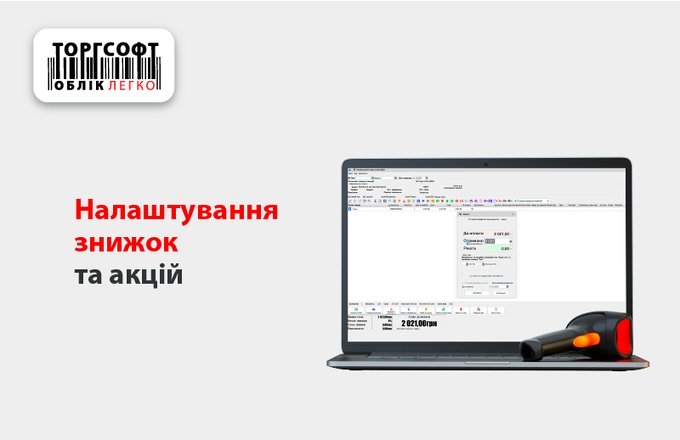
Promotions and Discounts in Torgsoft
Video lesson on creating a promotion, selecting products and customers, setting discount terms, and checking the result.
-
SMS Campaign: Recipients, Template, Results
Learn how to send SMS from your customer database, check the template, and assess the campaign results.
-
Start the SQL Server service
How to start the SQL Server service on a computer with a Torgsoft database using Configuration Manager or Windows Services.
-
Windows Power Settings for Torgsoft
How to configure sleep settings on the computer that hosts the Torgsoft database so other workstations keep access.
-
Torgsoft Cloud Database Backup
How automatic database backups to Google Drive work and what to check when restoring data.
-
Connecting a bank terminal
How to agree on the terminal protocol with your bank, set up the connection in Torgsoft, and accept a card payment.
-
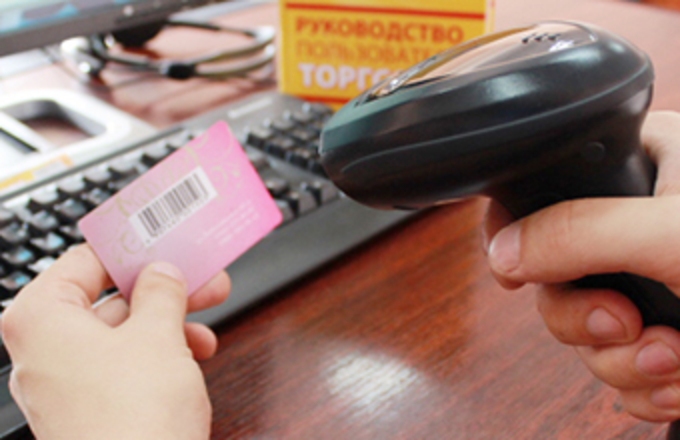
Barcode Range for Cards
How to create and check a barcode range for discount cards so the printed cards match customers in Torgsoft.
-
Fiscal Register in Torgsoft Hybrid
Connecting a fiscal printer to Torgsoft Hybrid and using terminal mode, illustrated with older equipment.
-
Connecting a Fiscal Printer to a PC
What to check when physically connecting a fiscal printer to a computer and configuring communication.
-
Discount Card Verification by SMS
Identify a customer by phone number during sales, returns, and bonus redemption.
-
Tiered Loyalty Discount
How to set purchase-based loyalty discount tiers and check a customer's discount during a sale.


Torgsoft is a ready-made solution for warehouse, financial, and inventory management for small and medium-sized businesses
 Go back to the previous step