


Page 17 - Video Lesson Archive
This section contains video lessons published before 24 February 2022. The program interface has changed; each lesson's text explains the relevant workflow.
-
Torgsoft Features for Retail Management

An overview of core workflows: product cards, barcodes, receiving, sales, and stock control.
-
Settlements with VIP Customers
How to track a VIP customer’s debt and payments, choose an accounting method, and check the balance.
-
Gift Certificate Accounting
How to issue, sell, and accept gift certificates, and check their balance by barcode.
-
Accruing and Using Bonuses
How to set up bonuses for purchases and bonus payments in the Torgsoft loyalty program.
-
Setting Up Payroll Calculations
How to set a salesperson’s pay in Torgsoft: pay per shift, a percentage of sales, a plan bonus, and payment procedures.
-
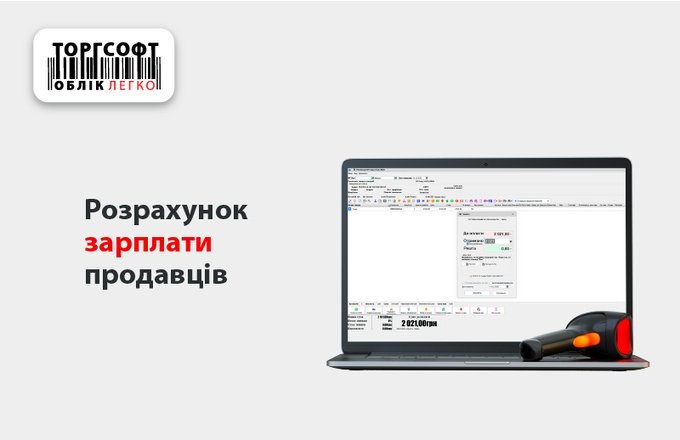
Calculating Sales Staff Pay
Set pay rules, record shifts, account for sales, and check payroll calculations.
-
Quickly Receive a Size Range
How to quickly add all sizes of one model to a goods receipt and enter the quantity for each size.
-
Format Codes as Text Before Excel Import
Why save item codes and barcodes as text before importing Excel into Torgsoft.
-
Syncing Stock with an Online Store
How to send products, prices, and stock to a website and check the exchange with the Torgsoft warehouse.
-
Tracking Products by Barcode
How barcodes help find products, process sales and transfers, and check warehouse stock.
-
Track Products by SKU and Photo
Find products by SKU or name, add photos, and print price tags without a scanner.
-
SMS and Email Campaigns to Customers
How to select customers for SMS and email campaigns and check the message template in Torgsoft.
Torgsoft is a ready-made solution for warehouse, financial, and inventory management for small and medium-sized businesses
 Go back to the previous step