


Common Issues and Solutions for Retail Equipment
-
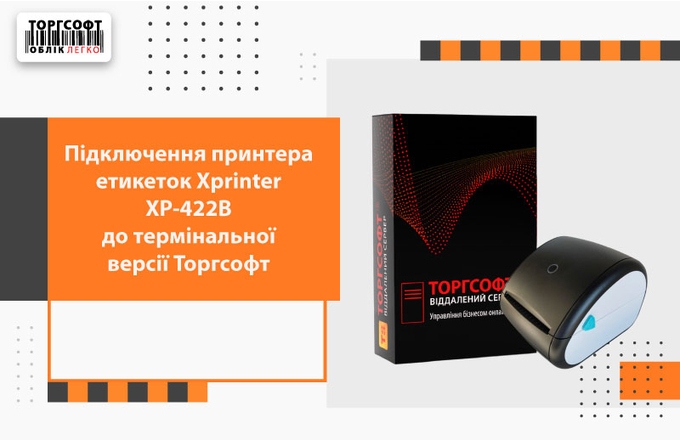
Connecting the Xprinter XP-422B label printer to the terminal version of Torgsoft

Connecting the XP-422B label printer to Torgsoft on a terminal server: Ethernet/VPN, LPR, RDP, driver, template, calibration
-
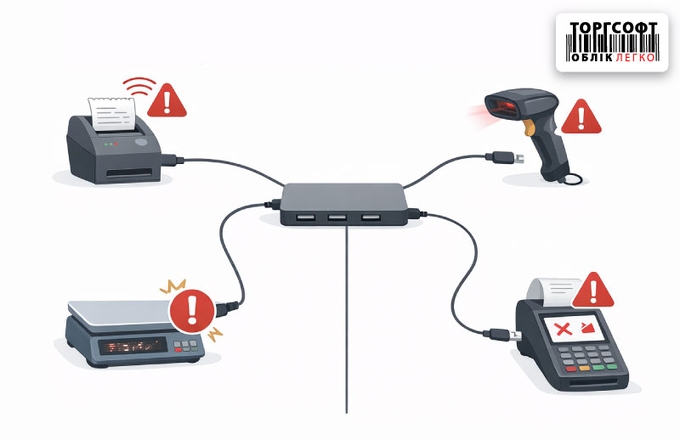
Unstable operation of point-of-sale equipment when using USB hubs without power
An unpowered USB hub can cause failures of printers, scanners, scales, and terminals. Check the cables, ports, and power supply
-
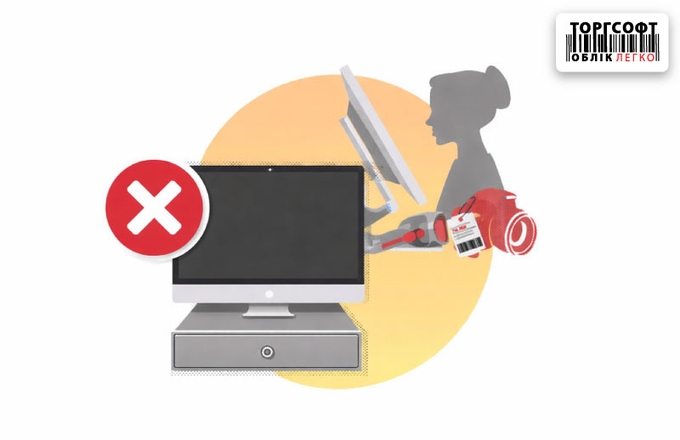
The customer's display is not working — troubleshooting
Customer display troubleshooting in Torgsoft: license, display type, COM port, Windows screen mode, and screensaver folder path.
-
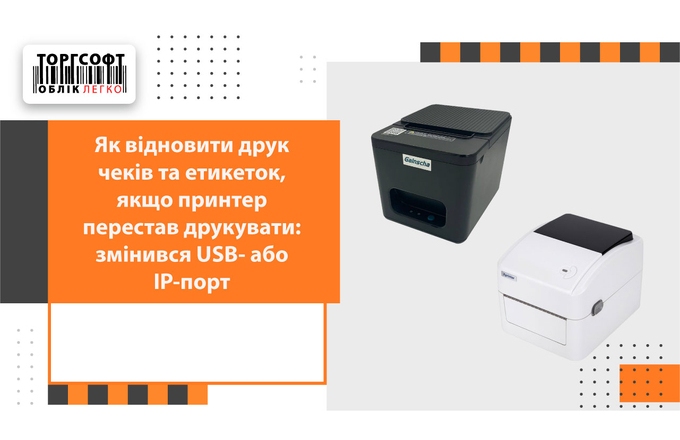
How to resume printing receipts and labels if the printer has stopped printing: the USB or IP port has changed
If your receipt or label printer does not print after changing the USB or IP port: check, driver, port
-
Cash Drawer Not Working — Troubleshooting
Cash drawer troubleshooting in Torgsoft: connection, voltage, lock, printer or ECR type, driver settings, and opening logic
-
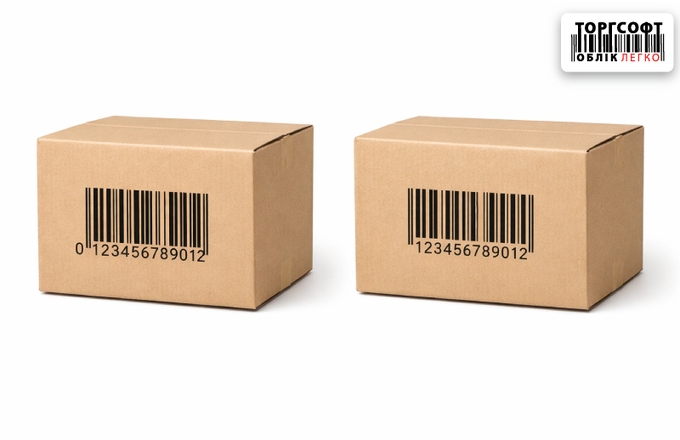
Barcode Is Not Found or the Leading Zero Disappears
Why a barcode is not found: check the leading zero, Torgsoft settings, scanner output, and Excel import format
-
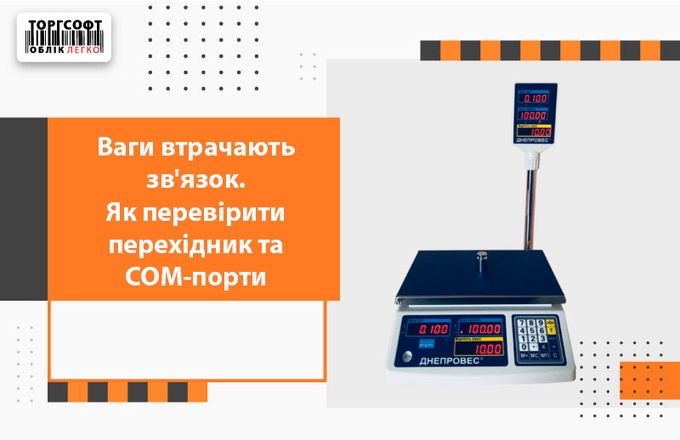
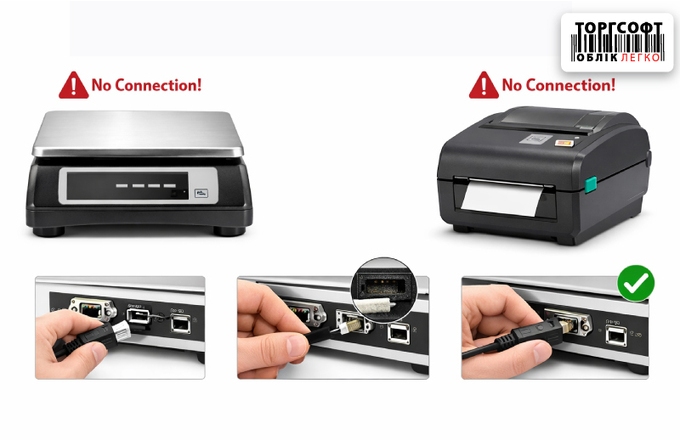
Scales lose connection. How to check the adapter and COM ports
Scales do not transmit data to Torgsoft: check the COM port, USB↔COM adapter, drivers and settings to restore communication
-
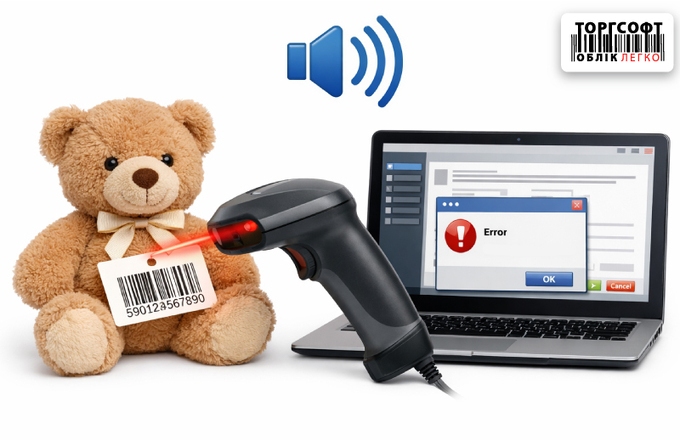
The barcode scanner "bleeps", but the product is not added to Torgsoft
Barcode scanner beeps but the product is not added in Torgsoft? Check Enter, prefixes, scanner mode, and connection.
-
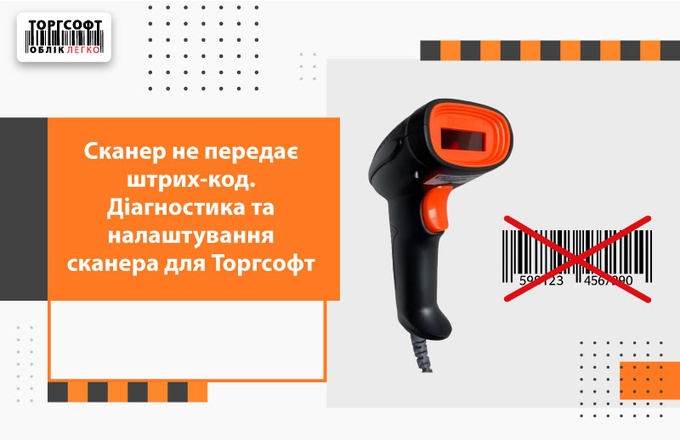
The scanner does not transmit a barcode. Scanner diagnostics and settings for Torgsoft
What to do if the scanner beeps, but does not add the product to Torgsoft: diagnostics of the connection, Enter, HID, prefixes, suffixes and zero
-
Weight barcodes: packaging, ratio and sale of goods with a weight label
Weighted goods in Torgsoft: setting up the EAN-13 barcode, coefficient, packaging, label printing and sales through scales
-
Setup and diagnosis of label printing in Torgsoft
Guide to troubleshooting label printing errors in Torgsoft. Learn how to fix blank labels, text misalignment, RDP printing issues, and barcode scan failures.
-
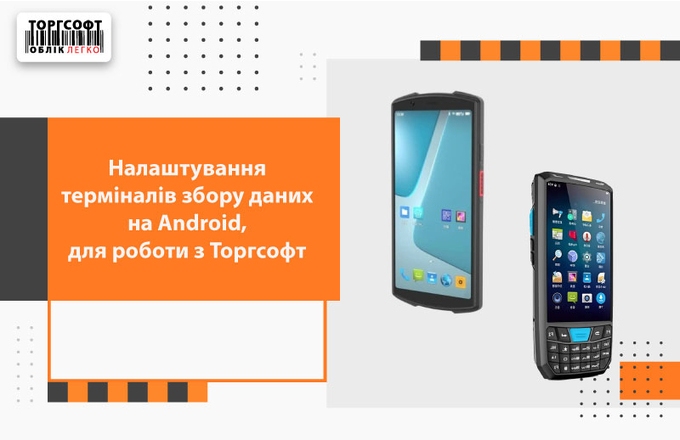
Configuring data collection terminals on Android to work with Torgsoft
Android TZD Settings for Torgsoft: Scanner, Enter Key, Batch Scan, Data Cleanup, File Export and Inventory
-
Printer or scales lose communication: how to fix COM and USB ports
Guide on strictly fixing COM ports, drivers, and IPs in Windows. Learn how to disable USB power saving to ensure stable hardware connection in Torgsoft.
-
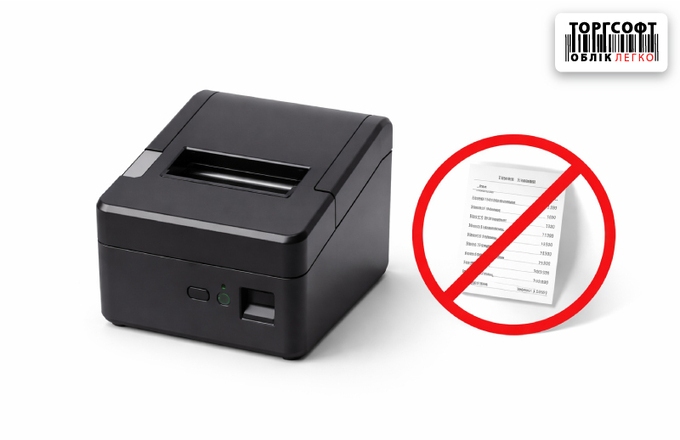
Setting up the check printer in Torgsoft (USB / LAN)
Guide to connecting and configuring a 58/80mm receipt printer in Torgsoft on Windows. How to install drivers, choose templates, and fix printing errors.
-
The label printer prints blank labels or offsets the print
Guide on fixing label printers that skip labels, print blank tags, or shift text in Torgsoft. Learn how to calibrate the sensor and adjust driver settings
-
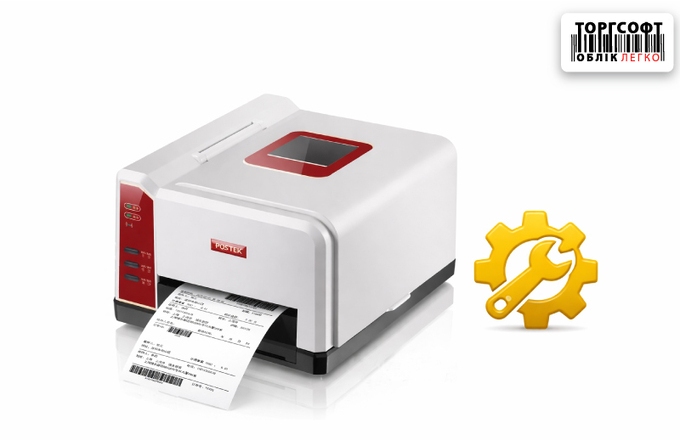
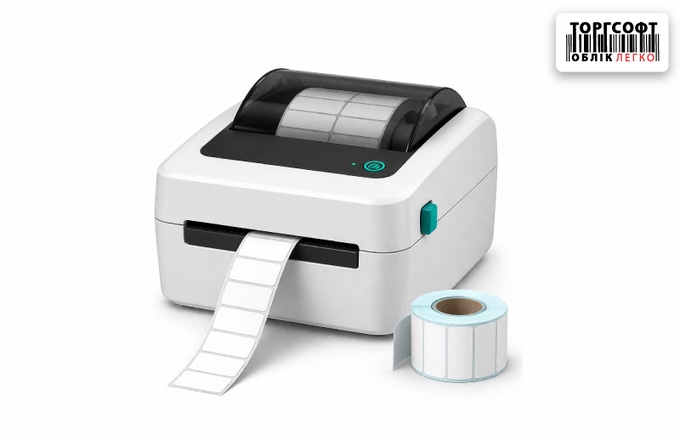
Label printer settings in Torgsoft (USB / LAN)
Guide to connecting a label printer in Torgsoft. Learn how to install drivers, set label size, calibrate the gap sensor, and fix blank printing issues
-
The printer does not print from Torgsoft until the Windows test page is run
Guide to fixing printer delays in Torgsoft. Learn how to disable USB power saving, configure the print spooler and ports to prevent printer "sleep" mode.
-
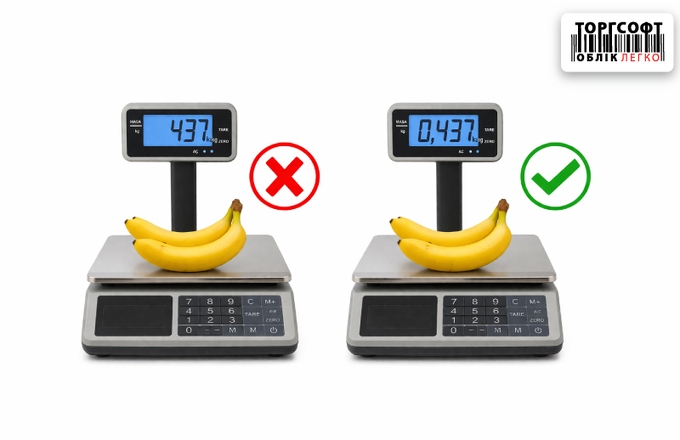
Weights: incorrect weight ("extra zeros") or program hangs
Guide to troubleshooting scale connection issues. Learn how to configure COM ports, fix weight decimal errors, and stop software freezing during weighing.
-
The label printer prints blank labels via RDP Redirect
-
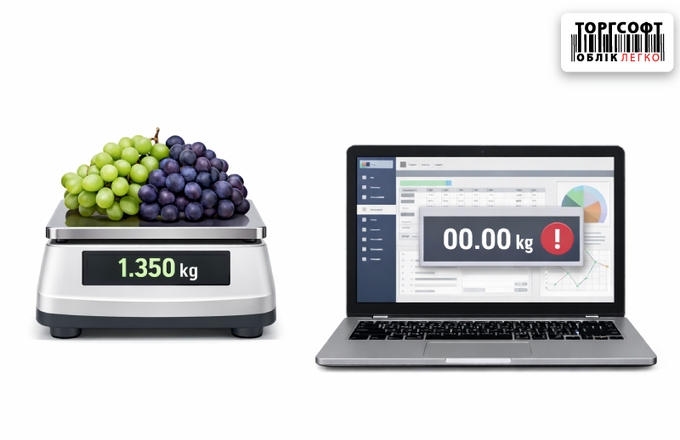
Scales do not transfer weight to Torgsoft
What to do if weight stays at 0.000 or Torgsoft freezes during weighing. Guide to configuring COM ports, adapter drivers, and using Putty for diagnostics.
-
Scan without failures: quickly find the product and eliminate hardware failures
How to set up a barcode scanner in Torgsoft: remove F7, add Enter after scanning, and find products by item code
-
Scale and hardware driver crashes due to Windows updates: what to do?
How to block Windows driver updates for a COM port when scales or a printer lose connection with Torgsoft
-
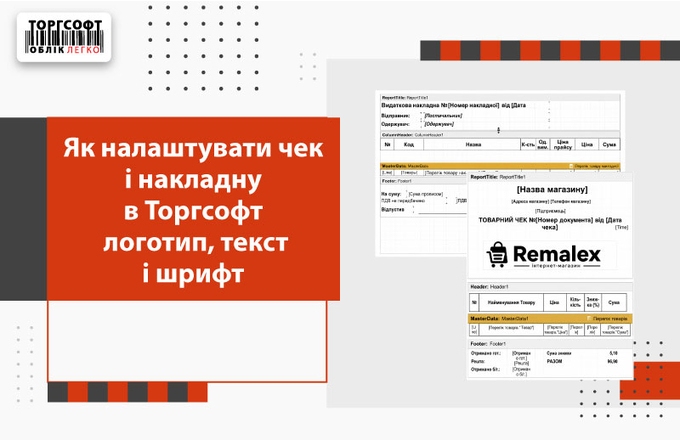
How to set up a check and invoice in Torgsoft
How to set up a non-fiscal receipt and expense invoice in Torgsoft: add a logo, change the font, text and save the template
-
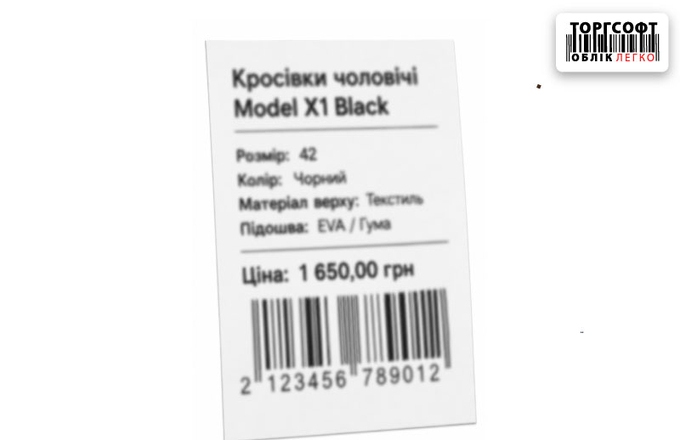
Barcode gaps and blurry printing: how to improve label clarity for scanners
How to fix blurry label printing and barcode gaps: printer cleaning, template setup, print density, and calibration
Torgsoft is a ready-made solution for warehouse, financial, and inventory management for small and medium-sized businesses
 Go back to the previous step