


Page 10 - Video Lesson Archive
This section contains video lessons published before 24 February 2022. The program interface has changed; each lesson's text explains the relevant workflow.
-
Accounting for a Flower and Garden Shop

Labeling plants, goods sold by weight or length, sets, and warranty-covered equipment in a garden center.
-
Product Repricing: Group Changes
How to change prices for a selected group of products and check repricing across different retail locations.
-
Database Protection and Backup
How to restrict access to account data, create database backups, and store them separately from the work computer.
-
Bulk messaging to customers: setup
How to prepare recipients and a message template, then check a bulk message before sending.
-
Size-based products: receiving, stock, sales
How to create a size range, receive a model, and check the availability of each size in stores.
-
Data and access protection in Torgsoft
How to manage employees’ access to the program and organize database backups.
-
Store Automation: First Steps
How to organize the product catalog, stock intake, prices, equipment, and review of sales results.
-
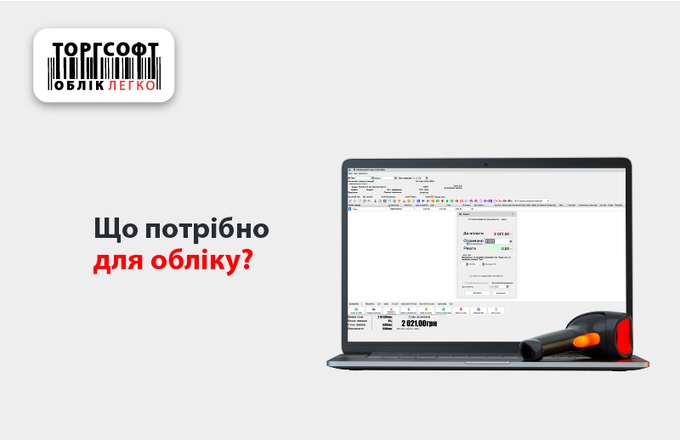
Equipment for Inventory Management
What to check before choosing a computer, scanner, printer, and license for inventory management.
-
Monitor Store Sales Operations
A webinar on seller permissions, returns, manual discounts, sales documents, and checking operations in Torgsoft.
-
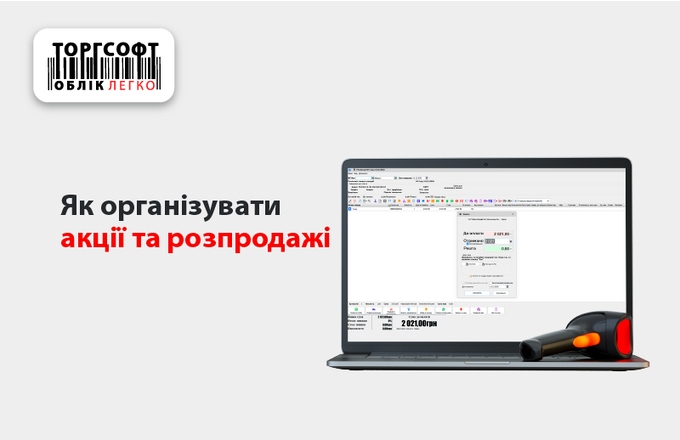
Promotions and Sales in Torgsoft
How to set promotion conditions, products, dates and discount rules for sales.
-
Guerrilla Marketing in a Store
Webinar on low-cost ways to attract customers and use sales records to assess results.
-
Invoices, Sales Limits and Price Rounding
An overview of several Torgsoft modes: invoices with photos, sales rules, importing and changing prices.

Torgsoft is a ready-made solution for warehouse, financial, and inventory management for small and medium-sized businesses
 Go back to the previous step