


Common issues and solutions
-
Installing SQL Server on Windows 11: Common Errors and Solutions

Installing SQL Server on Windows 11: Common Errors, Failure Causes, and Proven Solutions for Successful Installation and Service Launch
-
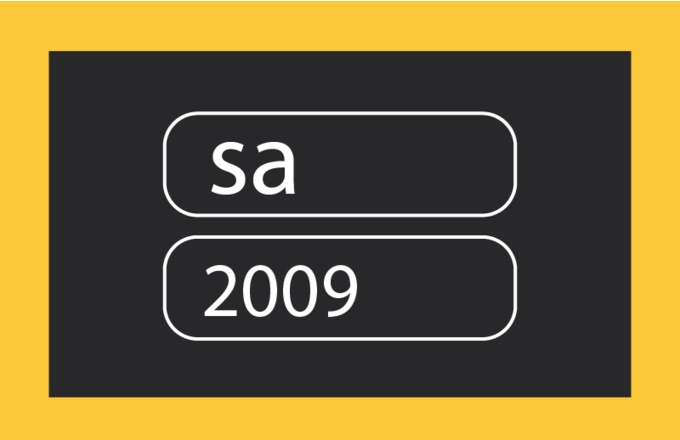
Password recovery for "Owner" or sa user
Guide to restoring Torgsoft access (sa user). Reset password via SQL Management Studio, osql command line, or contact technical support for assistance.
-
Error Login failed for user sa / SQL Server does not exist or access denied
Error Login failed for user sa in Torgsoft: causes SQL Server does not exist/access denied and solutions — SQL service, database status, sa password, firewall, SQL Express limit
-
Error [DBNETLIB] SQL Server does not exist or access denied
How to fix DBNETLIB error in Torgsoft: check SQL Server, services, ports, ini files and network settings
-
Error 1072: service marked for deletion — Torgsoft server does not start
How to fix Error 1072 in Torgsoft: service "marked for deletion", server does not start. Solution: reboot, reinstall, antivirus, drive C
-
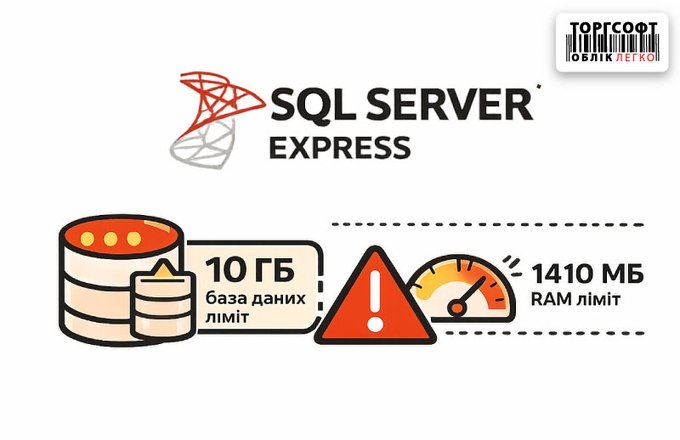
SQL Server Express: 10 GB limit per database and 1410 MB of RAM
SQL Server Express: 10GB limit and 1410MB RAM. How to check .mdf, detect overflow, clear logs/stats and do Shrink
-
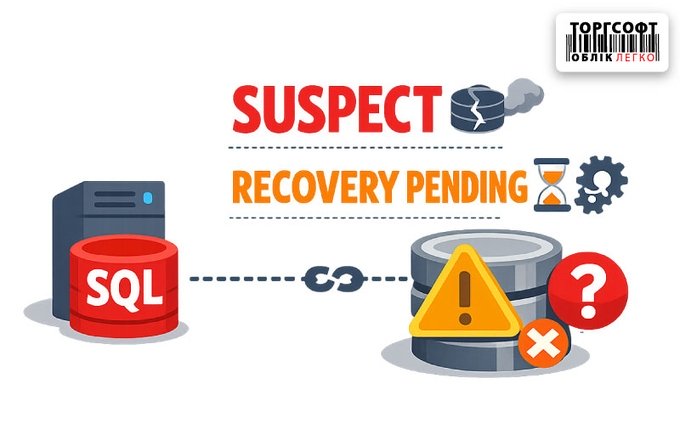
SQL Server: Database status Suspect or Recovery Pending
Suspect/Recovery Pending in SQL Server: Causes, Symptoms, and Recovery of Torgsoft Database via SSMS or from Archive
-
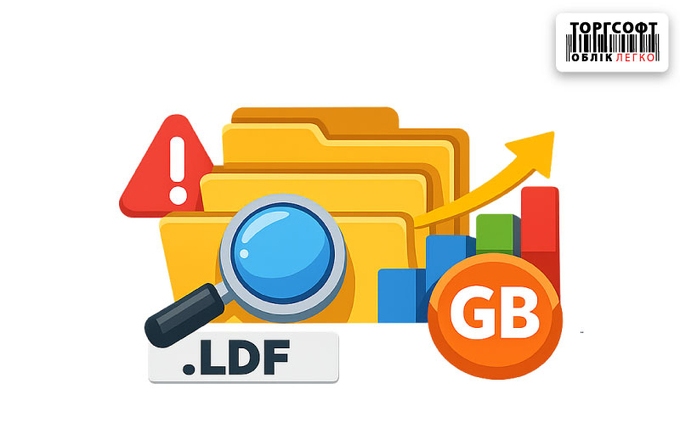
The .ldf file has grown to hundreds of GB: how to safely reduce the log and stabilize the database
How to safely shrink .ldf in SQL Server: reasons for growth, log cleaning, Shrink Log in SSMS, prevention and actions for Suspect/Recovery Pending
-
Deleting historical data in closed periods: procedure and consequences
How to delete closed period statistics in Torgsoft: steps, what is deleted, what is saved, risks and result verification
-
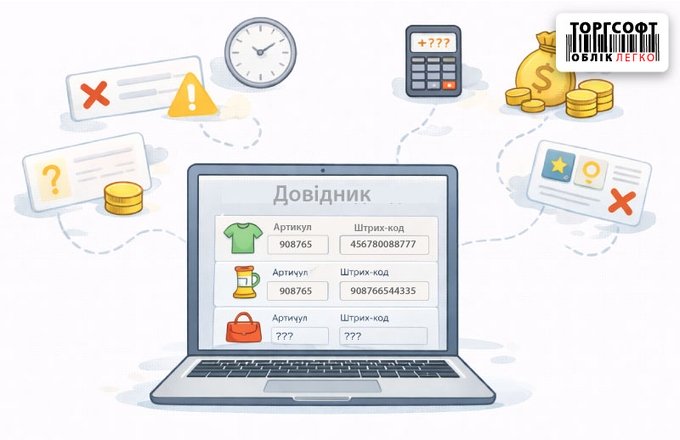
Directory errors: causes of failures and financial losses
Errors in Torgsoft directories: barcode in quantity, zero cost, duplicates, fiscal failures and database slowdowns
-
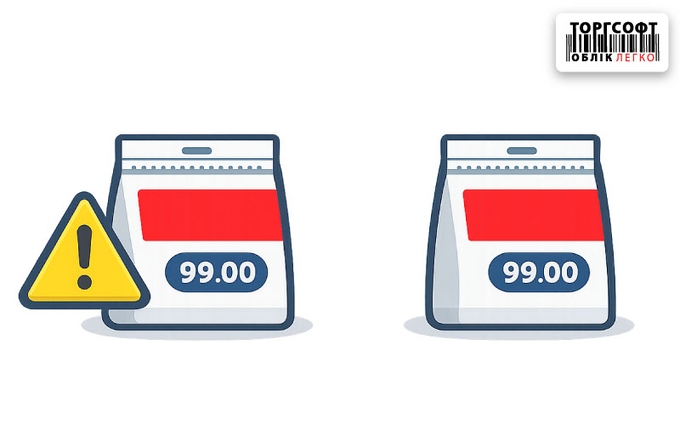
Duplicate barcodes and names: how to find, merge and fix them so as not to break the accounting
How to find, merge and fix duplicate products in Torgsoft to avoid errors in balances, reporting and inventory
-
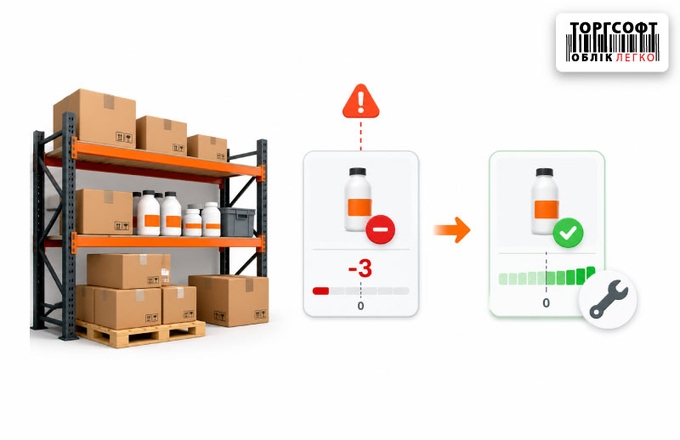
Negative stock balances: causes and correction methods
Analysis of negative stock balance causes in accounting systems. Step-by-step correction methods: inventory audit, date adjustments, and technical solutions.
-
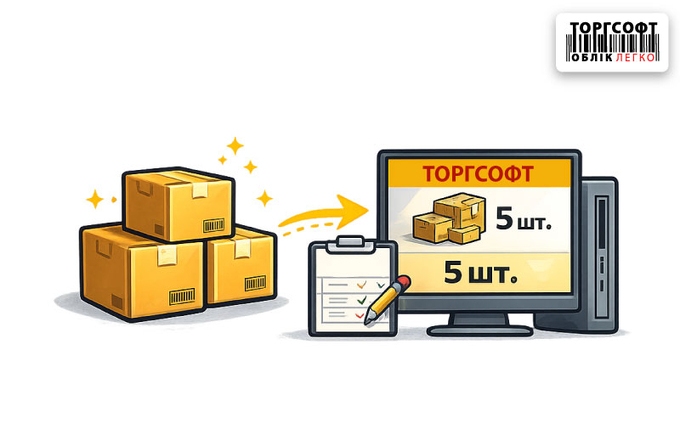
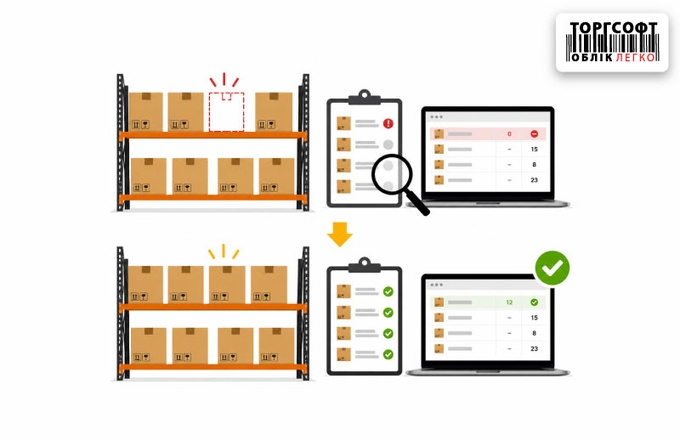
Balance discrepancy: balancing product balances in Torgsoft via the "Inventory Statement"
How to reconcile product balances in Torgsoft via Inventory Statement: eliminating discrepancies, shortages and errors Not enough product
-
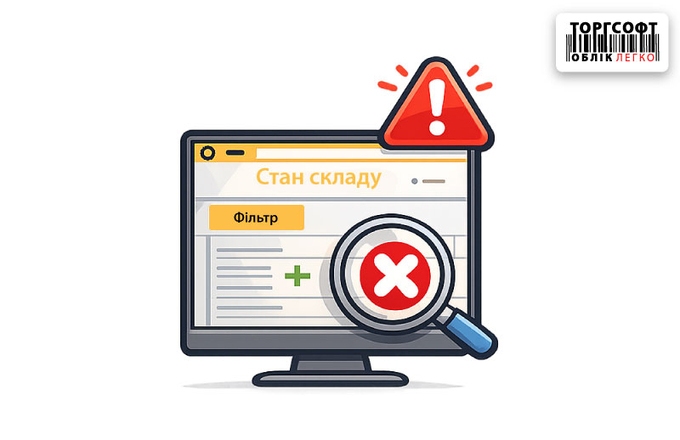
The product disappeared from the "Warehouse Status": reasons and recovery
The product disappeared from the Warehouse Status in Torgsoft: filters, goods in transit, static method, deleted card and recovery methods
-
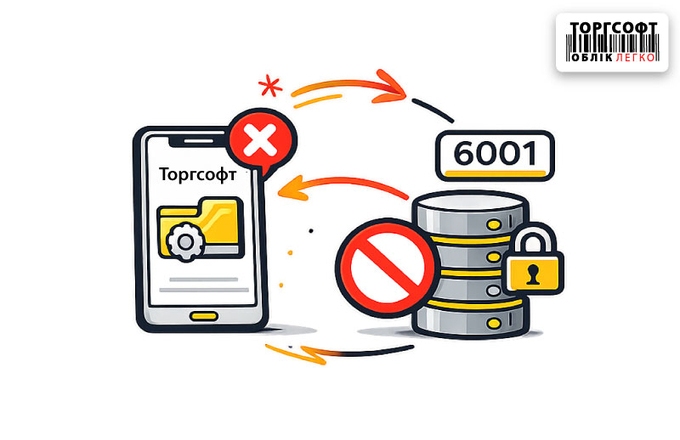
The mobile application does not connect to the database - port 6001
Torgsoft mobile application does not connect to the database via port 6001: check the service, firewall, router, IP and AdminServer.ini
-
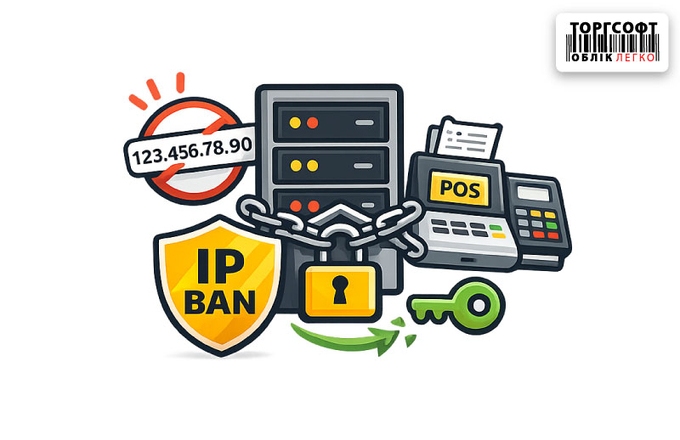
IPBan blocked access to the server: how to unblock the cashier's IP address
IPBan blocked the cash register IP: how to find the address in the Blacklist, unblock access to the server and add the store IP to the Whitelist
-
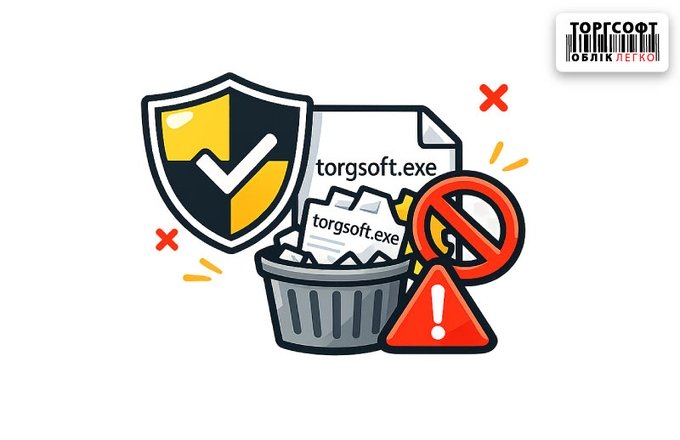
Antivirus deleted torgsoft.exe or blocked the license service
Antivirus blocks Torgsoft: how to restore torgsoft.exe, license service and add the program to exceptions without repeated failures
-
Software RRO setup errors: code 400, 401, CA key issues
Resolving errors during software RRO setup: file not found, CA error, validation or key certificate issues. 400, 401. Most tasks are resolved by updating Torgsoft.
-
Errors 502 and 504 when working with ECR
Error 502 or 504 in ECR: causes and solutions for cash and non-cash payments in the Torgsoft program. Action guide during tax server failures.
-
Automatic pricing: setting up markups, currency rates, and common user mistakes
Automatic price calculation in Torgsoft: how markup, revaluation, VAT, import, rounding and typical user errors work
-
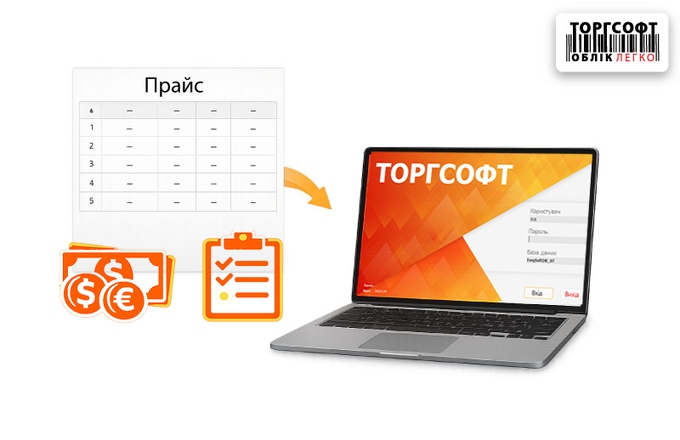
Import of supplier price lists: currency, balances and auto-creation of goods
How to correctly configure the import of price lists and product data from Excel into Torgsoft? A step-by-step guide: file preparation, working with multi-currency, updating inventory levels, and troubleshooting common errors
-
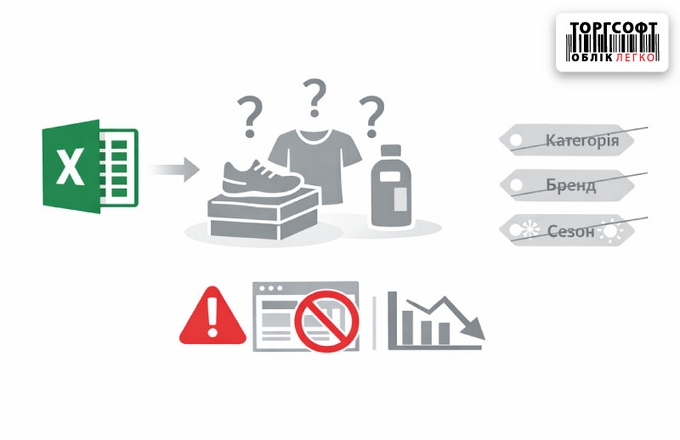
Bulk editing of products after import: how to quickly define directories
How to find unclassified products in Torgsoft after importing from Excel and mass fill in category, brand, season and other directories
-
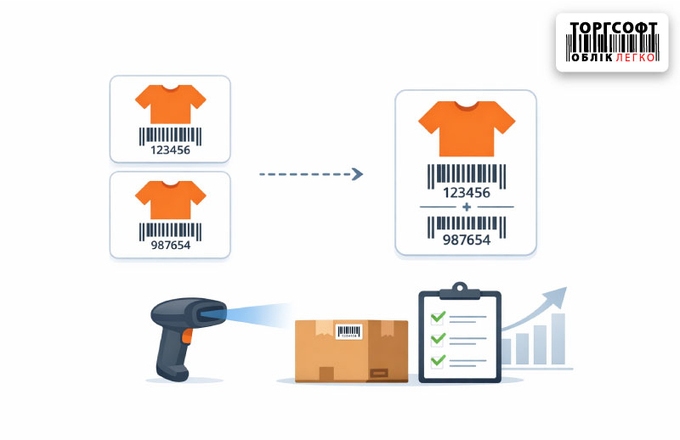
Merging product cards: instructions for merging duplicates
How to merge duplicate products in Torgsoft: 3 ways to merge cards, save barcodes, movement history, risks and error correction
-
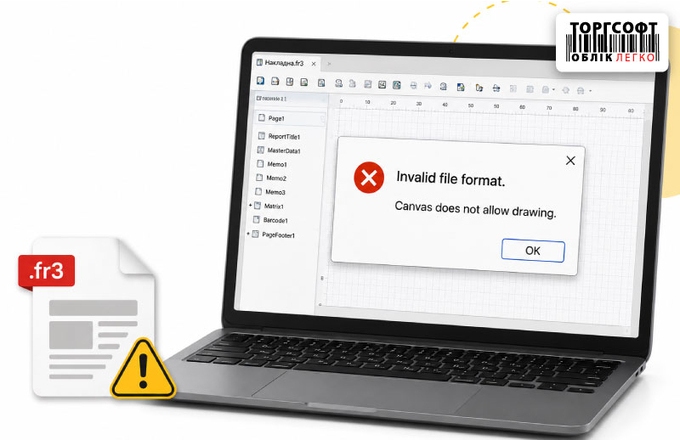
Errors Invalid file format and Canvas does not allow drawing: how to repair a damaged print template
How to handle Invalid file format and Canvas does not allow drawing in Torgsoft: check the template, replace the file, or restart
-
Deactivate and Restore a Product in Torgsoft
How to remove a discontinued product from active lists, find it after deactivation, and restore it.
-
Inventory management: how to avoid duplicates, limit staff rights, and track changes
How to bring order to the product database in Torgsoft: fixing names, searching for duplicates, access rights, auditing changes and controlling sellers
-
The number of program users has been exceeded - how to release the license
The number of users of the application has been exceeded: how to release the license, end the suspended sessions, restore the login and avoid blocking
-
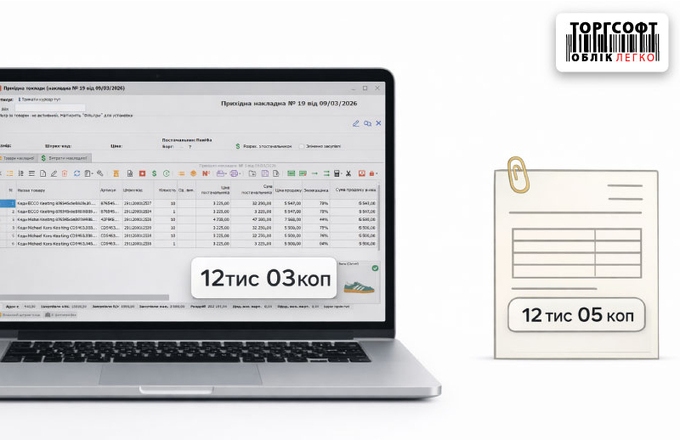
Why there is a discrepancy of a few kopecks in invoices and how to fix it
What to do if the amount in Torgsoft differs from the invoice by 2–3 kopecks: reasons, rounding settings and correction options
-
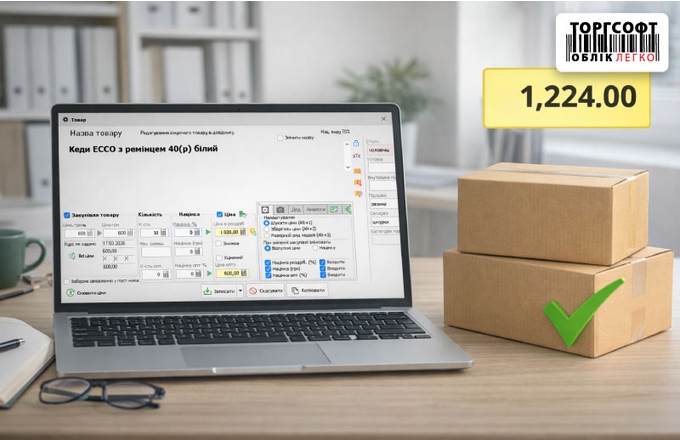
Purchase prices in Torgsoft: how to correctly post goods, change prices and avoid mistakes
How to correctly post goods in Torgsoft, change purchase prices, take into account expenses and avoid errors in cost price
-
Discrepancies in supplier reports: causes and error finding algorithm
Why do Torgsoft reports “Revenue Analysis by Suppliers” and “Goods Movement” not match and how to find the cause of the discrepancies
-
Do not log in to the mobile app: freezes, black screen or Internal Server Error
What to do if the Torgsoft mobile add-on does not open: check the add-on server, boundaries, VPN, port 6001 and versions
-
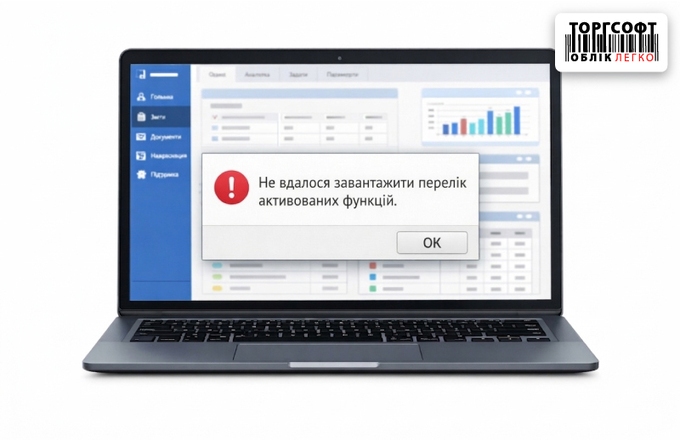
It was not possible to tempt the flow of active functions
What to do if Torgsoft does not require activated functions: checking Win.dat, AdminServer.ini, disk space and services
-
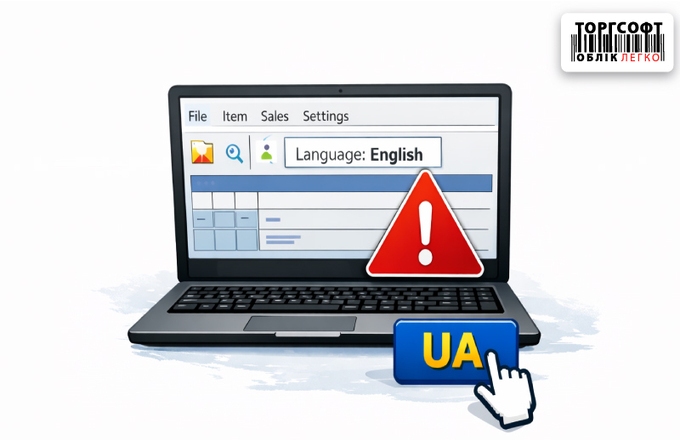
The language of the interface in Torgsoft is broken: how to change it to Ukrainian
Is the Torgsoft interface language lost? Causes of the error, checking AdminServer.ini, Win.dat and ways to restore the Ukrainian language
-
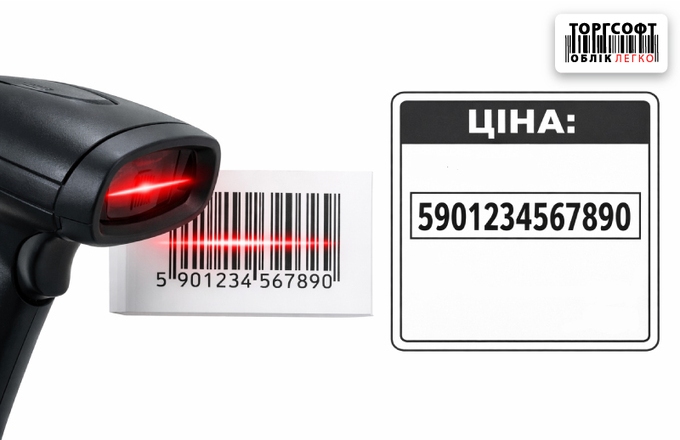
Arithmetic overflow error - how to fix scanning barcode instead of price or quantity
Arithmetic overflow error in Torgsoft: why it occurs due to a barcode in the quantity or price field and how to find the problematic document
-
Negative balances in the warehouse: why they appear and how to remove them systematically
How to find the reason for negative balances in Torgsoft, remove negatives in the warehouse, prohibit sales at a loss and correct the cost price
-
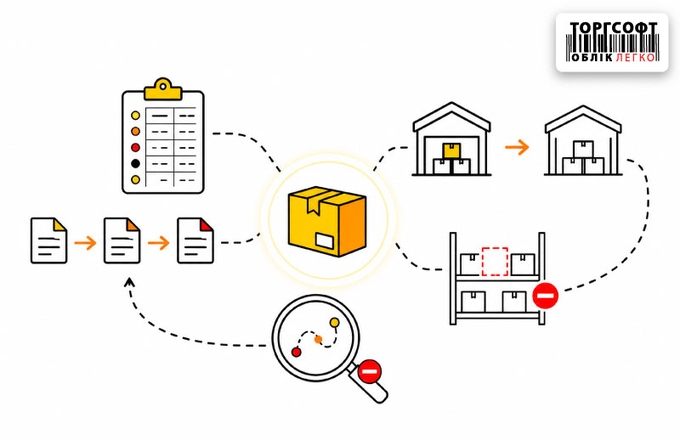
Remaining balances do not match or the product is missing: how to find the reason through "Product Movement"
How to find the cause of discrepancies through "Goods Movement" in Torgsoft: missing goods, excess balances, document and warehouse errors
-
Goods disappeared from the warehouse: how to find the reason and restore the remaining stock
What to do if the product is on the shelf, but not visible in the Torgsoft Warehouse Status: checking filters, movement, transfers and status
-
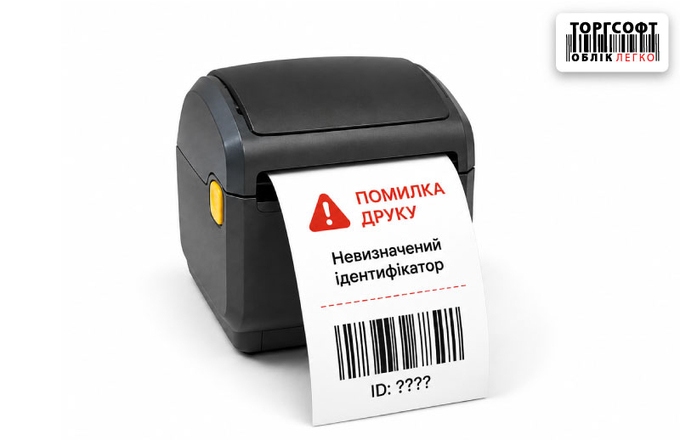
"Undefined identifier" when printing: why it occurs and how to fix it yourself
How to fix the “Undefined identifier” print error in Torgsoft: causes, template check, and variable replacement in FastReport
-
PrivatBank statement and payment order module update
PrivatBank statement downloads and payment order processing in Torgsoft have been fixed. Download the updated module and follow the installation guide.
-
Cannot log into Torgsoft: 12 possible causes and their solutions
Learn what to do if you cannot log into Torgsoft. Step-by-step guide: checking SQL Server, network, antiviruses, and database recovery.
-
ECR does not work: what to do?
What to do if the cash register does not work? 5 steps to solve the problem: update → EUSignCP.dll library → access → path to the directory → sign of fiscality of the goods
-
Diagnosing Product Errors in Torgsoft
Find products with duplicate barcodes, check stock levels, and fix links to reference directories.
![Error [DBNETLIB] SQL Server does not exist or access denied](/assets/cache/images/x023078cffaff19622daf1b9d44eda84d.jpg.pagespeed.ic.i0AmAhi4Lq.jpg)







Torgsoft is a ready-made solution for warehouse, financial, and inventory management for small and medium-sized businesses
 Go back to the previous step